Alienware ALX Desktop Manual
20
Configuring a CrossFire Graphics Configuration with Multiple Displays
Display support is only available through the CrossFire™ Interconnect cable when
CrossFire™ is active. This arrangement ensures the highest possible performance.
When CrossFire is active other display devices connected to the other DVI or VGA
connections on the Master and Slave graphics cards are rendered inactive.
A CrossFire graphics configuration can support up to four displays when CrossFire™
is not enabled and when the Master card is not connected to the Slave graphics card.
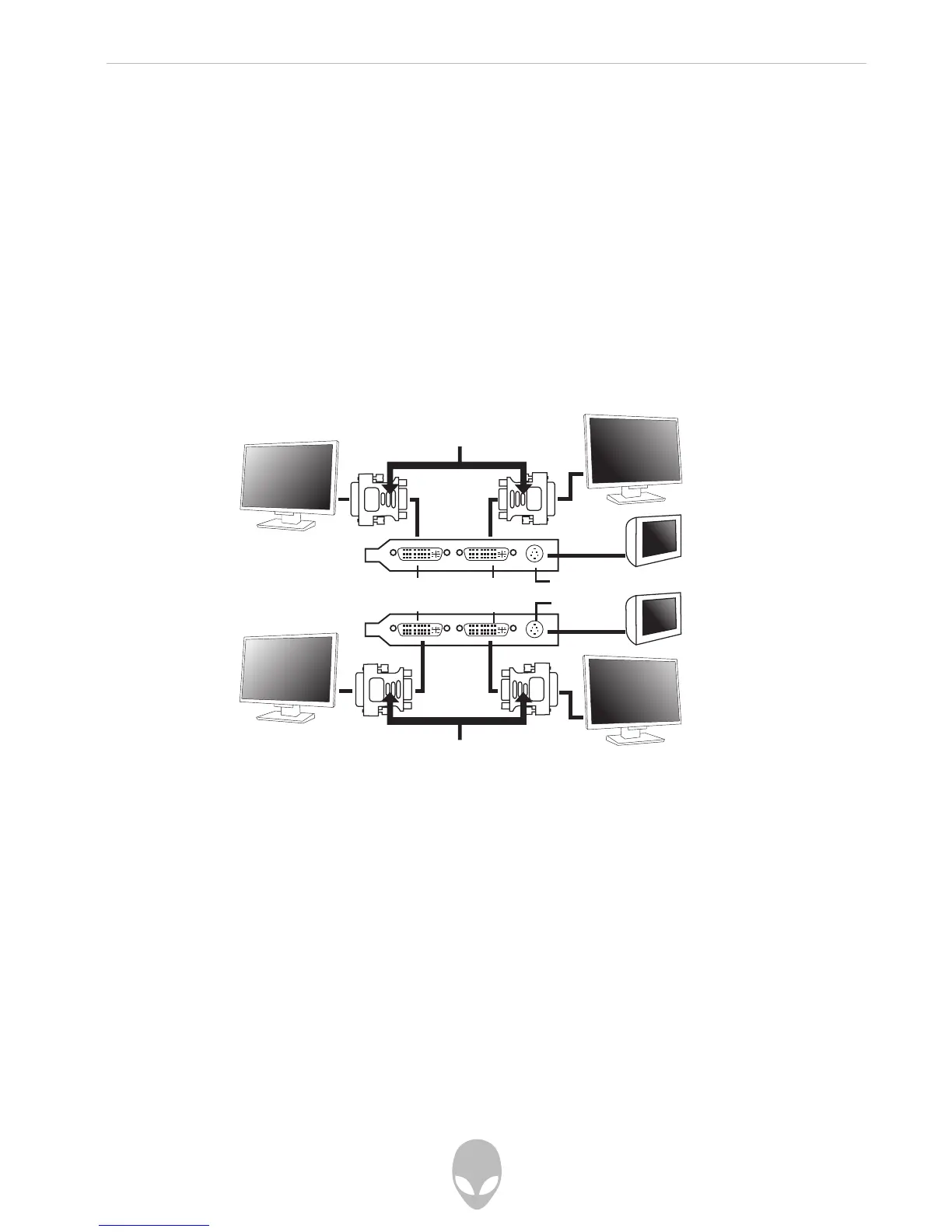
The illustration below shows possible display connections to a CrossFire graphics
configuration:
Note: While a two-display connection is shown, a three-display connection is
possible by connecting an additional display to the unused DVI connection on the
Slave graphics card.
DVI Display Port 2 DVI Display Port 1
DVI Display Port 4 DVI Display Port 3
S-Video Port 1
S-Video Port 2
DVI to VGA Adapter
DVI to VGA Adapter















 To Next Page