Alienware ALX Desktop Manual
9
Getting to Know Your Computer
This section of Chapter One provides essential information about your new computer
to familiarize you with its various features and get you up and running quickly.
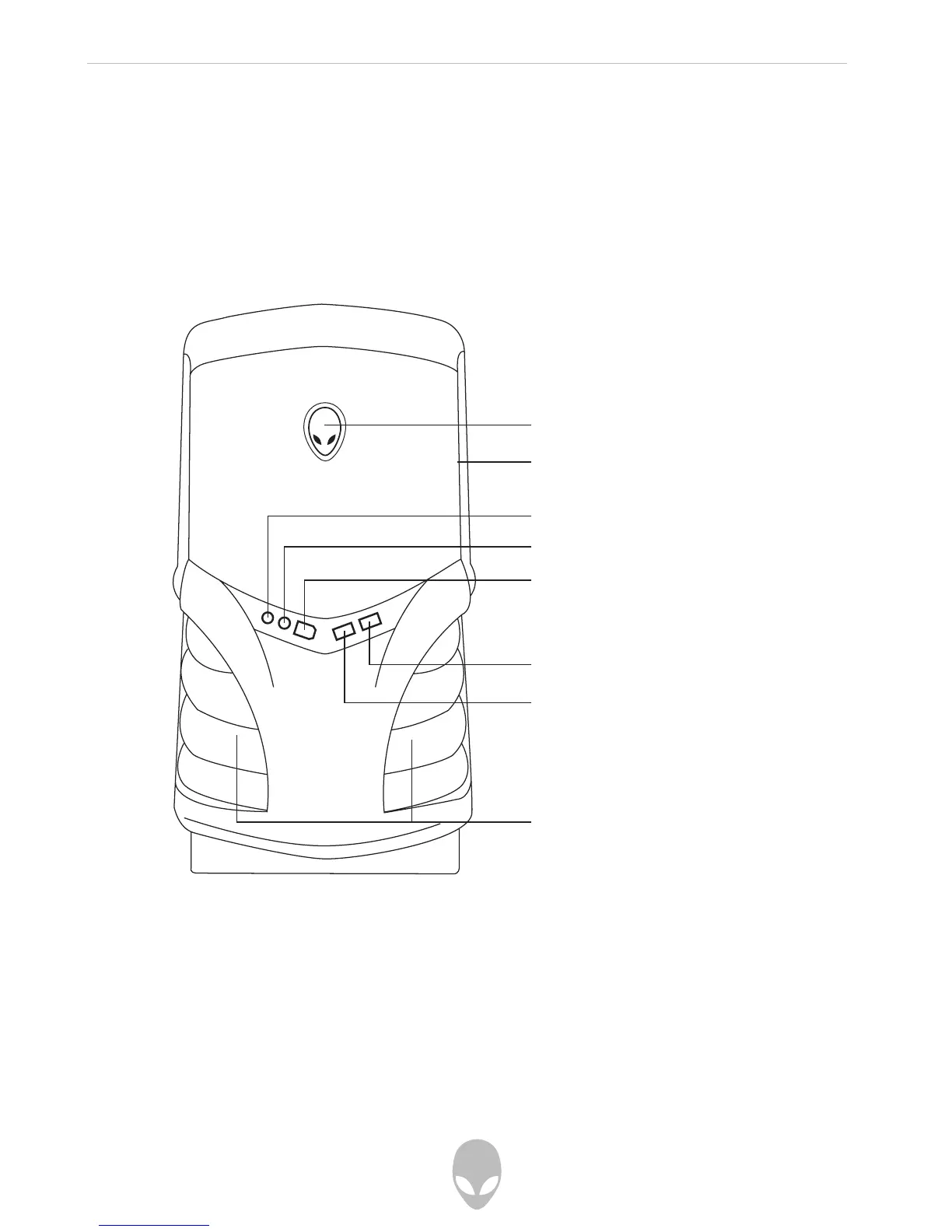
Front I/O Ports and Features
Power Button
Press the power button once to turn on your computer. The button will illuminate,
indicating the system is powered on. The light will flutter when there is hard disk
activity to indicate that your computer’s hard drive is busy.
Power button, Power indicator,
and Hard Disk Activity Indicator
Drive bay access
Audio Line Out port
Audio Line In port
Fire Wire (IEEE 1 394) port
USB 2.0 port
Ventilation - Do not block
USB 2.0 port















 To Next Page