Alienware ALX Desktop Manual
30
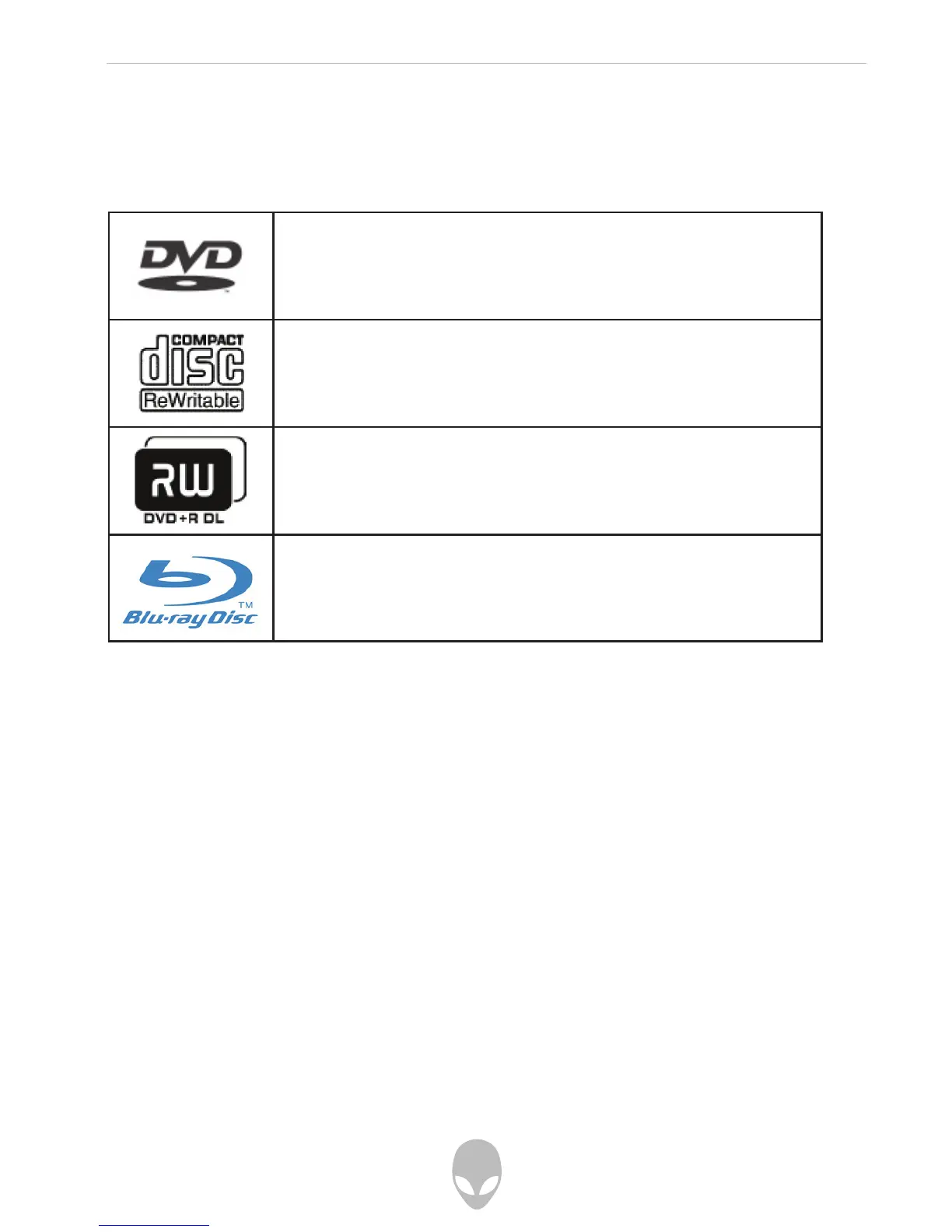
You can easily identify and distinguish the optical drives installed in your computer by
looking for the below logos on the front of each drive. These logos are used to indicate
each drive’s respective capabilities and media compatibility.
Playing a DVD
To play a DVD using CyberLink Power DVD:
Click Start (Windows® Logo) > CyberLink Power DVD > CyberLink Power DVD
Insert a DVD Video disc into the DVD drive.
The DVD will begin to play.
To play a DVD using Nero ShowTime:
Click Start > All Programs > Nero 7 Essentials > Play > Nero ShowTime Essentials
Insert a DVD Video disc into the DVD drive.
The DVD will begin to play.
This logo indicates a DVD-ROM-capable drive.
This logo indicates a CD-R/W-capable drive
This logo indicates a DVD±R/W Dual Layer-capable drive
This logo indicates a Blu-Ray Disc-capable drive















 To Next Page