70 | Operating the monitor
Console mode (HDMI only)
Console Mode is designed with an excellent picture quality at a fast response
time and a high frame rate of 240
Hz to give the best console game experience.
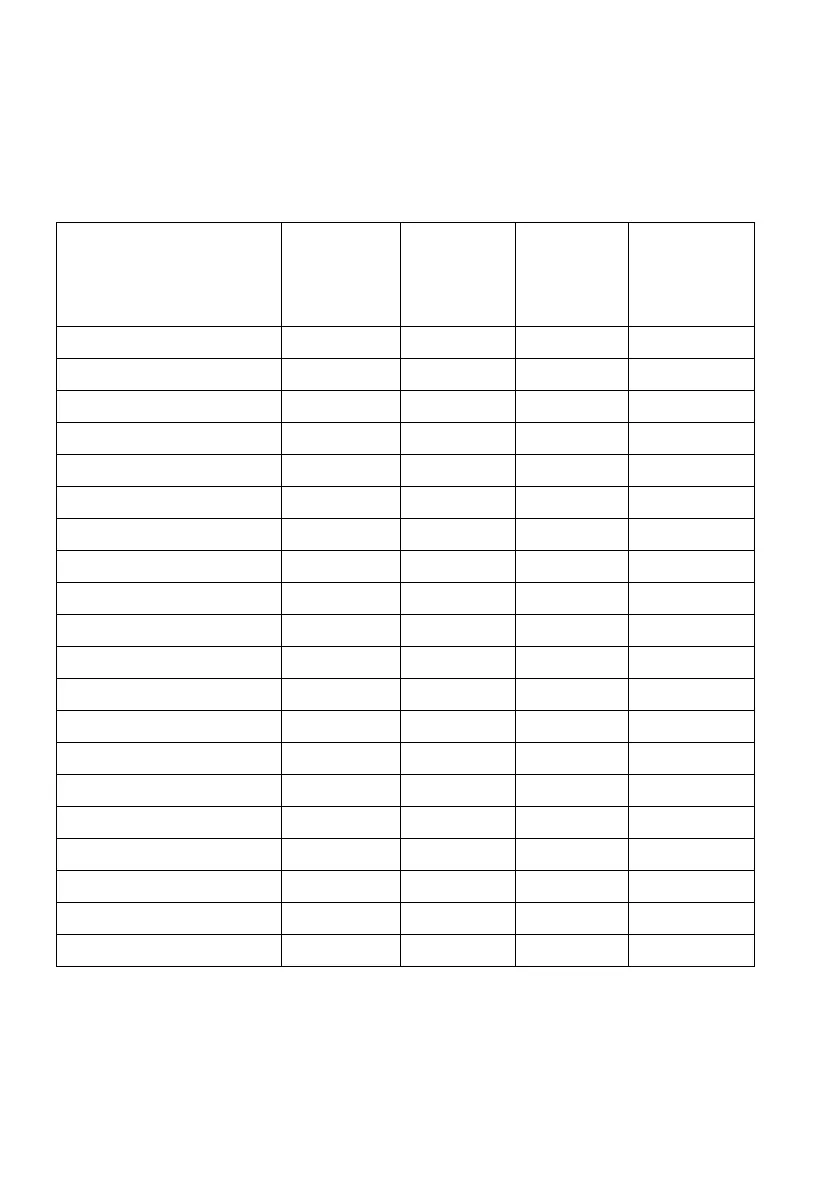
Supported timing
Display mode Horizontal
frequency
(kHz)
Vertical
frequency
(Hz)
Pixel clock
(MHz)
Sync
polarity
(Horizontal/
Vertical)
640 x 480 31.47 59.94 25.18 -/-
640 x 480 37.50 75 31.50 -/-
720 x 400 31.47 70.08 28.32 -/+
800 x 600 37.88 60.32 40 +/+
800 x 600 46.88 75 49.50 +/+
1024 x 768 48.36 60 65 -/-
1024 x 768 60.02 75.03 78.75 +/+
1152 x 864 67.50 75 108 +/+
1280 x 1024 63.98 60.02 108 +/+
1280 x 1024 79.98 75.03 135 +/+
1600 x 900 60 60 108 +/+
1920 x 1080 67.50 60 148.50 +/+
1920 x 1080 135 120 297 +/+
1920 x 1080 278.40 240 584.64 +/-
2560 x 1440 88.79 59.95 241.50 +/-
2560 x 1440 183 120 497.75 +/-
2560 x 1440 388.51 239.97 1056.75 +/-
3840 x 2160 135 60 594 +/+
3840 x 2160 270 120 1188 +/+
3840 x 2160 574.80 240 2427.96 +/-















 To Next Page