Publication 1734-UM014A-EN-P - November 2010
2 About the Adapters
About the POINT I/O and
ArmorPOINT I/O
2 Port Adapters
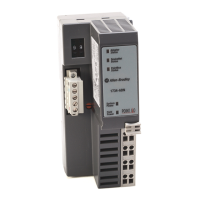
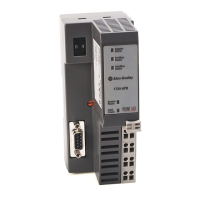
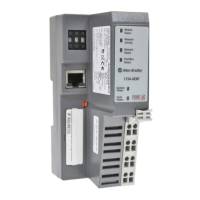
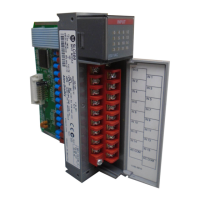
The POINT I/O and ArmorPOINT I/O adapters provide connectivity to
EtherNet/IP networks for POINT I/O and ArmorPOINT I/O modules
respectively.
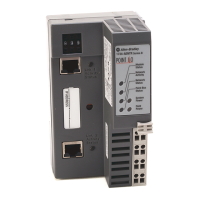
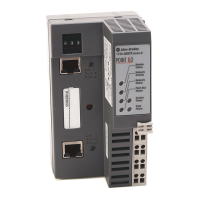
The POINT I/O adapter is for the I/O backplane that provides connectivity
through two RJ-45 connectors for 2-port pass-through support of daisy chain
or ring, and the existing star and tree network topologies.
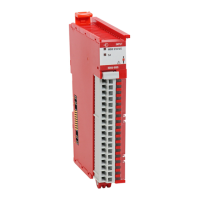
Likewise, the ArmorPOINT I/O adapter provides the same connectivity
through two M12 Ethernet-keyed connectors. It ships with a terminating base
for use in the last I/O module on the backplane.
Set the
Chassis Size
The I/O adapters for EtherNet/IP require configuration of their chassis size
before you can make any I/O connections. The factory default setting for the
chassis size is one slot, which represents the adapter by itself.
You must set the chassis size to a number equaling one slot for the adapter
plus one slot for each I/O module present in the backplane of the adapter.
For example, a POINT I/O system consisting of a 1734-AENTR adapter, one
1734-IB8, one 1734-OB8, and one 1734-OB8S POINT Guard I/O module
uses a chassis size of 4. The adapter stores this chassis size setting in
non-volatile memory.
Each time the adapter is powered up, the adapter compares the number of I/O
modules present on its backplane to the chassis size value from non-volatile
memory. The adapter does not allow any I/O connection until the number of
I/O modules present equals the chassis size value minus one for the adapter
itself.
Adapter
Replacement
Note that during a connection request from the controller, the chassis size
setting is not communicated to the adapter. You must always set this chassis
size using a separate operation. This includes situations when you are replacing
an adapter. The adapter does not allow any I/O connections until it is
configured with the appropriate chassis size and the proper number of
POINT I/O or ArmorPOINT I/O modules are present.


 To Next Page
 Loading...