34 Altera Corporation
Board Components Nios Development Board Reference Manual, Cyclone Edition
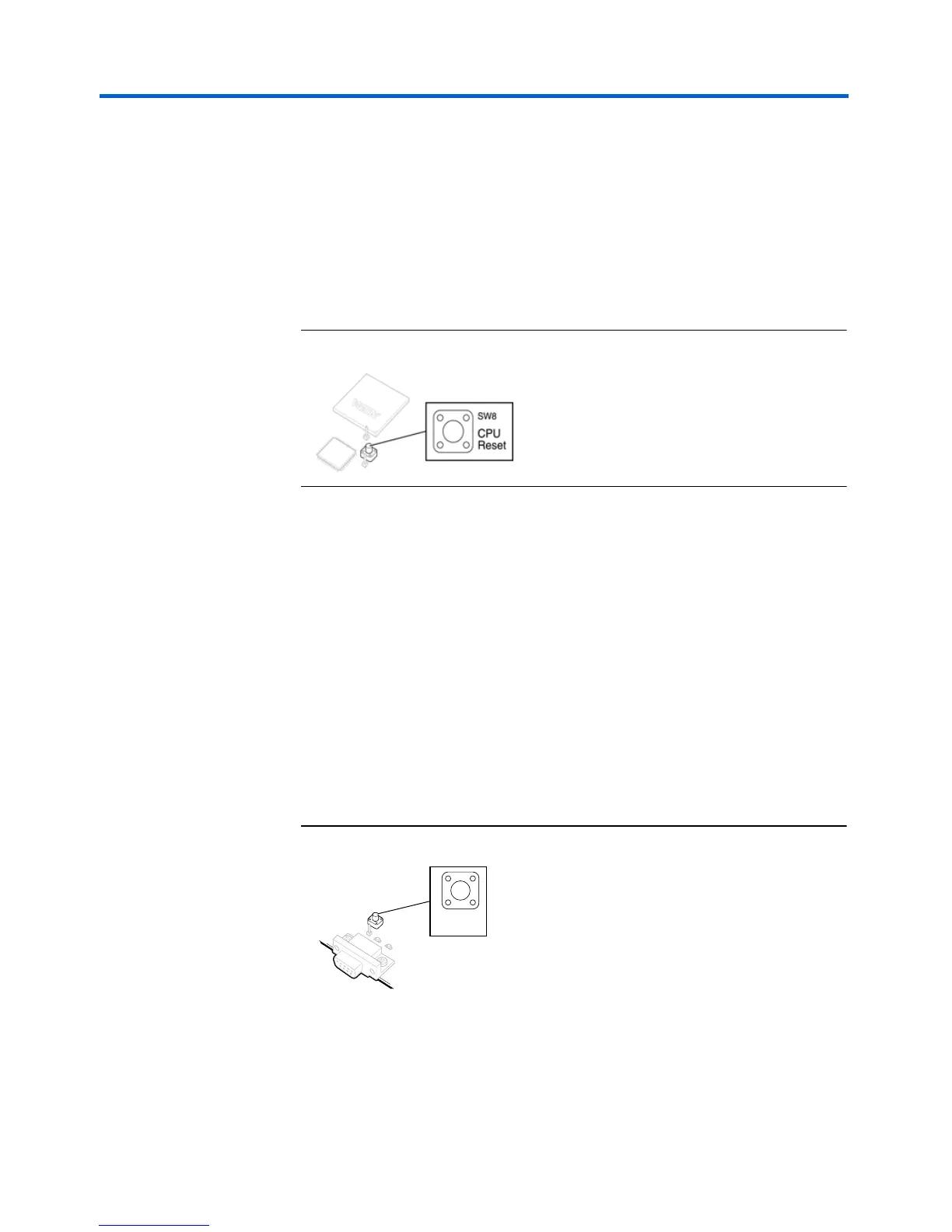
SW8 – CPU Reset
When SW8 is pressed, a logic-0 is driven onto the Cyclone devices'
DEV_CLRn pin (and user I/O C_4). The result of pressing SW8 depends
on how the Cyclone device is currently configured.
The pre-loaded Nios reference design treats SW8 as a CPU-reset pin (see
Figure 19). The reference Nios CPU will reset and start executing code
from its reset address when SW8 is pressed.
Figure 19. Safe Config Button
SW9 – Force Safe
Pressing Force Safe (SW9) commands the configuration controller to re-
configure the Cyclone device with the factory-programmed safe
configuration.
SW10 – Reset, Config
Reset, Config (SW10) is the power-on reset button (see Figure 20). When
SW10 is pressed, a logic 0 is driven to the power-on reset controller (U18).
See “Power-Supply Circuitry” on page 35 for more details. After SW10 is
pressed, the configuration controller will load the Cyclone device from
flash memory. See “Configuration Controller Device (EPM7128AE)” on
page 28 for more information.
Figure 20. Reset, Config Button
Reset
Config
SW10



 To Next Page