22 MaxAgent Manual
Customizing the Display
You can customize the MaxAgent display to meet your needs in the
following ways:
• Resize MaxAgent windows by using the standard Windows method:
place the cursor at a window edge or corner, then drag the window to
the size you want.
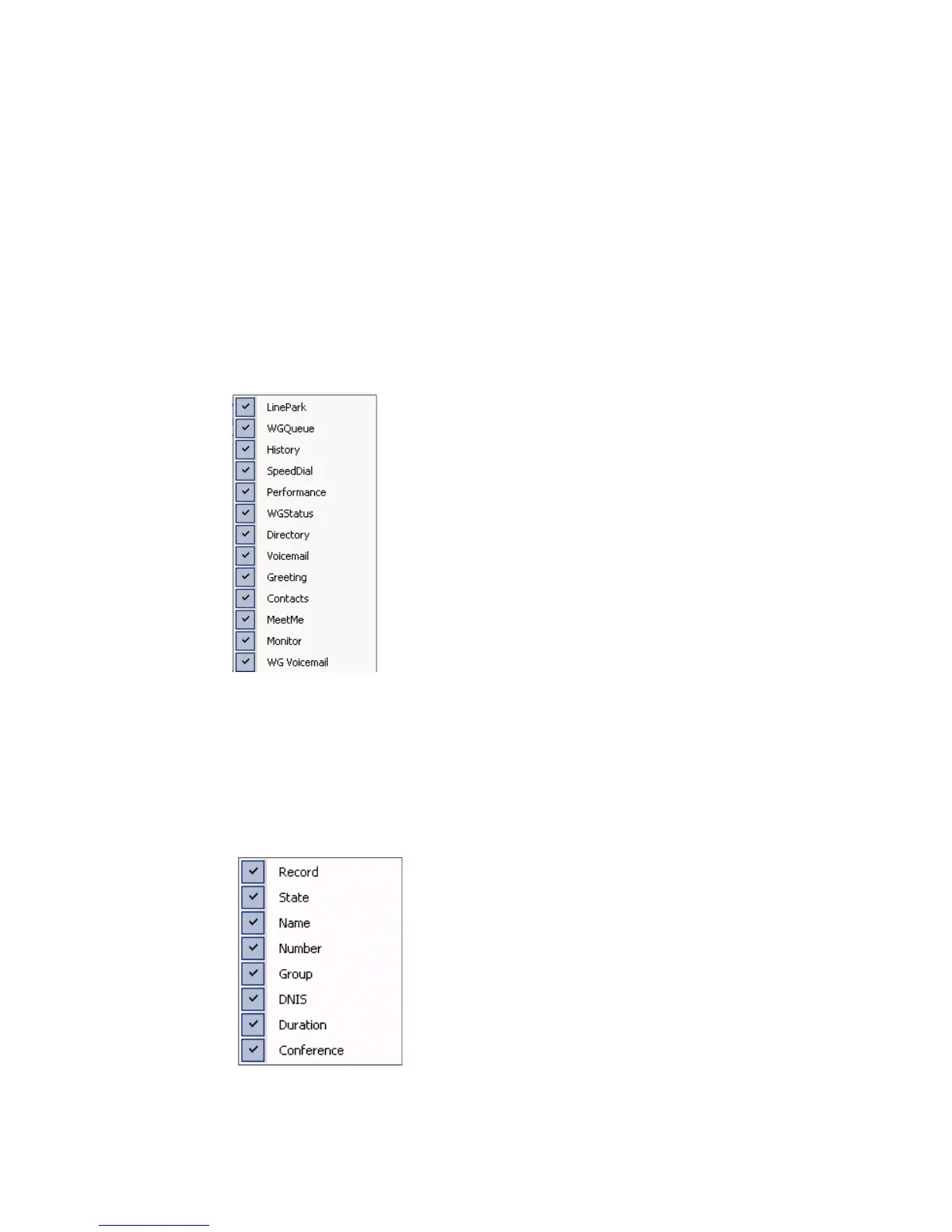
• Specify the tabs you want to to display: right-click on the area just
above the tabs. A list of tabs appears:
Check the tabs you want to display, and uncheck the tabs you don’t
want to display.
• Specify the columns you want to see by right-clicking a column
heading and checking or unchecking columns in the pop-up list.
Checked columns will be displayed.



 To Next Page