90 MaxAgent Manual
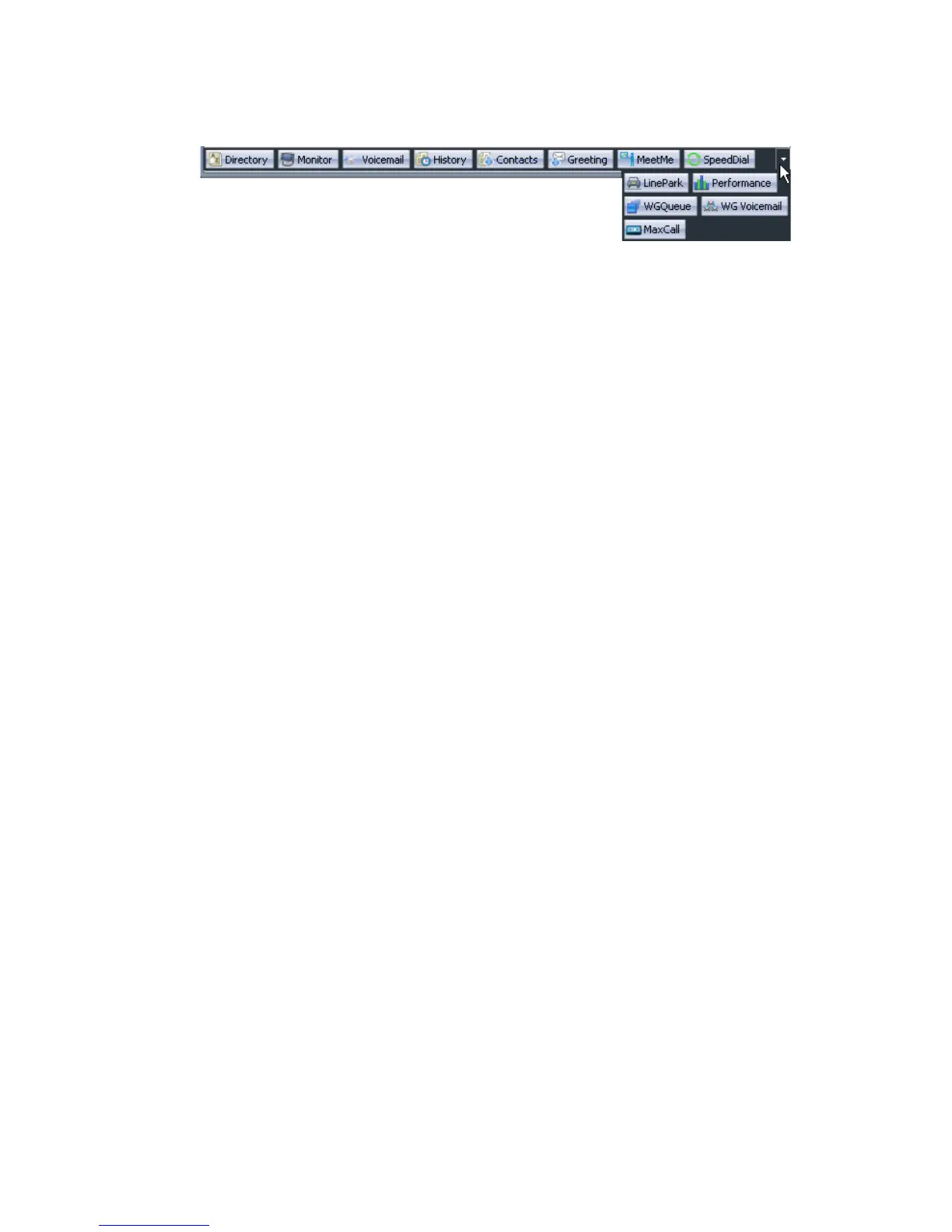
Figure 4. The drop-down list shows the rest of the tabs you selected
If you select tabs while the MaxAgent tabbed pages window is open,
the window changes to reflect your selections.
To select tabs in the tabbed pages window, itself, you have to have the
window extended horizontally so that you can right-click in the space
at the right of the tabs to open the list of tabs. Clicking anywhere else
does not open the list.
The configuration screens are different in the following ways:
• Integration with ACT! and Goldmine CRM software programs is not
supported in MaxAgent for OCS, as it is in stand-alone MaxAgent.
• No different theme selection is available.
Calling an Extension from Office Communicator
You can call an extension from Office Communicator. To do so, right-click
an extension in Office Communicator and choose Call Extension from the
menu.



 To Next Page