MaxAgent Manual 81
Installation
C
HAPTER
6
Using MaxCall
MaxCall is intended for agents involved in marketing campaigns and other
campaigns where the same message must be delivered over and over. Using
MaxCall, you can record scripts, called phrases. Then, when you dial a call
and the other party answers, by clicking a button you can hand the call over
to the MAXCS system, which then plays the phrase you selected. This frees
your extension to make the next call. The feature is available on the
MaxCall tab.
A MaxCall license must be assigned to your extension before you can see
the MaxCall tab.
Logging in to MaxCall
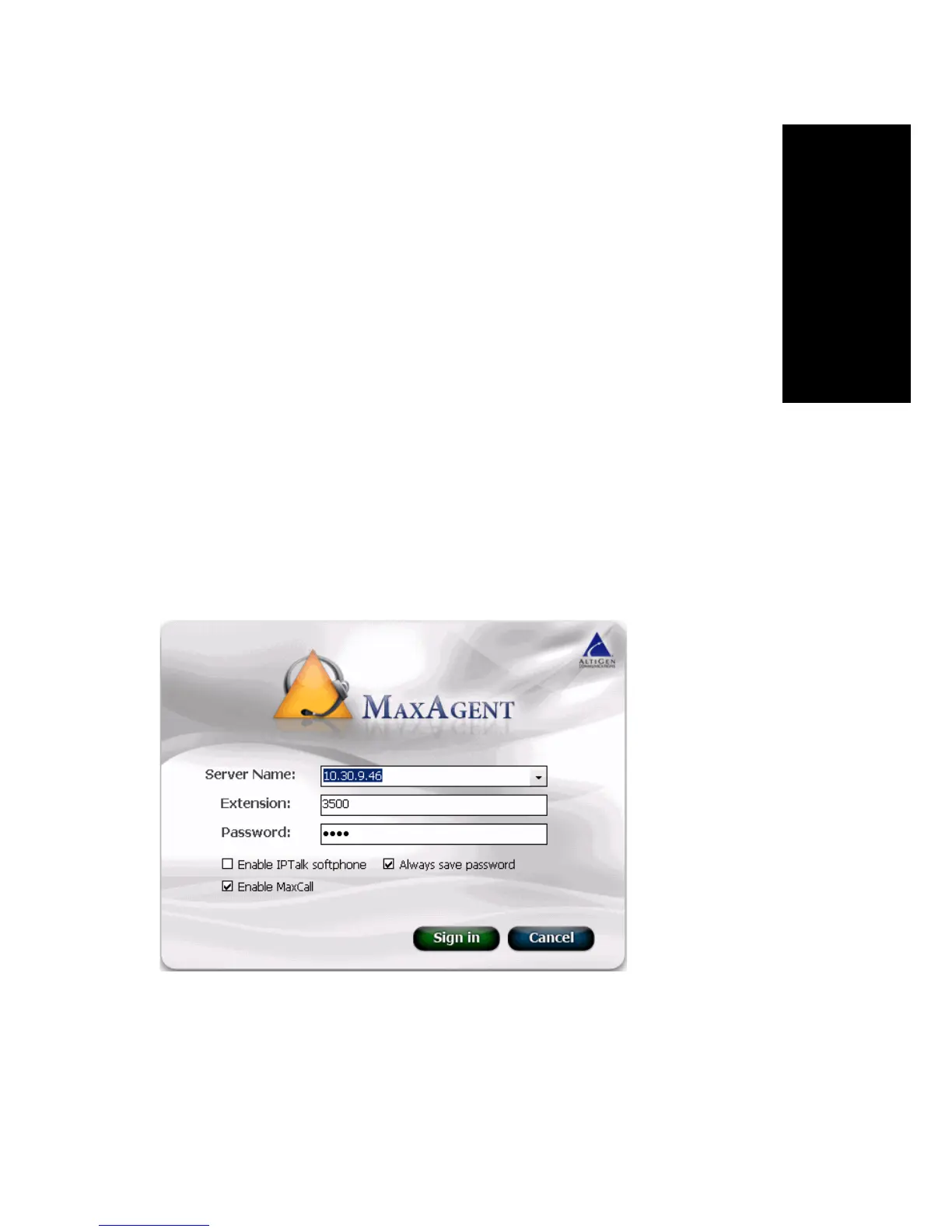
When you log in to MaxAgent, check the Enable MaxCall check box.
When you are logged in, the MaxCall tab is available to you.
The MaxCall Tab
The MaxCall tab looks like the following figure.



 To Next Page