86 MaxAgent Manual
Using MaxAgent in Office Communicator
To use MaxAgent within Office Communicator, launch Office
Communicator. It detects that you have MaxAgent for OCS installed, and
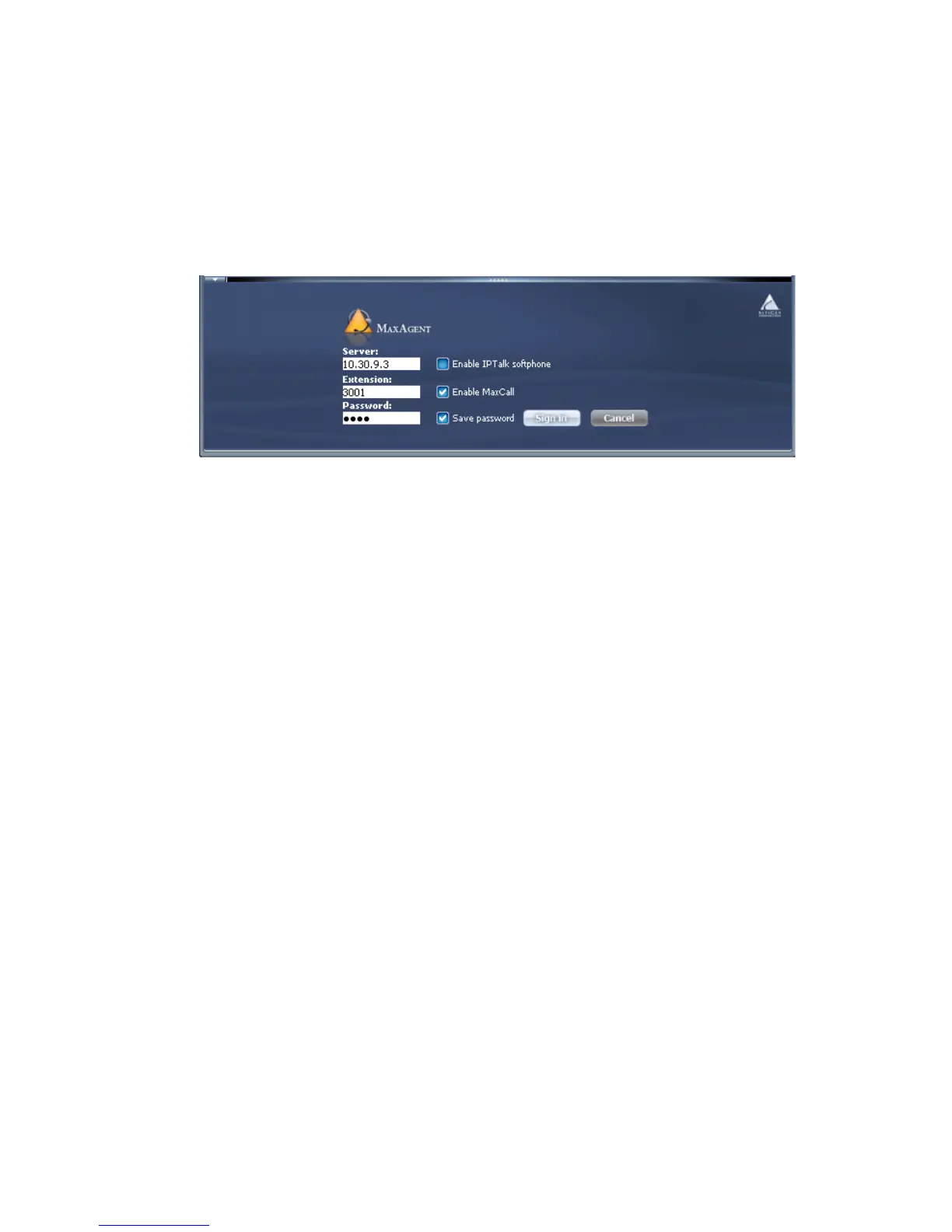
the following panel appears at the bottom of Office Communicator:
1. Enter your MAXCS server’s IP address, your extension, and your
password.
2. Check any check boxes you want to, and click Sign In.
3. At the Workgroup Login, check workgroups you want to log in to, and
click OK.
When you are signed in, MaxAgent appears within Office Communicator
at the bottom of the Office Communicator window.



 To Next Page