MaxAgent Manual 29
Using MaxAgent
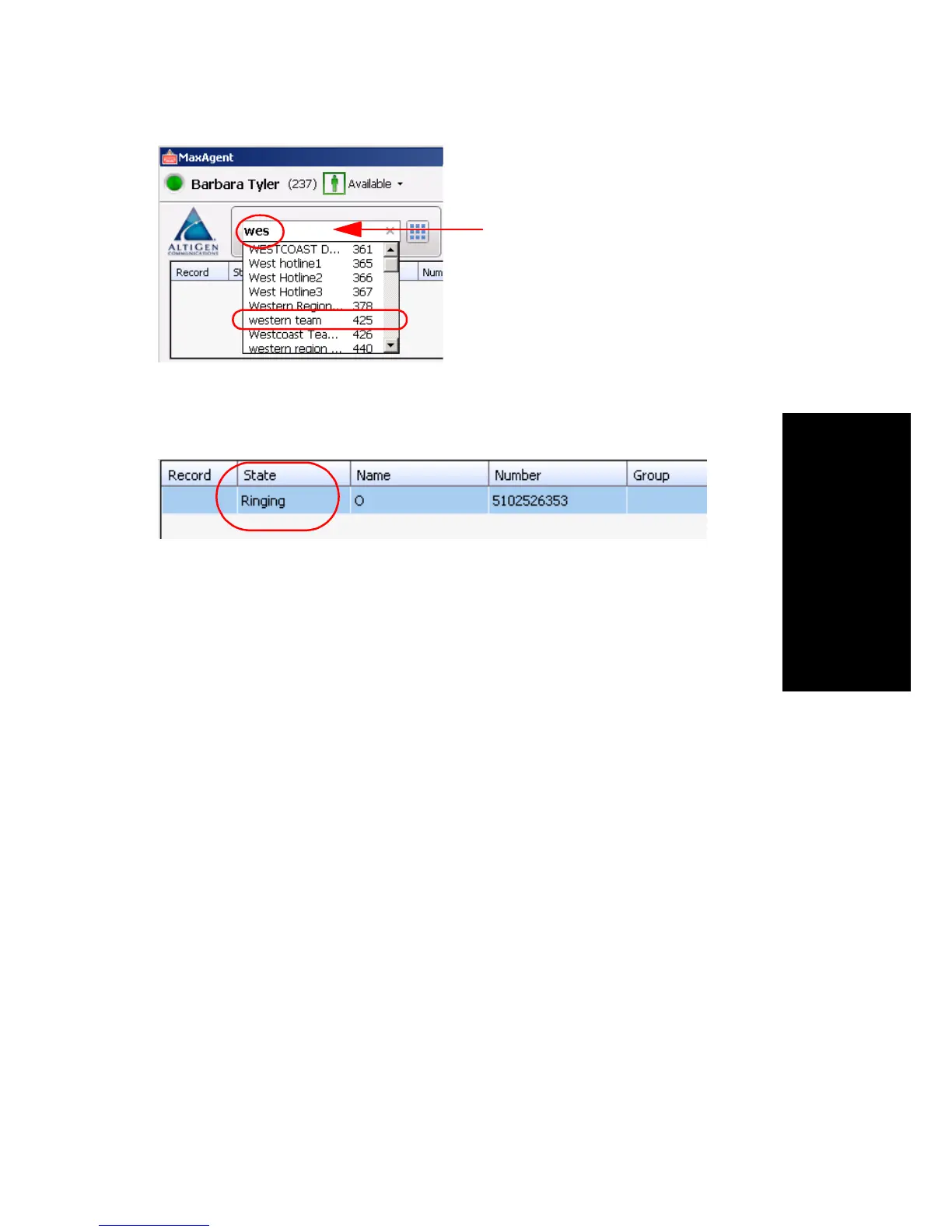
The Call Information panel displays the state of the call:
Shortcut-Key Dialing and Smart Tag Dialing
Shortcut-key dialing—If you configured your MaxAgent to let you use
shortcut keys to dial a selected phone number in another program, for
example, Excel or Internet Explorer, you can make a call by selecting the
number and using those shortcut keys. To find out more about this option
and how to configure it, see “Select-n-Dial” on page 62.
Smart Tags—If you configured your MaxAgent to enable Smart Tags, you
can call phone numbers from Internet Explorer by clicking a green phone
icon beside the number, or from Microsoft Office programs by selecting
Dial By MaxClient from a Smart Tag beside the number. To find out more
about this option and how to configure it, see “Enable Smart Tags”on page
62.
Note: If you have more than one MaxClient installed
(MaxCommunicator, MaxAgent, MaxOutlook, or
MaxCommunicator/Agent within Microsoft Office
Communicator), and you have enabled Smart Tags on more than
one, it is best to open only the one you want to do the dialing. If
you have more than one open, MAXCS may not use the program
you want it to use.
Searching for
“western team” by
starting to type in the
dialing field



 To Next Page