76 MaxAgent Manual
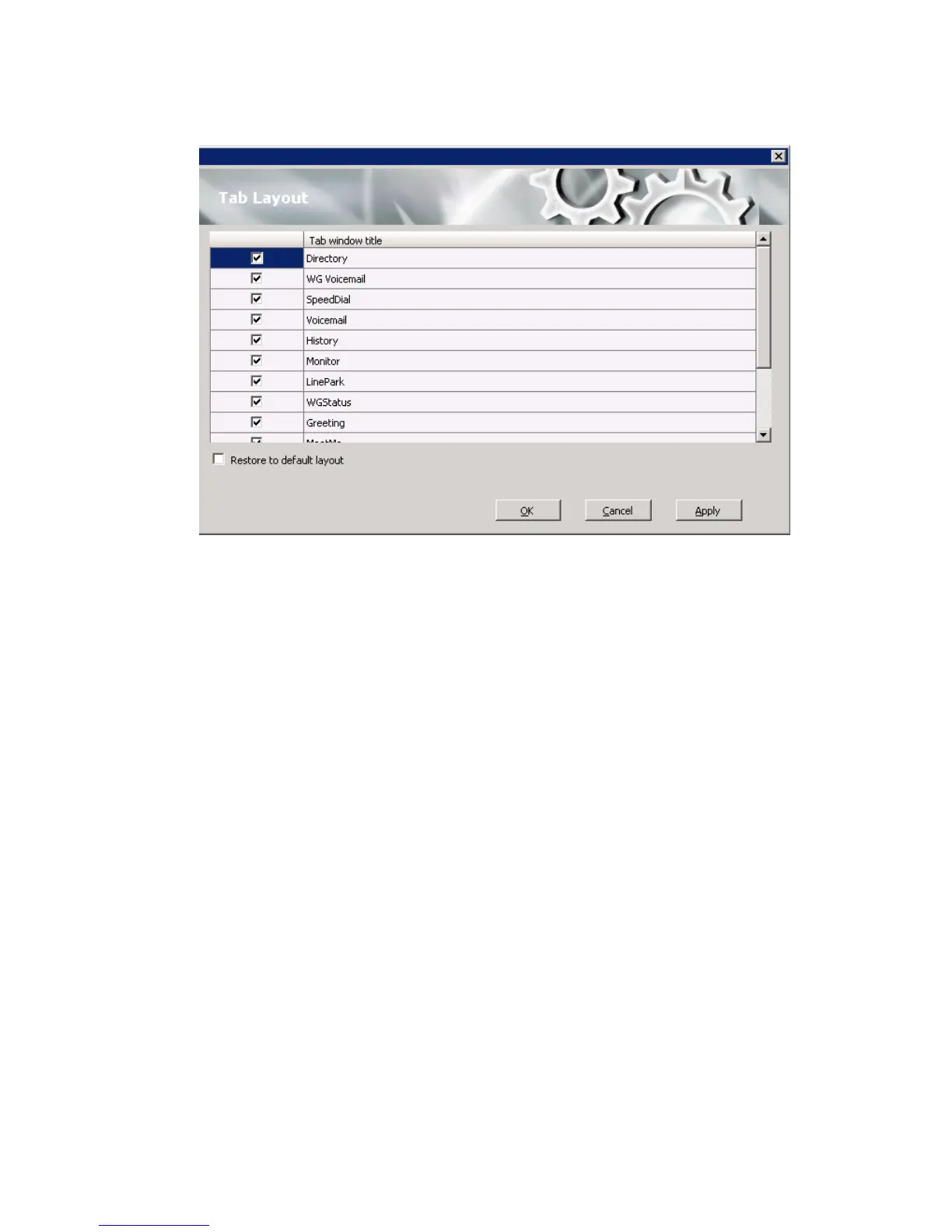
Check the tabs you want to display in MaxAgent, and click OK.
To restore all call control buttons, tabs, and application window sizes to the
default settings, check Restore to default layout, and click OK.
Theme Selection
Choose the display theme of your MaxAgent in the Configuration
window’s Customization > Theme Selection screen.



 To Next Page