52 MaxAgent Manual
If you’re a manager, for example, you might monitor to determine whether
you need more resources in a busy environment. Or you might use
monitoring capability to cover calls for a co-worker, since you can click the
ringing phone icon in the monitor list and take the co-worker’s call.
Choosing Workgroups to Monitor
To choose workgroups to monitor:
1. Click the Monitor tab, and click the Monitor button at the
bottom of the Monitor page.
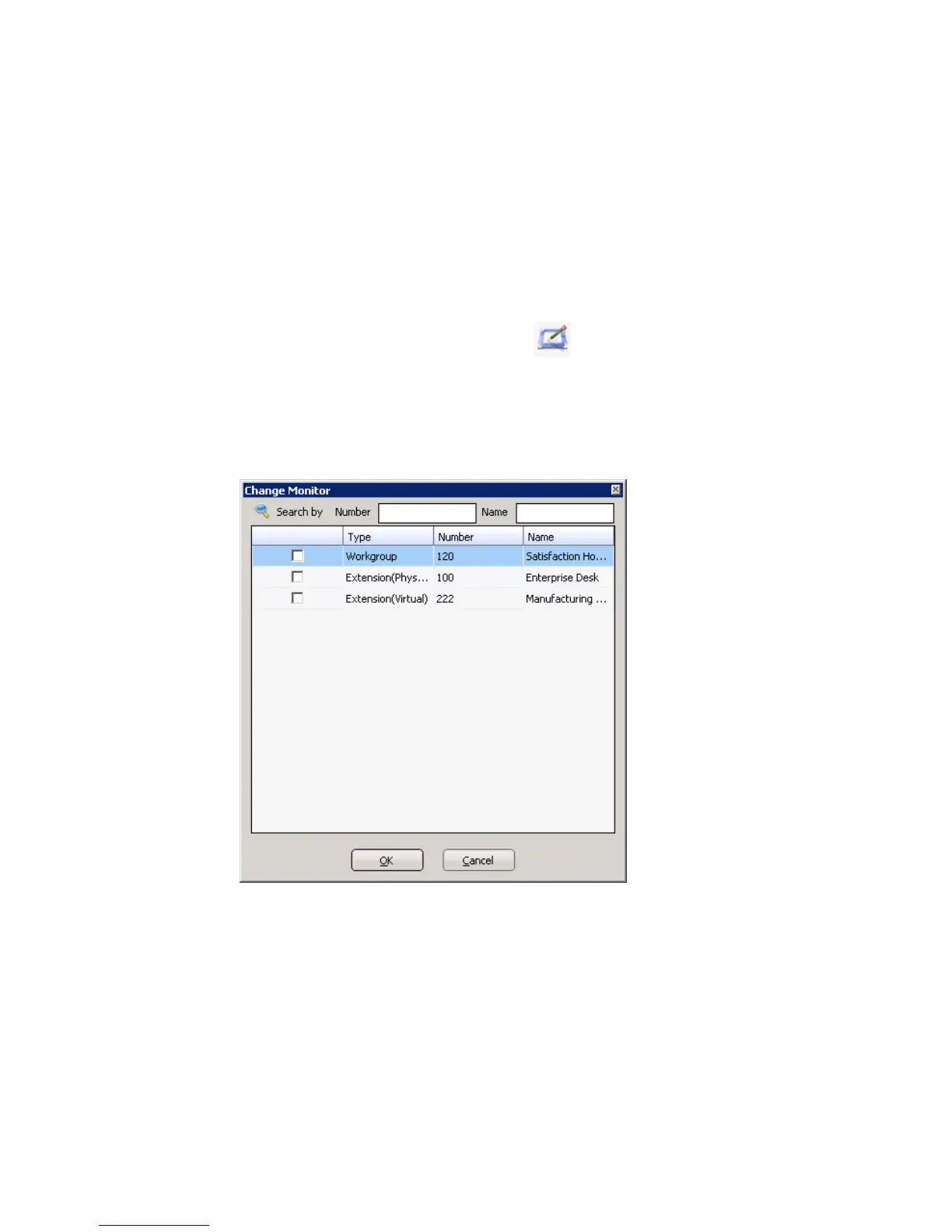
The Change Monitor dialog box opens. Extensions/workgroups to
which your system administrator has given you monitoring rights are
listed here.
2. Select the check boxes next to the extensions/workgroups you want to
monitor, and click OK. If the list is long and you want to search, type
a number or name in the appropriate search box.
The extensions you select will be listed in the Monitor window.



 To Next Page