MaxAgent Manual 89
Installation
•Only the Record, State, Name and Number columns are visible by
default. You can make other columns visible by right-clicking a
column heading and selecting the columns you want to see.
The tabs area is different in the following way:
• MaxAgent has only a tabs bar, and the tabbed pages don’t show in
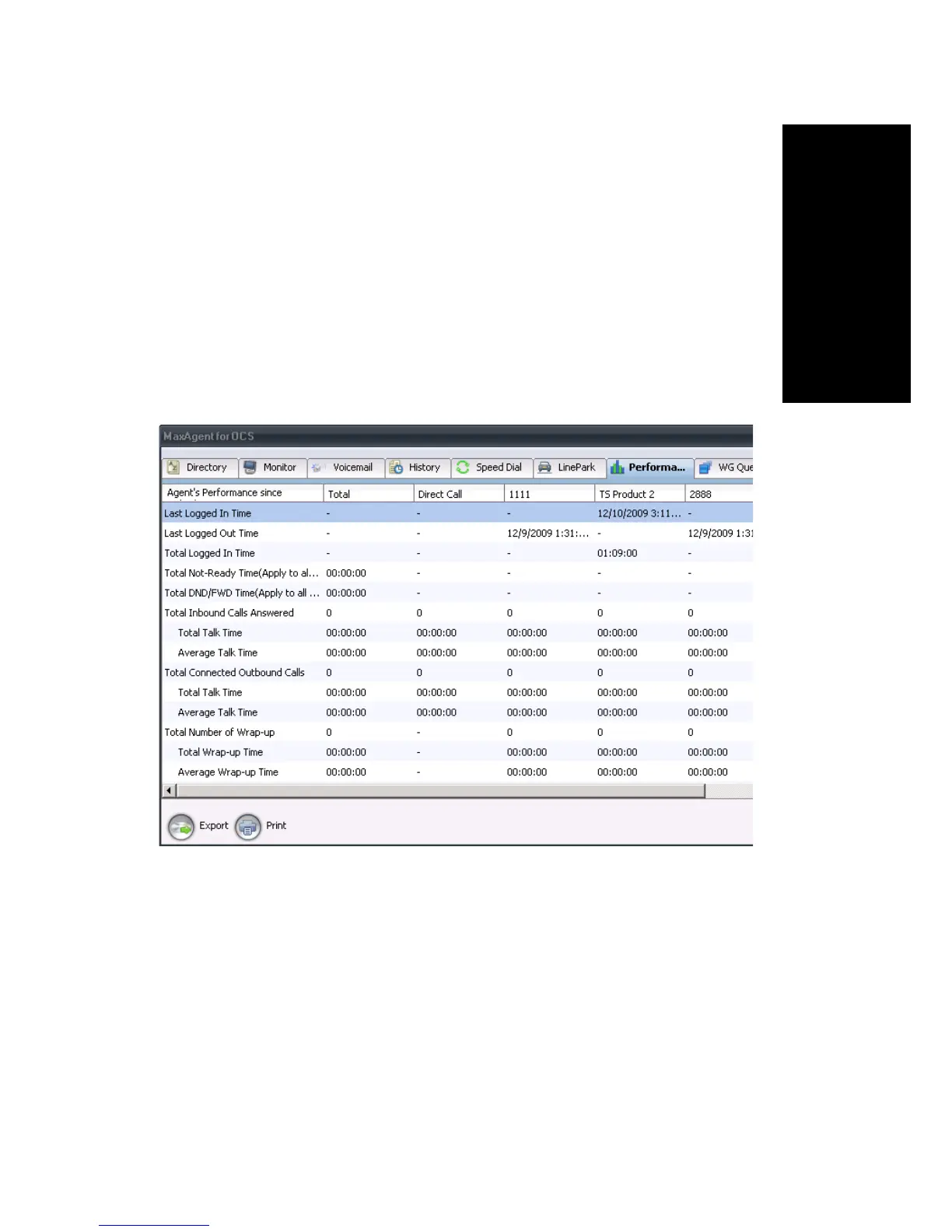
Office Communicator. To display the tabbed pages, click any tab and
all the tabbed pages appear in full in a separate window that you can
resize, minimize, and dismiss. The Windows taskbar shows a button
for this separate window: MaxAgent for OCS. When you close Office
Communicator, the MaxAgent tabbed pages window closes too.
Figure 3. All MaxAgent tabbed pages open in one separate window
• Tabs have a fixed order. You cannot reorder them.
• To select the tabs you want available to you, in Office Communicator
right-click anywhere on the tab bar, and a list of tabs to select from
appears, as it does in free-standing MaxAgent.
Each tab is displayed in full. If there is not enough room in Office
Communicator to display all the tabs you selected, you can click the
drop-down arrow to the right of the tabs to see the rest of the tabs you
selected:



 To Next Page