MaxAgent Manual 41
Using MaxAgent
Note: If other scheduled meetings have already reserved resources for the
time period, and sufficient resources are not available for the
meeting you are attempting to schedule, a message pops up telling
you that there is a resource conflict.
One Time Only Meeting
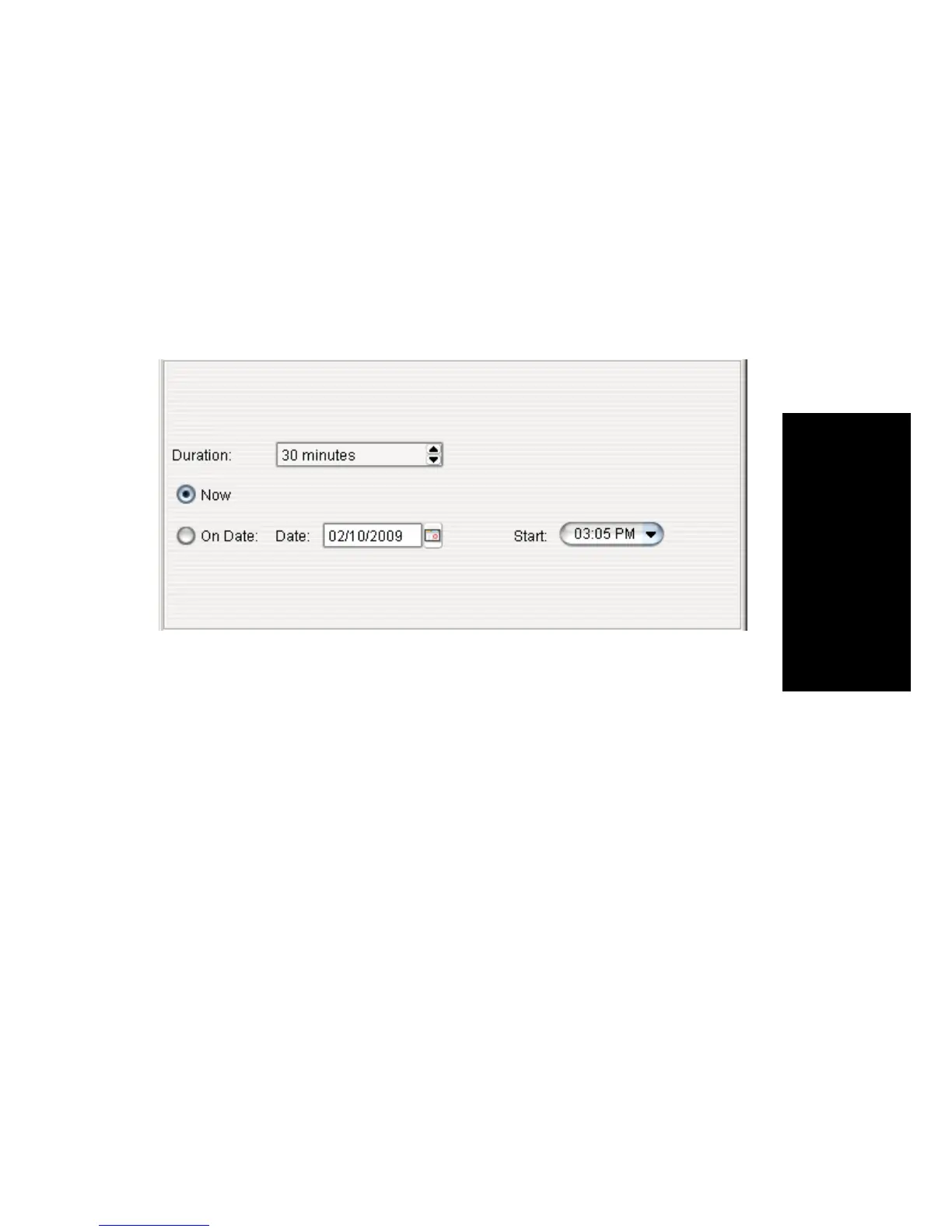
If you select One Time Only from the Frequency drop-down list, these are
your options in the middle panel:
1. Specify the duration of the meeting, using the Up/Down arrows.
2. If the meeting is to begin as soon as it is scheduled, select Now.
3. If the meeting is to begin at another time, select On Date, and enter a
date and start time. To select a date, click the Calendar button. To
select a start time, click the Down arrow and use the slide bar.
Weekly Meeting
If you select Weekly from the Frequency drop-down list, these are your
options in the middle panel:



 To Next Page