BAG0017.7 10.17
5.5 Input of valve chest type, pressure regulation constant (pre-set by the
factory)
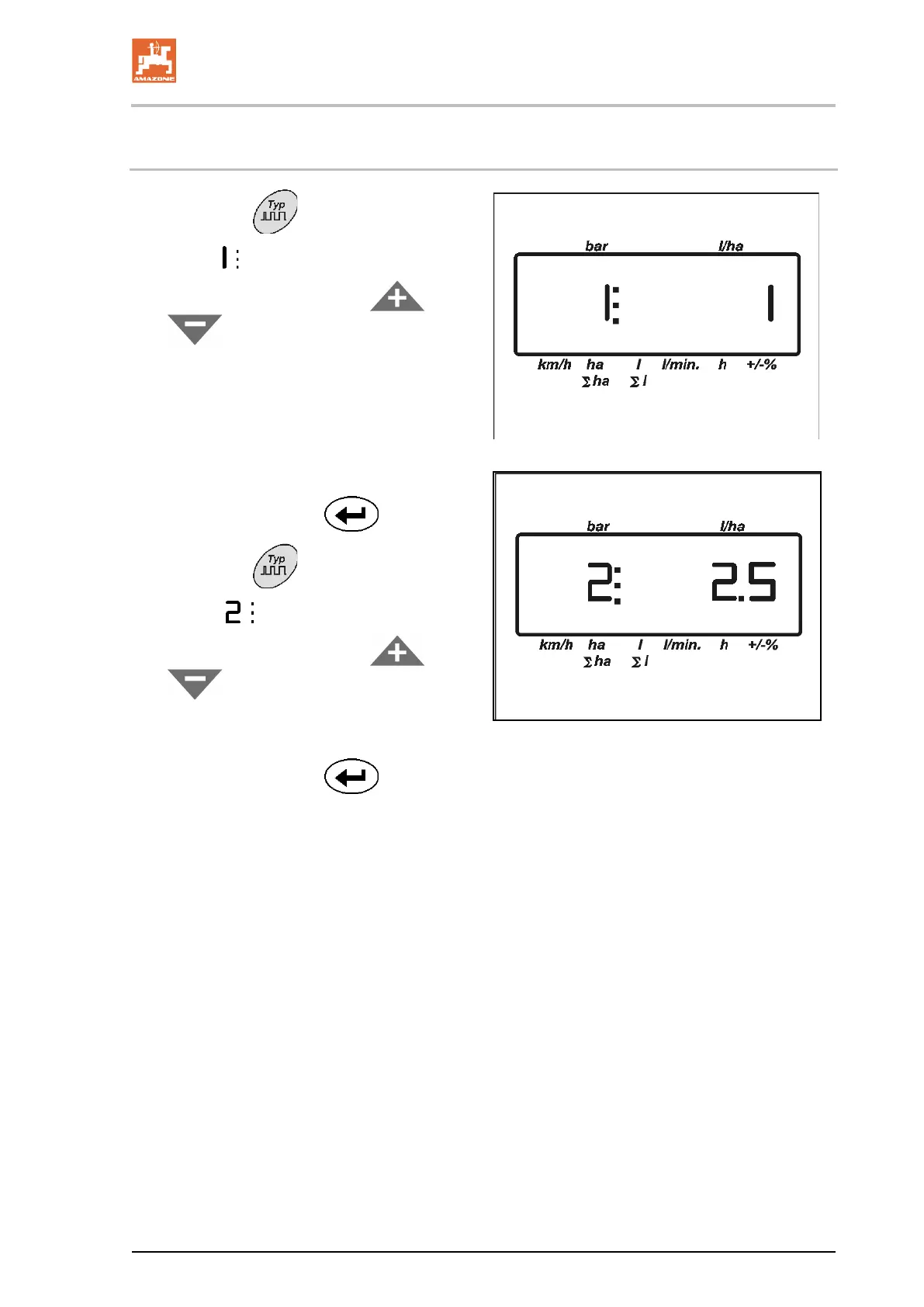
1. Actuate key .
→ Display
valve chest type 0, 1 or 2.
2. Enter the value with the keys
or
.
ο 0 – Equal pre
ssure valve chest without
return flow measuring
ο 1 –
Valve chest without equal pressure
function
ο 2 – Equal pressure valve chest with r
turn flow measuring
3. Confirm input with key
.
4. Actuate key
.
→ Display
Pressure regulation constant.
5. Enter the value with the keys
or
.
ο Standard value for pressure regulating
constant: 2,5
6. Confirm input with key
.
6
7





 To Next Page