Maintenance, repair and care
AMASPRAY+ BAG0017.7 10.17
8.3 Service Menü
• Ausgänge anzeigen
• Behältermesspunkte anzeigen / eingeben!
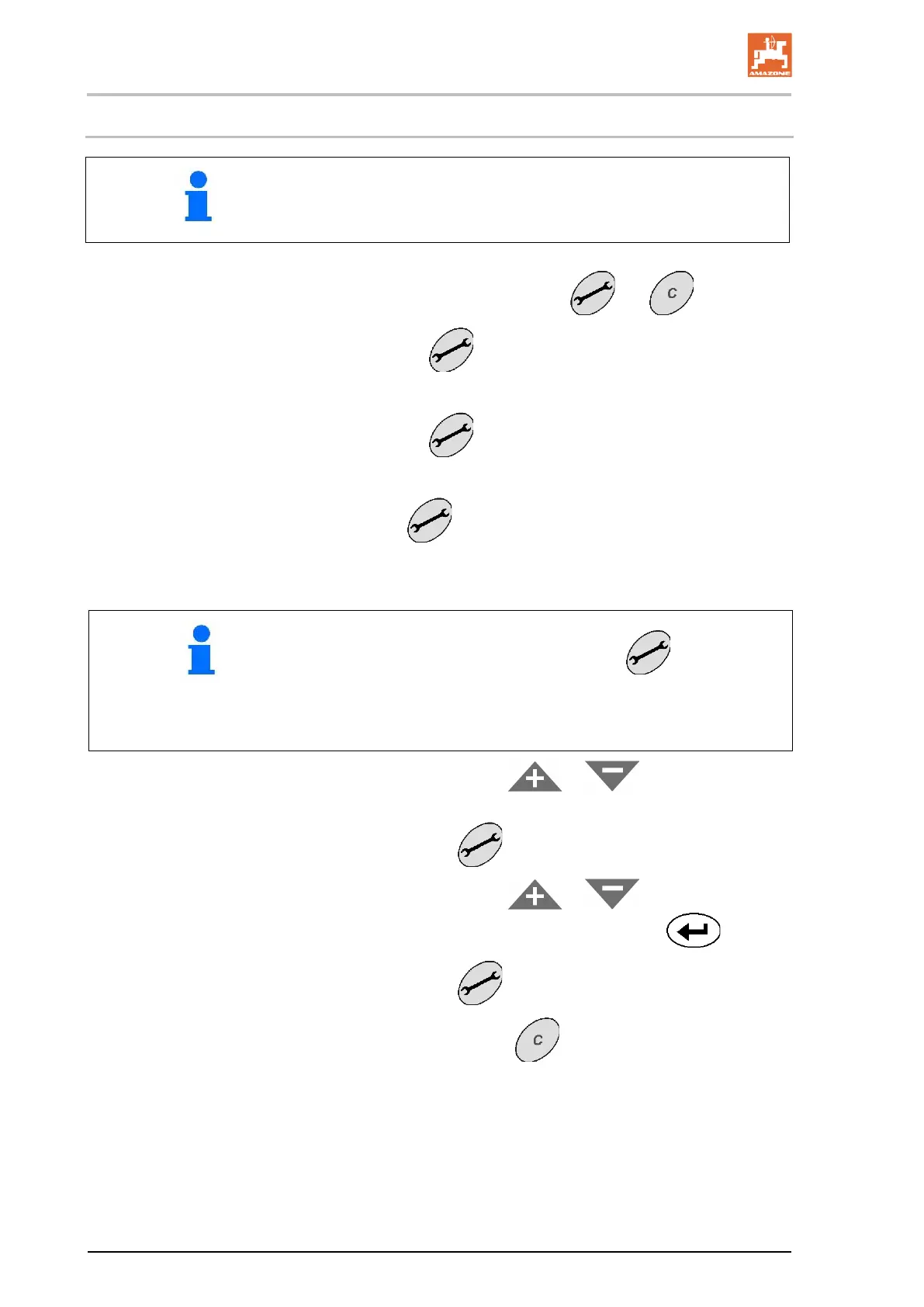
1. Simultaneously actuate the keys and .
2. Actuate key
1 - 10 times
→ Display of inlets E1 to E10.
3. Actuate key
1 - 4 times.
→ Display of outlets A1 to A4.
4. With key
actuate 1 - 20.
→ Display of tank measuring points C1 to C20.
• Initially the tank measuring point is shown as tank contents
in litres and after actuation of the key as voltage val-
ue - volt.
Input of tank measuring points accordingly Table 2 after
exchange or reset of AMASPRAY
+
.
5. If desired: Via the keys or enter the value for
the tank contents - litres and confirm input via key.
6. Confirm via key
.
7. If desired: Via the keys
or enter the value for
voltage value - volt and confirm input via key
.
. 8. Confirm via key
.
9. Leave the menu via key
.









 To Next Page