AMASPRAY+ BAG0017.7 10.17
6 Operation of the machine
When starting to operate the machine observe the opera-
tor's manual for the field sprayer.
When operating the machine observe the chapter "Safety
advice for the operator", Seite 8.
6.1 Creating jobs
Max 10 jobs ( 0-9) can be created.
Actuate key .
→ The last worked order will appear on the display.
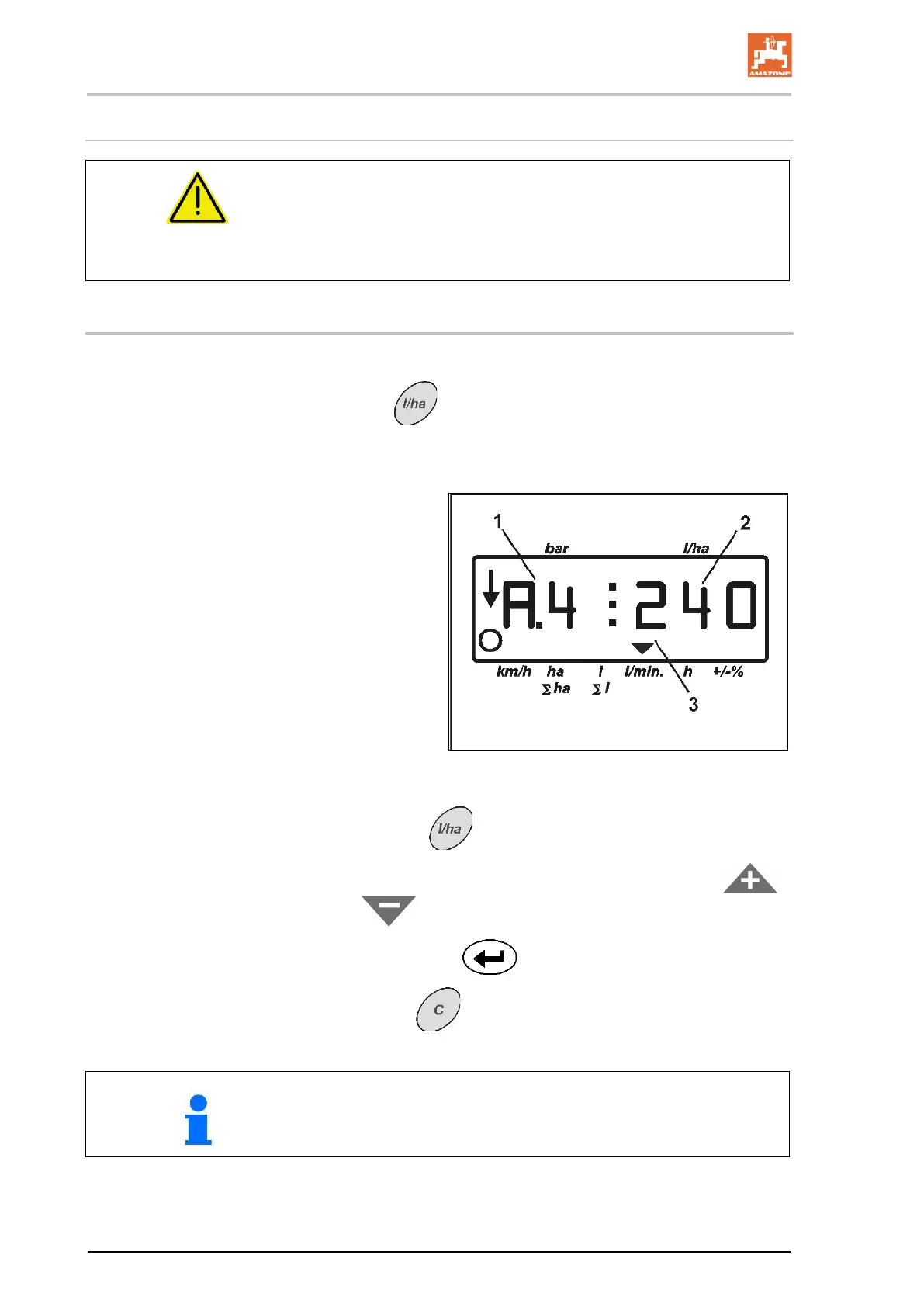
An order consists of the order number (Fig. 9/1)
and the corresponding required spray rate –
litres (Fig. 9/2).
(Fig. 9/3) Display order.
9
1. Actuate key to select an order (0 to 9).
2. Check / enter the required application rate via the keys
or
.
3. Confirm with key
.
4. Press key
to leave the menu.
During spraying operation incoming data to the actual job is
stored and can be displayed.









 To Next Page