Maintenance, repair and care
AMASPRAY+ BAG0017.7 10.17
8 Maintenance, repair and care
8.1 Calculating the fill level curve
With empty tank the fill level indication must show 0 +/-10 litres.
If this is not the case calibrate the fill level indicator.
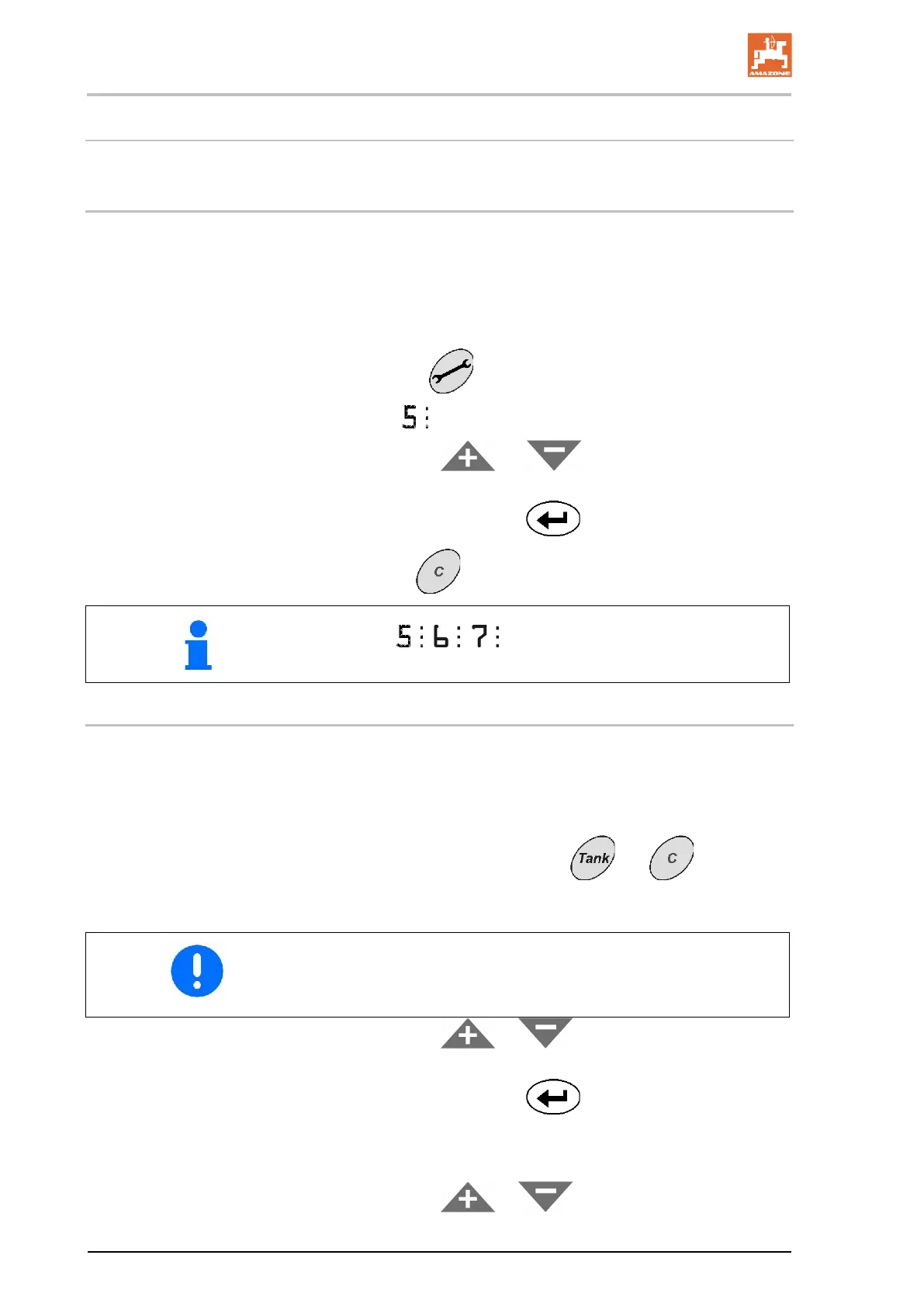
1. Fill an exactly defined quantity of water(min. 200 litres) into the
tank.
2. Select the tank curve (0 must not be selected, see page 24).
3. Actuate key
5 times.
→ Display
Tank contents.
4. With the keys
oer enter the value for the tank
contents.
5. Confirm the input with key
.
6. Press key
to leave the menu.
Menu items , , only for service staff!
8.2 Calibrating the fill level indicator
In case the theoretical fill level does not correspond to the actual fill
level AMASPRAY
+
can calculate the fill level curve with the help
check points.
1. Select the tank curve 0 (see page 24).
2. Simultaneously actuate the keys
and .
→ Indication check point 1.
Ensure that the tank is completely empty.
Take the values for the tank contents from Table 1 as meas-
uring points.
3. With the keys or enter the value 0 for the empty
tank.
4. Confirm the input with key
.
→ Indication check point 2.
5. Fill the measured amount of water into the tank.
6. With the keys
or enter the value for the tank
contents.









 To Next Page