BAG0017.7 10.17
5.7.1 Entering tank capacity manually
Manual entry of the tank capacity is necessary,
• if no correct entry of the tank capacity (Parameter 1) is possible
(for example in event of using a front tank).
• if the level sensor is defective.
Selection - - - -:
Level sensor deactivated! For example in event of using an additional
front tank, → add tank content manually, see on page 27.
1. Switch off the level sensor. (Basic setting, Parameter 1, see
page 25).
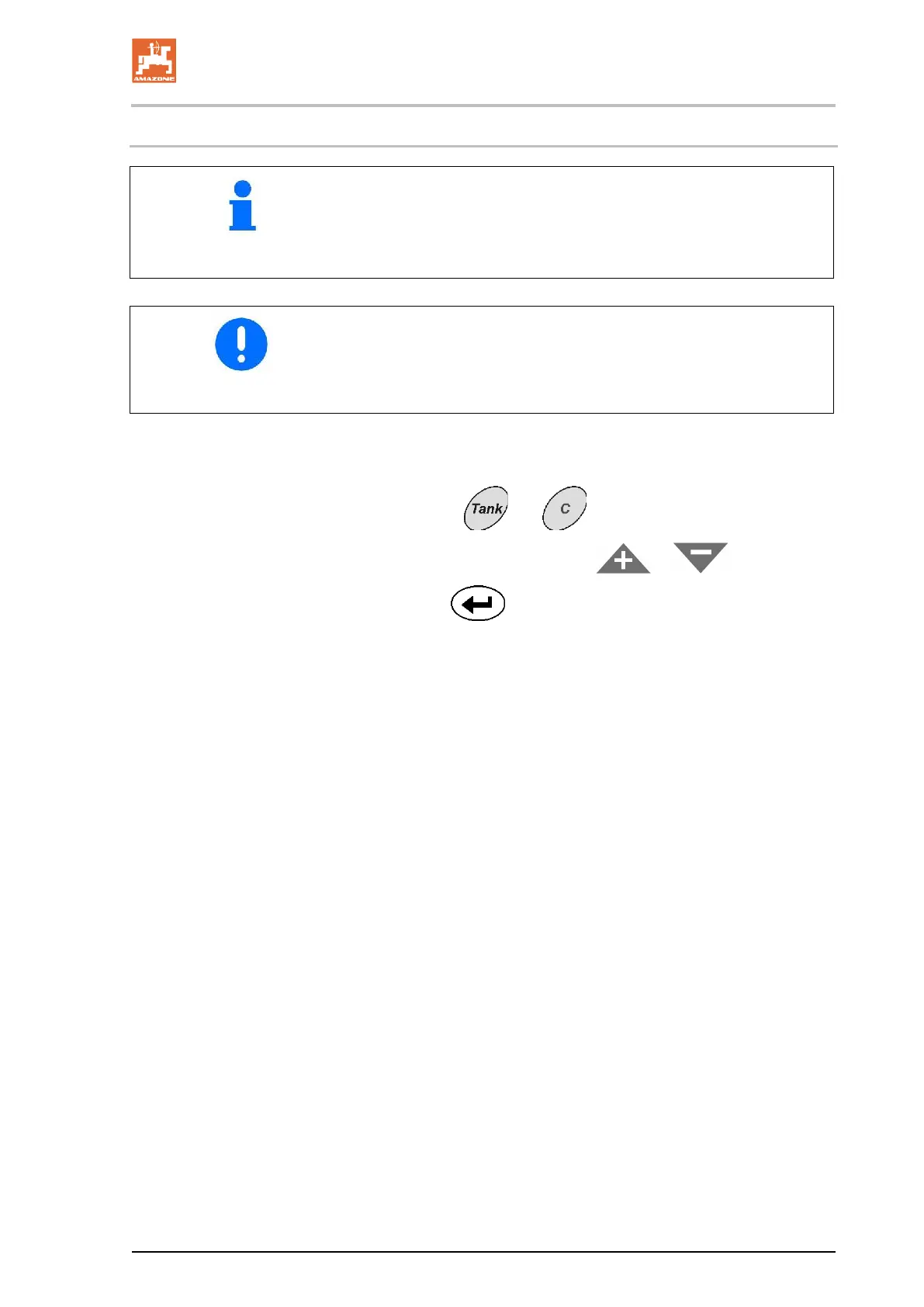
2. Press keys
and simultaneously.
3. Enter tank capacity with keys
or .
4. With key
confirm determined value.









 To Next Page