AMASPRAY+ BAG0017.7 10.17
5.7 Input of spraying data (pre-set by the factory)
(1) Tank fill level curve (tank capacity)
(2) Alarm limit for residual amount
(3) Alarm limit min. spray pressure
(4) Alarm limit max. spray pressure
(5) Calibrate fill-level indicator (only for customer service)
(6) Digital value of fill-level (only for customer service)
(7) Calibration factor for A/D converter (only for customer ser-
vice)
(8) Driving simulator in event of defective wheel sensor
(9) Transfer rate of serial interface
(10) Pilot factor for the part width section control
(11) Number of part width section switches
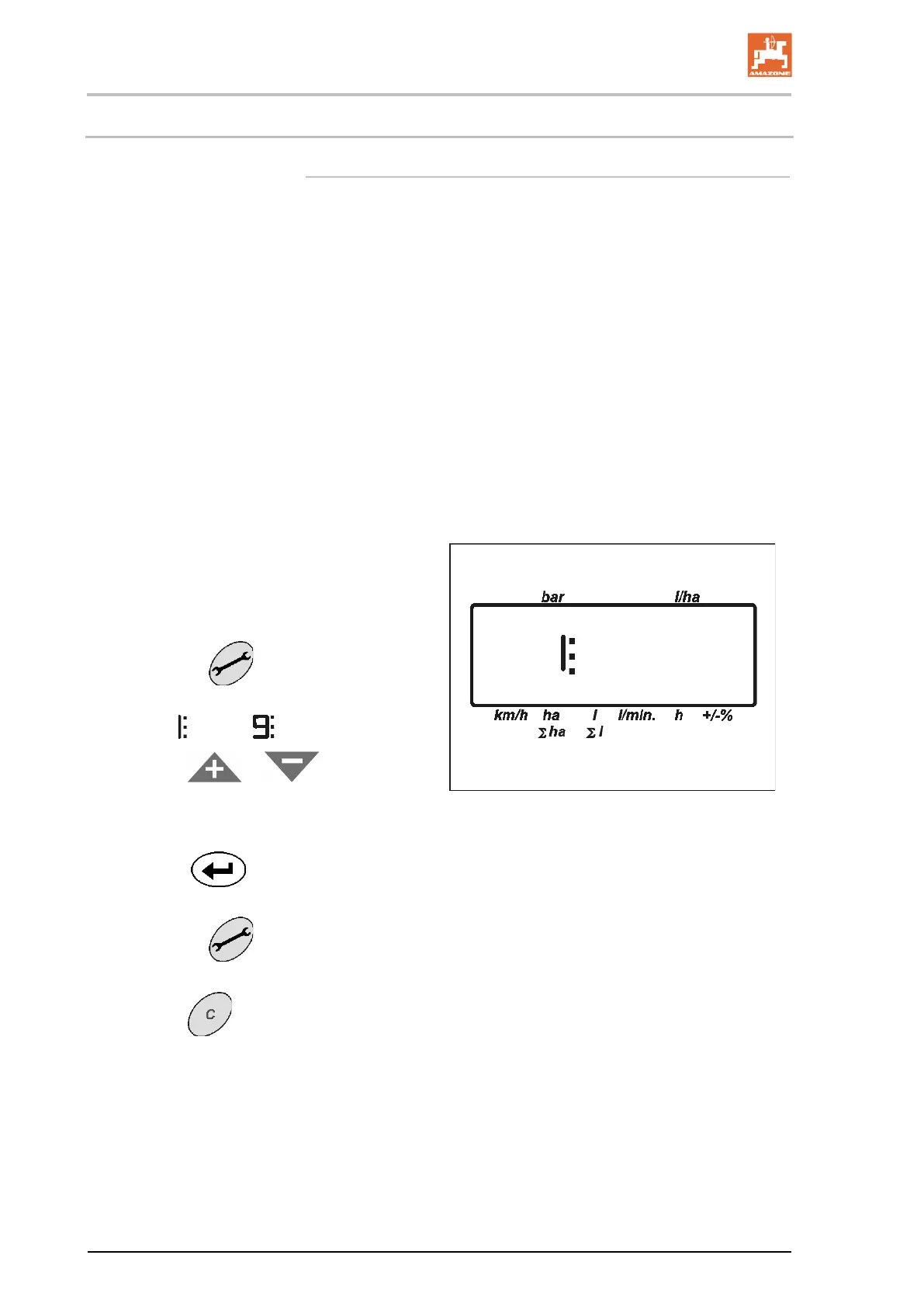
1. Actuate key
repeatedly until the
desired parameter (1 to 9) is displayed.
→ Display
to .
2. With key
or
• enter desired value or
• make desired selection.
3. With key
confirm determined val-
ue.
4. Actuate key
and select next parame-
ter, or
→ With key
exit menu.
8









 To Next Page