Spread rate check (determining the calibration factor)
BAG0126.4 09.17
8.2 Performing a spread rate check with a calibration device on the side
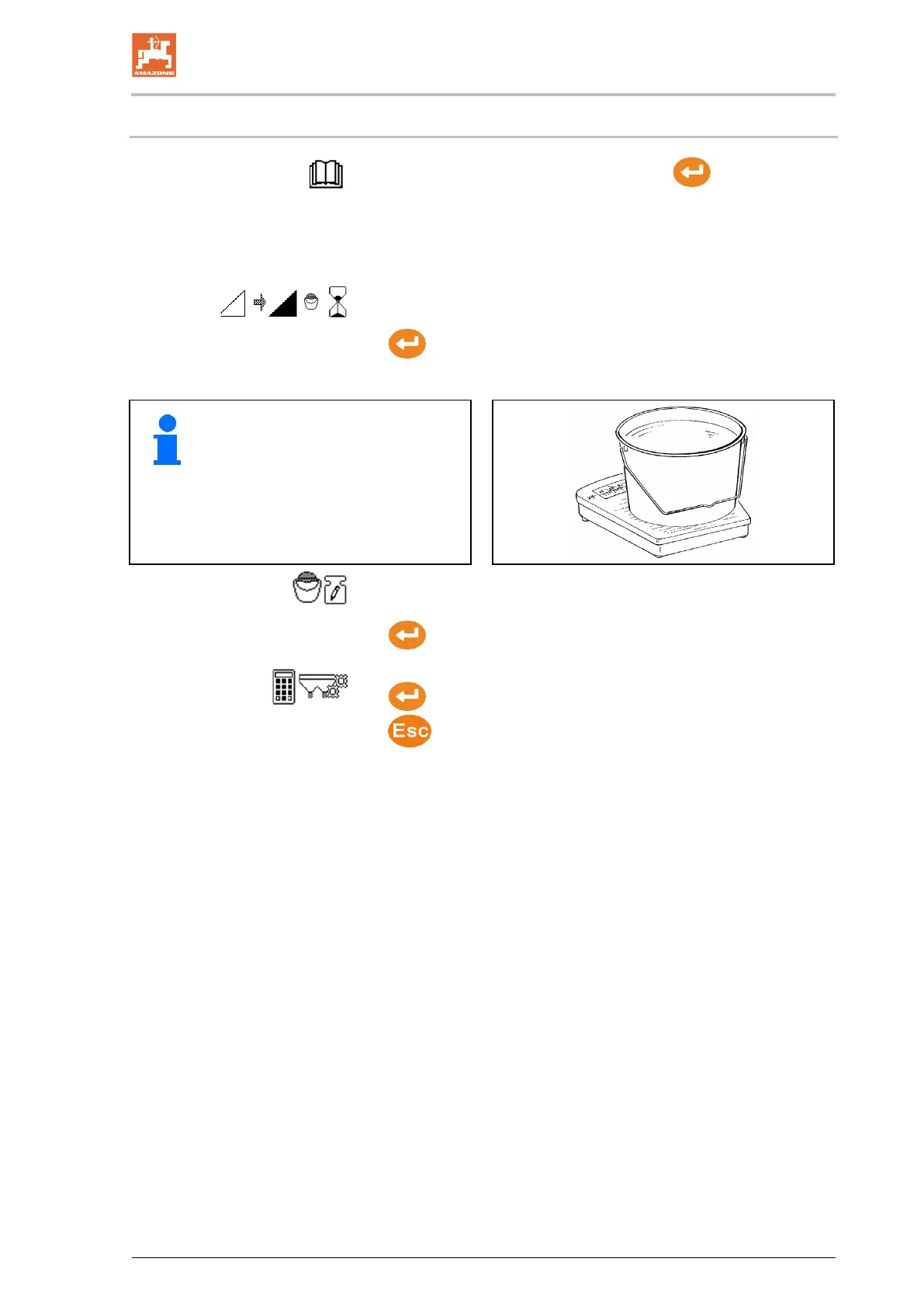
1. See operating manual for the implement. →continue.
→ The spreading quantity applied during the rate check must be
completely collected.
2. Add a sufficient quantity of spreading material to the hopper.
3. Open the hopper opening on the side.
4. When the bucket is full, close the hopper opening on the side.
→continue.
5. Weigh the collected fertiliser quantity.
• The scale used must have the
corresponding weighing accura-
cy. Large inaccuracies may
cause deviations in the actually
applied spread rate.
• Take account of the weight of the
bucket.
6. Enter the value for the collected fertiliser quantity in kg.
The calculated applied fertiliser quantity will be displayed.
→continue.
7. The calibration factor will be calculated and displayed.
8.
Store the calibration factor or
discard calibration factor.


 To Next Page