BAG0126.4 09.17
10 Setup menu
The Setup menu serves to perform basic settings.
Open the Setup menu:
1. Hold
and press .
2. Enter password 1883.
3.
Confirm setup.
In the setup, you can change the implement's basic settings. Incorrect
settings can lead to implement failure.
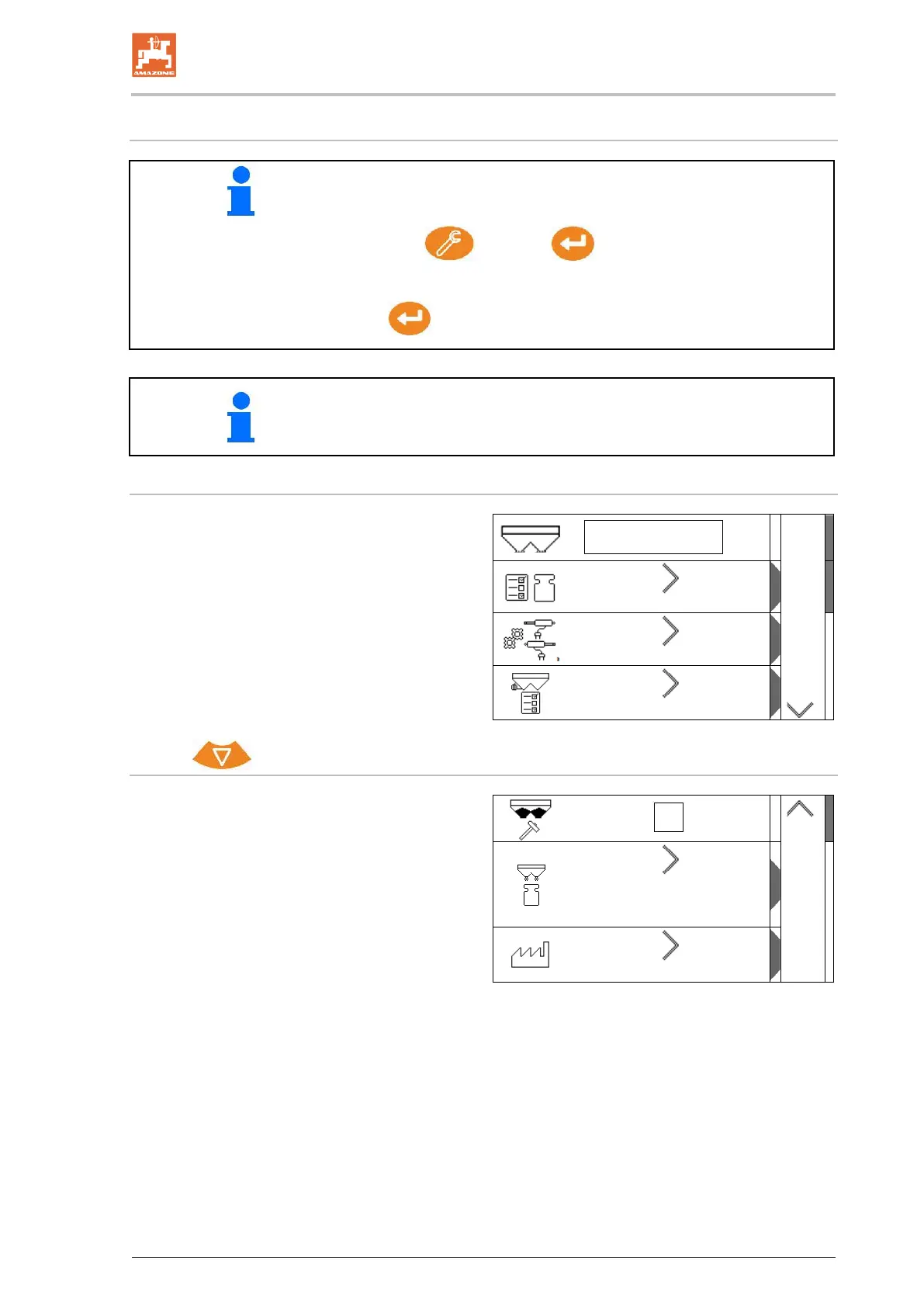
Page 1:
ZA-V
• Configure scale (see page 38)
• Calibrate shutter (see page 40)
• Configure the limiter, electric limiter / no
limiter, installed on the left / right
2
Page 2:
• Low level sensor
1
ο Fertiliser chute on the left shutter
ο Calibration device on the side (hole)
• Factory settings menu


 To Next Page