AmaSpread+ BAG0126.4 09.17
9 Operation
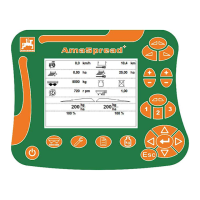
The Work menu is displayed during operation.
It is also possible to switch to other submenus.
9.1 Work menu
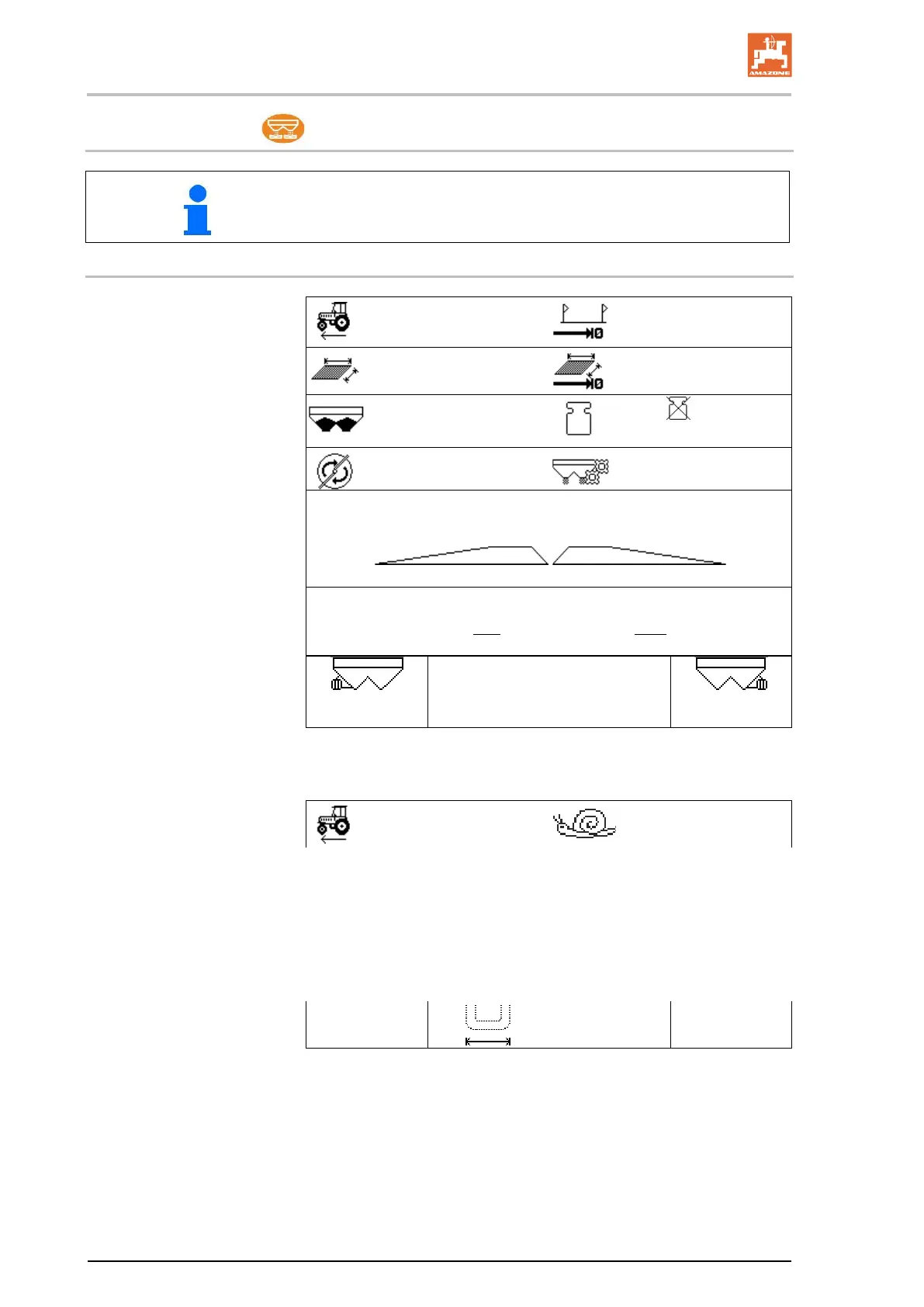
Speed
Distance until quantity 0
kg
Worked area
Area until quantity 0 kg
Fill level
Scale (
Scale is no
rest)
Disc speed
Calibration factor
Slider, left side
Shutter right
Spread rate, left side Spread rate, right side
200
100 % 100 %
Limiter left
Limiter right
The slug pellets special display is shown when slug pellets / fine
seeds is selected as a spreading material.
Slug pellets, fine seeds
The distance counter special display is shown when the dis-
tance counter is selected.
The distance counter is used to help finding the tramlines.
The distance counter starts measuring the distance as soon as the
shutters are closed.
12 m


 To Next Page