Spread rate check (determining the calibration factor)
BAG0126.4 09.17
8.4 Offline calibration
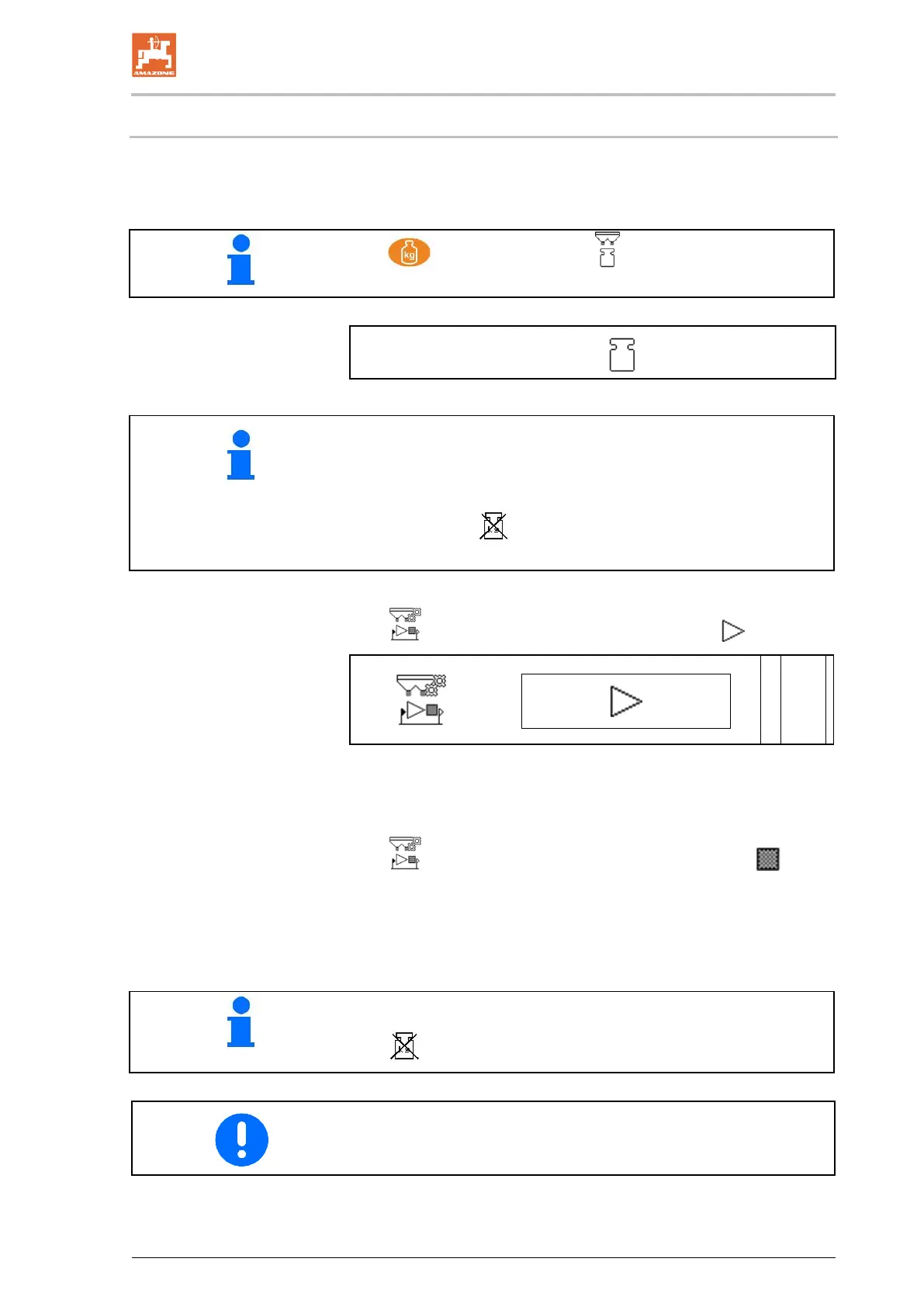
Offline calibration is carried out at the start of work during spreading,
whereby at least 200 kg of fertiliser needs to be spread.
: Select the Weighing / Offline calibration menu.
Display in the Work menu: Spread quantity of fertiliser during
the calibration run
138 kg
• Tractor with spreader must stand in a horizontal position at the
start and end of calibration.
• The calibration factor can only be started and ended when the
scale is at rest.
→ If the symbol
appears in the display, the spreader is not in
resting position.
1. In the Weighing menu, start the calibration .
2. Start spreading the fertiliser and observe the spread rate in the
Work menu during the calibration procedure.
3. After 200 kg, interrupt the fertiliser spreading and come to a
stop.
4.
In the Weighing menu, terminate the calibration .
5. The calculated calibration factor will be shown in the Work
menu.
6. To optimise the calibration factor, perform additional calibration
runs with larger quantities of fertiliser.
Online calibration can only be started when the scale is at rest.
If the
symbol appears on the display, the spreader is not at rest.
After the first fertiliser calibration, additional calibrations should be
performed with higher application rates (e.g. 1000 kg) to further opti-
mise the calibration factor.


 To Next Page