AmaSpread+ BAG0126.4 09.17
Changing the spread rate during spreading
Setpoint rate adjustment for both shutters:
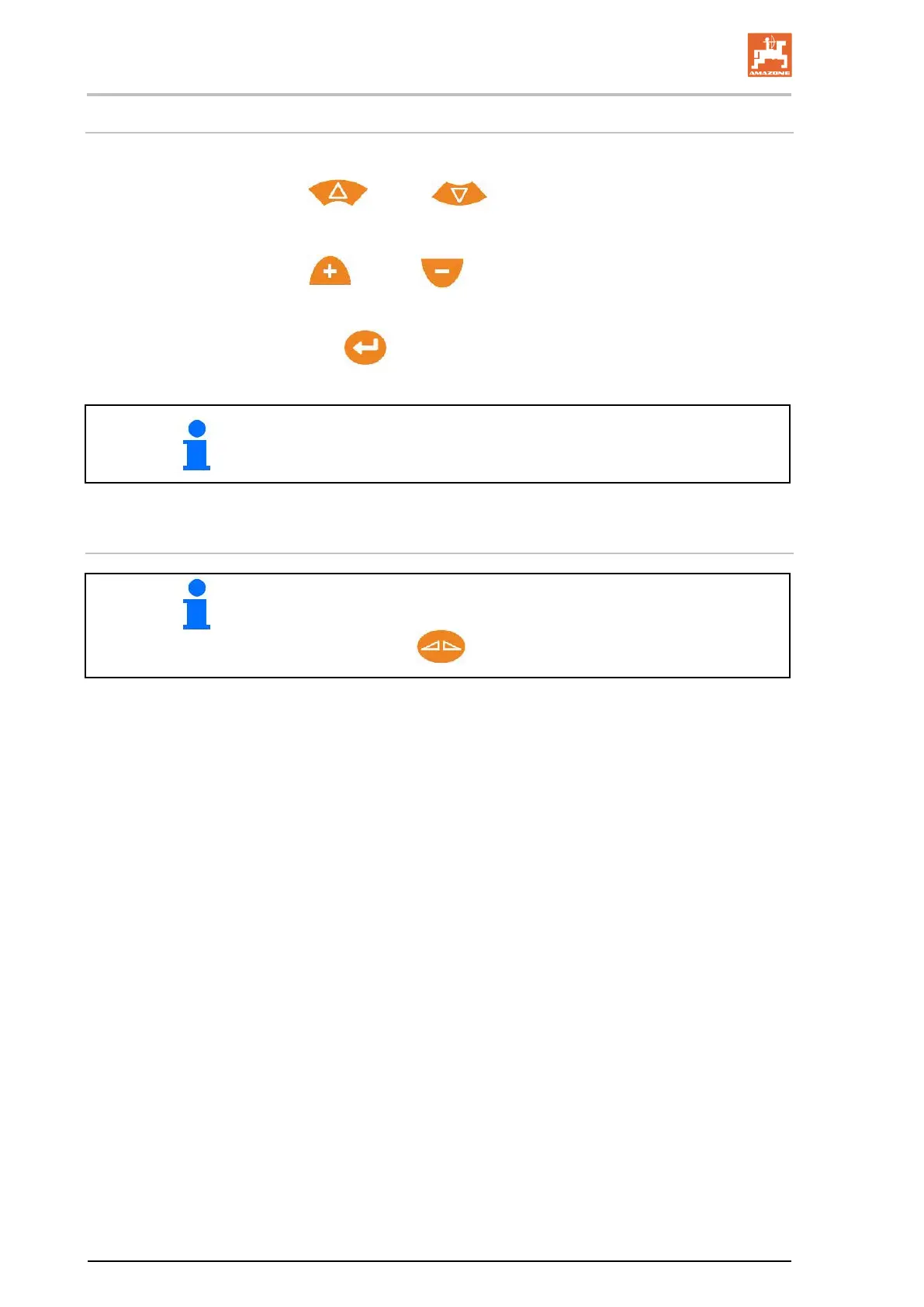
Increase or decrease the setpoint rate.
Setpoint rate adjustment on one side for the left or the right shutter:
Increase or decrease the setpoint rate.
→ The changed setpoint rate will be shown on the work screen.
→ Setpoint rate back to 100%.
By pressing the button several times, the spread rate will be changed
several times.
9.4 Empty hopper
A quick access for Empty hopper can be found in the Extended set-
tings menu.
Press and hold
for 3 seconds, see page 15


 To Next Page