AmaSpread+ BAG0126.4 09.17
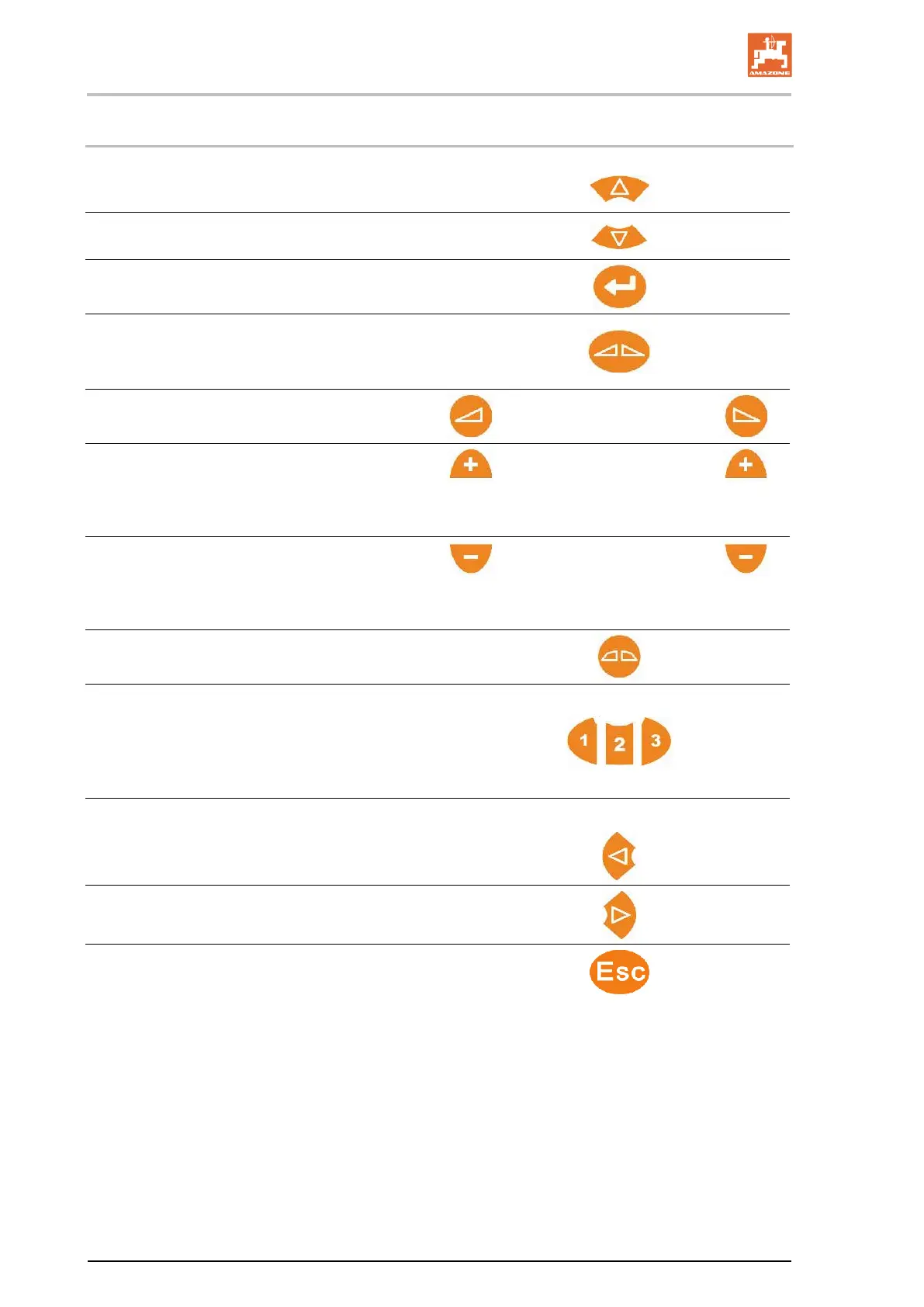
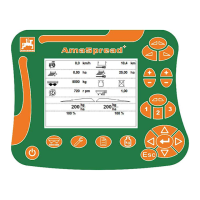
9.2 Buttons in the Work menu
• Increase the spread rate on
both sides by quantity increment
• Decrease the spread rate on
both sides by quantity increment
• Set spread rate at 100%
• Open / close both shutters
• Quick access for Empty hopper (press and
hold for 3 seconds)
• Open / close the
left / right shutter
• Switch on left / right part width section
• Increase the spread rate on the
left / right side by quantity increment (Press
and hold the button)
• Switch off left / right part width section
• Decrease the spread rate on the
left / right side by quantity increment (Press
and hold the button)
• Go back to normal spreading after bounda-
ry spreading method
• Select boundary spreading method
(limiter position)
(1) Ditch spreading
(2) Boundary spreading
(3) Border spreading
• For boundary spreading:
Reduce spreading width on the boundary side
Increase spreading width on the boundary side
Cancel / Back


 To Next Page