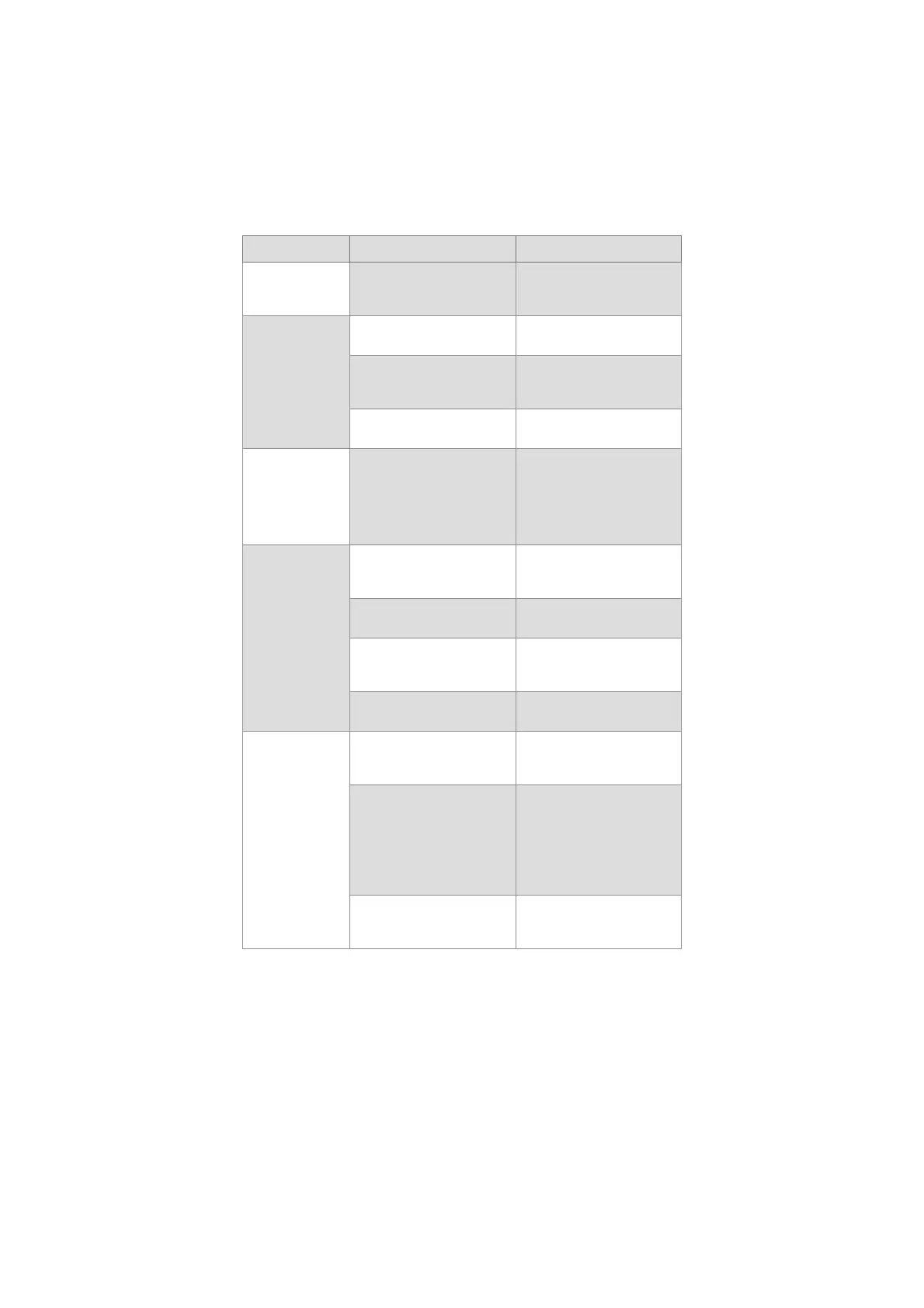
Problem Possible cause Recommended action
Touch interface
does not respond.
The displaying unit has internal
communication problems.
Perform a Power OFF Cycle
(follow the procedure above
this table).
Low picture
quality.
Dirty/damp screen. Wipe the screen with a clean
cloth as described in chapter 9.
Image adjustment settings are
not optimal.
Open the Image adjustment
menu to adjust colour, contrast,
sharpness and brightness.
The distal end in the visualiza-
tion device is dirty/damp.
Refer to the Instructions for Use
of the visualization device.
Wi-Fi signal cannot
be obtained.
Wi-Fi antenna cannot reach the
Wi-Fi signal in the room.
Choose a new placement of the
displaying unit
OR
make sure that the external
Wi-Fi antenna is connected and
oriented optimally.
Displaying unit
cannot identify a
connected USB
device.
USB input may be disabled. Log in as Administrator, go to
Settings - Setup - General
settings - to enable USB input.
USB cable or external USB
device is damaged.
Connect a new USB cable or a
new USB device.
The displaying unit has internal
communication problems.
Perform a Power OFF Cycle
(follow the procedure above
this table).
USB connector port is
damaged.
Move the USB device to another
USB connector port.
Buttons on
endoscope is not
registered by the
displaying unit.
The endoscope buttons have
not been configured.
View current configuration of
endoscope buttons in section
5.10.
None of the buttons activate
any function on the displaying
unit.
Issue with connection between
endoscope and displaying unit.
Unplug and reconnect the
endoscope
OR
Connect a new endoscope.
If this does not work, the VDI-
port in the displaying unit may
be damaged.
The displaying unit has internal
communication problems.
Perform a Power OFF Cycle
(follow the procedure above
this table).
46



 To Next Page