H-1.601.00149-2.0
Page
17
3. After entering the maintenance interface, the interface is as shown below.
Fig. 12 Maintainance
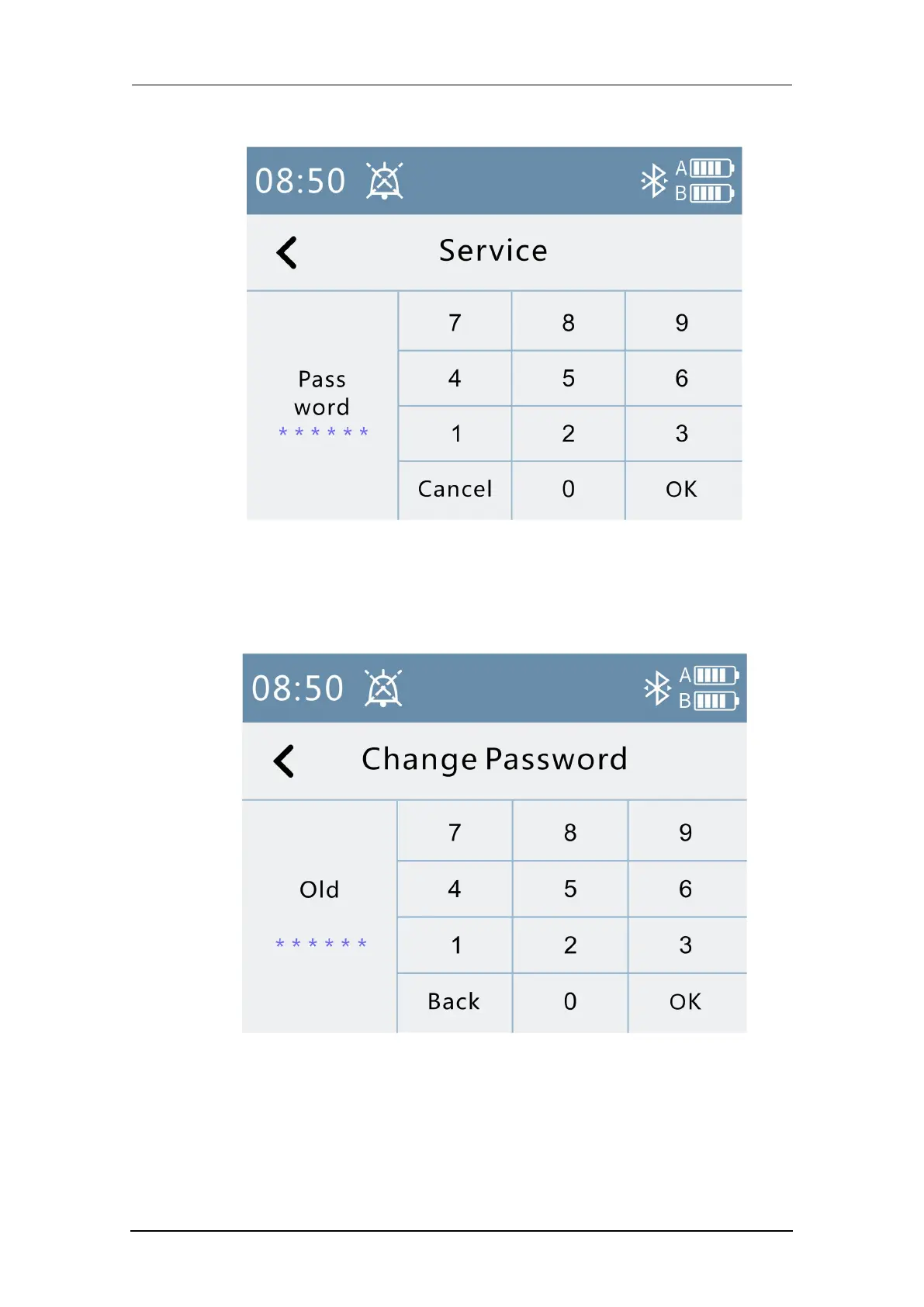
4.Press the “Change Password” column to enter the password modification
operation.
Fig. 13 Change password
5.Press the “Displacement Sensor Calibration” column to enter the
displacement sensor calibration operation. The displacement sensor
calibration interface is shown below.



 To Next Page