H-1.601.00149-2.0
Page
18
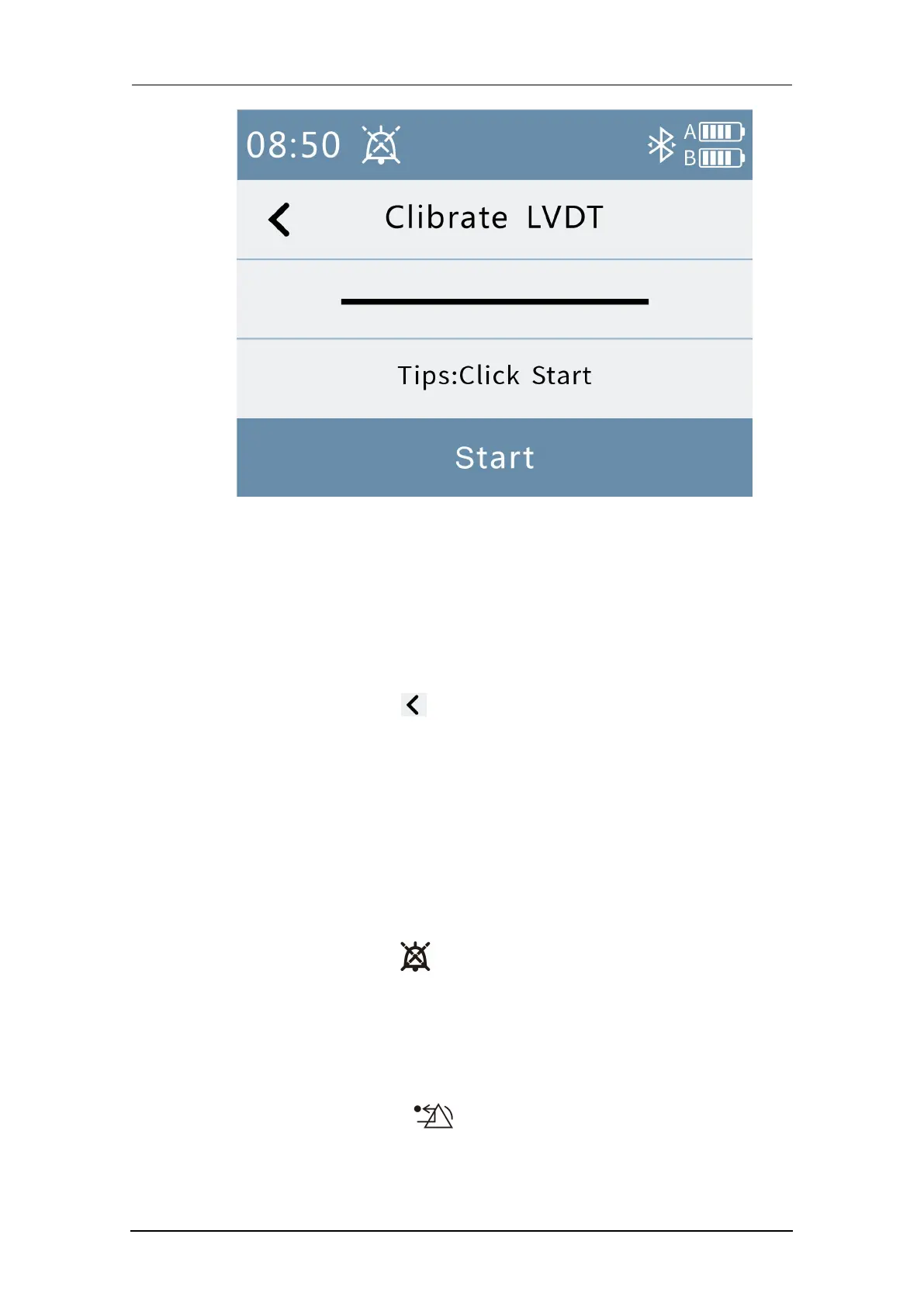
Fig. 13 Calibration
6.When the pressing depth is not correct, press the “Start” button of the
displacement sensor calibration interface to perform the automatic
calibration of the displacement sensor. Be sure that there is no obstacle
under the compressing head during automatic calibration! Other operations
of the calibration interface are not supported after calibration begins.
7.Press the Back button in the calibration interface to return to the
automatic positioning interface.
3.3 Alarm information bar
The alarm information bar interface is shown below.
1. When an alarm occurs, the alarm bar will display an alarm message
accompanied by a voice prompt.
2. Press the mute button in the alarm bar, all alarm voices are muted
for 120s, and the normal alarm is restored after 120s.
3. Press the alarm message area and the Alarm drop-down list will appear,
which shows all the information that is being alerted.
4. There is a reset button “ ” after the alarm drop-down list. After
pressing this button, the corresponding alarm information is blocked. You
must press it again to reactivate.



 To Next Page