42
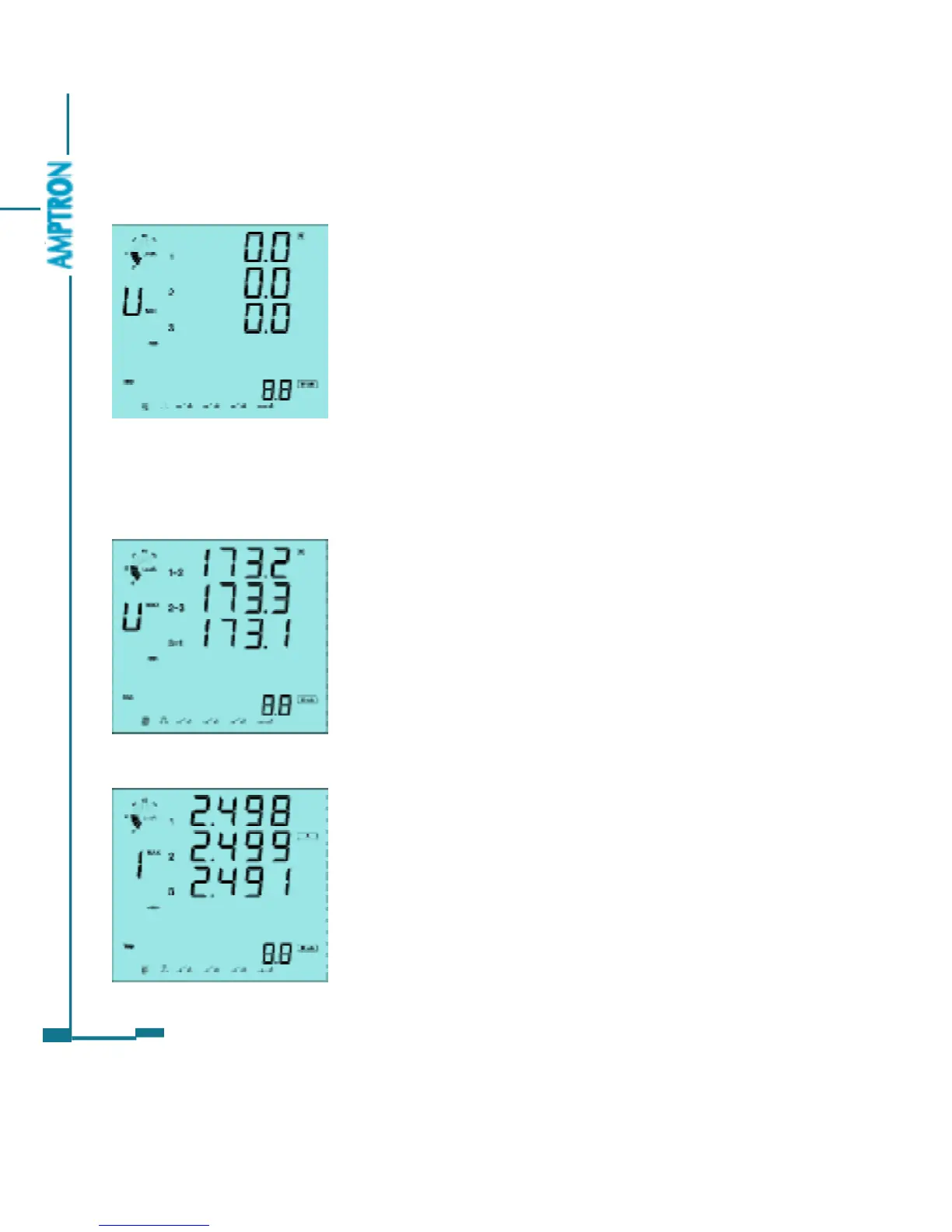
As in fig 3.28 U1_min=0.0V, U2_min=0.0V and
U3_min=0.0V.
Press V/A key, go to the next screen.
The second screen: Display the Max and Min value
of line to line voltage.
The second screen: Max value of the line to line
voltage.
As in fig 3.29, U12_max=173.2V, U23_max=173.
3V and V31_max=173.1V
Press P key to change display from Max to Min
and vice versa.
Press V/A key, go to the next screen.
The third screen: Max value of the current.
As in fig 3.30, I1_max=2.498A, I2_max=2.499A
and I3_max=2.491A.
Press P key to change display from Max to Min
and vice versa.
Press V/A key, go to the next screen.
Fig 3.28 Min phase voltage
Fig 3.29 Max line voltage
Fig 3.30 Max Current
The third screen: Display the Max and Min value of Current.
The fourth screen: Display the Max and Min value of power and power factor.
The fifth screen: Display the Max and Min value of Demand and frequency.
PDF created with FinePrint pdfFactory trial version http://www.pdffactory.com



 To Next Page