Meter Parameter Setting
Under the metering data display mode, press the H and V/A key
simultaneously, get into the meter parameter setting
mode.
In the meter parameter setting mode, press H key to
move cursor. Right move one digit each time. Press P for
increasing and press E for decreasing. Press V/A for
acknowledgment and going to the next setting item page.
Press H and V/A page keys simultaneously to exit in any
setting item page.
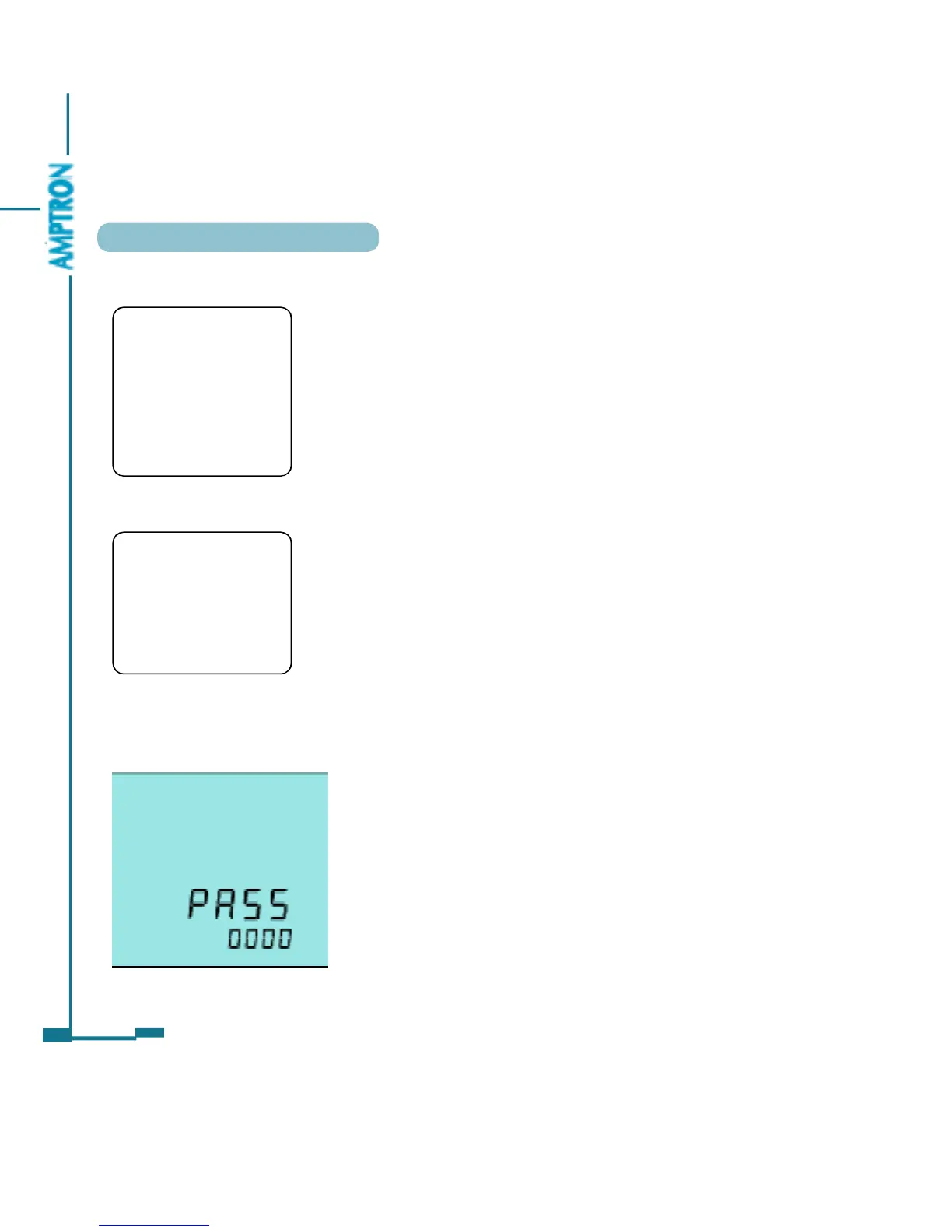
Access code needed for going into the parameter
setting mode. Only the person who know the access code
can do the parameter setting. The access code is 4 digits
decimal number. It is from 0000 to 9999. The factory
default is 0000. After key in the right access code, press
V/A to go to the first parameter setting page, otherwise go
back to the metering data display page.
44
• Note
The setting should be
done by the professional
personnel after he has
read this user’s manual
and understand the
application situation.
• Note
When pressing H and V/
A keys simultaneously to
exit the setting mode, the
setting of current page
will not be stored.
As in fig 3.33 is access code page .
Fig 3.33 access code page
PDF created with FinePrint pdfFactory trial version http://www.pdffactory.com



 To Next Page