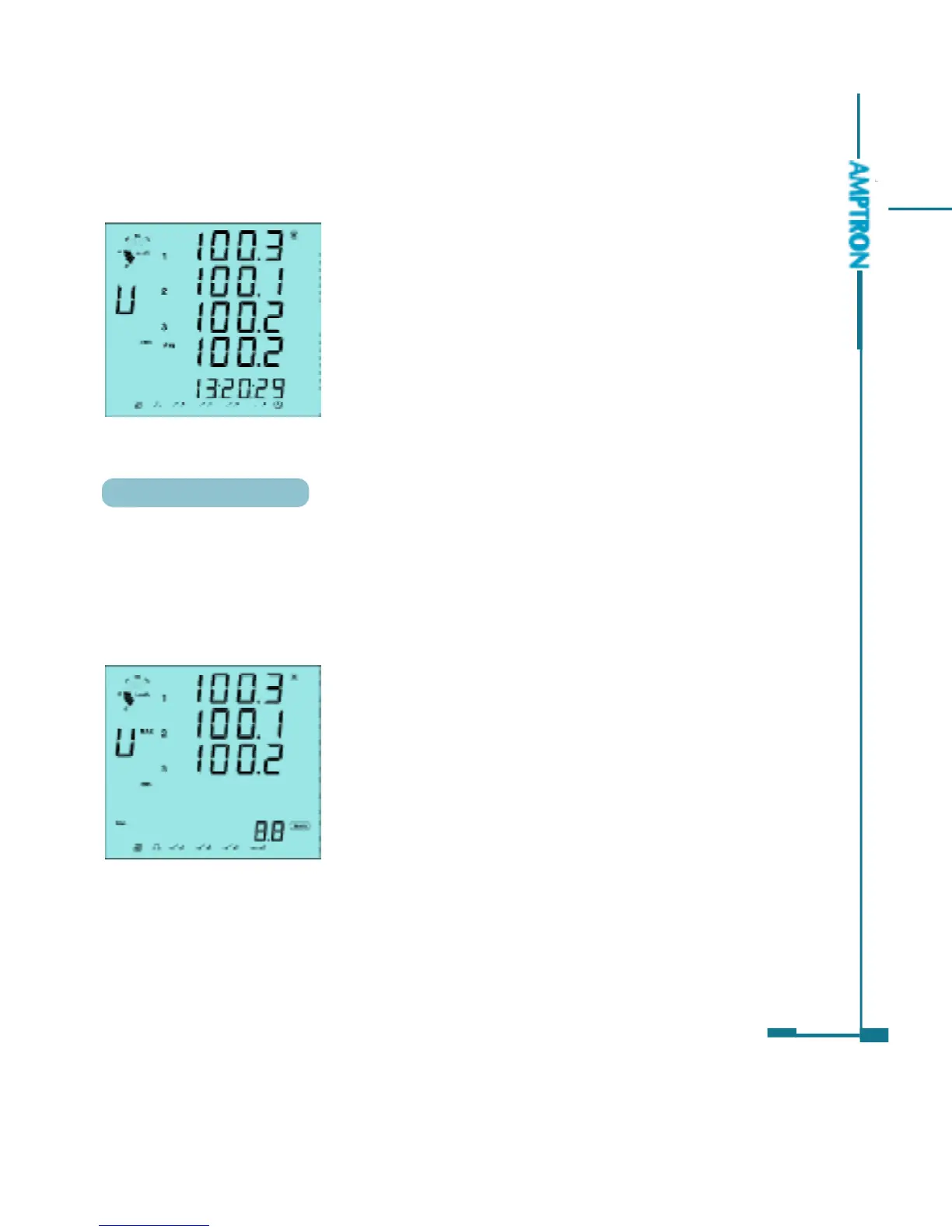
The tenth screen: Display time. Format: hh:
mm:ss.
As in fig 3.26, the time is 13:20:29.
Press E key, go back to the first screen.
41
The first screen: Display the Max value of voltage.
The Max label display on up right of letter U.
As in fig 3.27, U1_max=100.3V, U2_max=100.
1 and U3_max=100.2V.
Fig 3.26 Time
Statistics Display
Press P and V/A Keys simultaneously, the Max and Min value of metering
data will display on the screen. The time stamp can be access through
communication.
Press the P and V/A keys simultaneously, go to the statistics screen.
Fig 3.27 Max phase voltage
Press P key, to display the Min value of voltage. The Min label display on the
low right of the letter U. Press P key again, go back to display the Max value of
voltage.
PDF created with FinePrint pdfFactory trial version http://www.pdffactory.com



 To Next Page