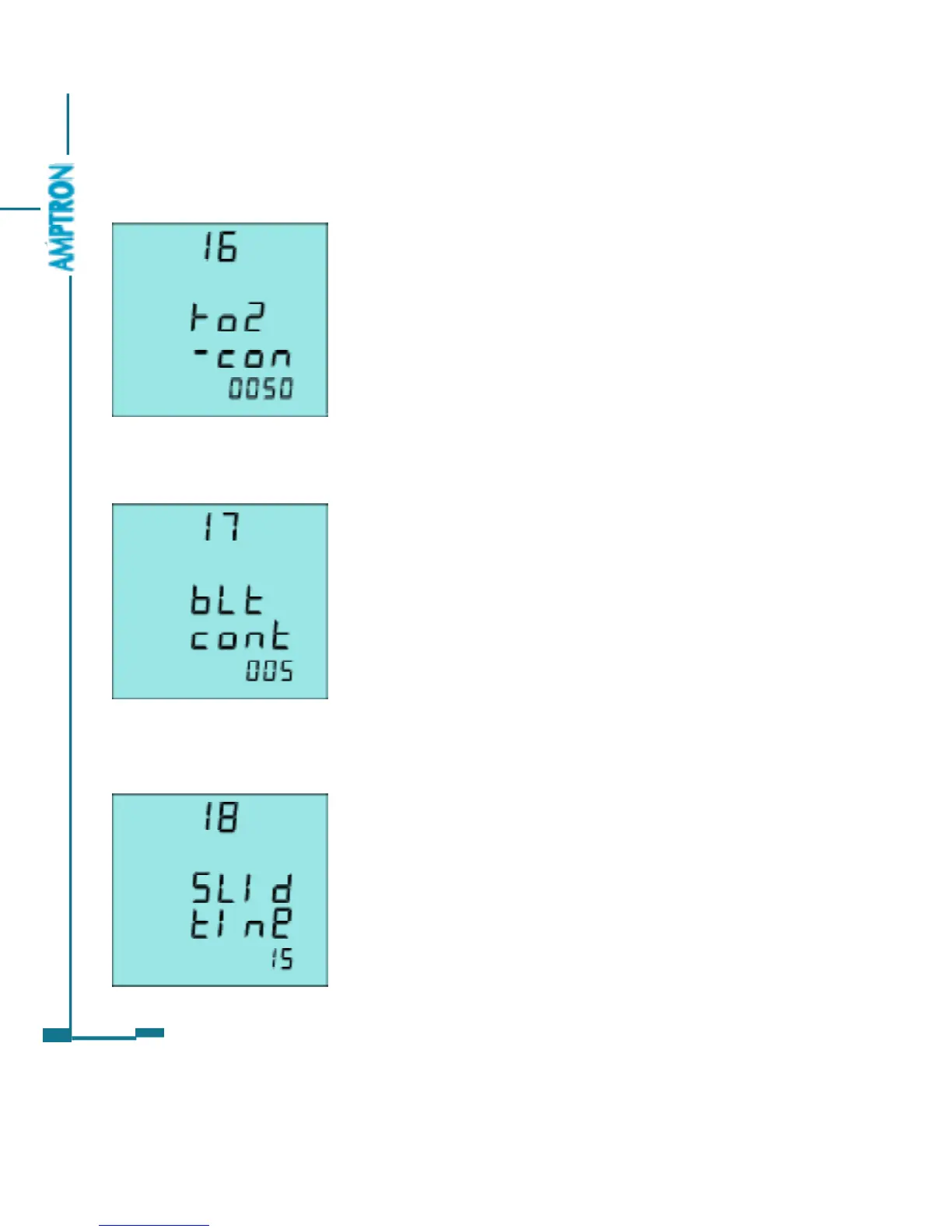
The sixteenth screen: Relay2 closing time
setting
The setting method is the same as that of
relay1. As in fig 3.49, the closing time Ton of relay1 is
50ms.
Note: If the relay mode is set to be latching, the setting
of relay closing time Ton do not has any interference on
the relay state.
The seventeenth screen: Display back light
“on” time setting page
The backlight will go to“off ”for the purpose of
energy saving and component duration if the key
does not be touched for a period time. The “on”
time can be set from 0 to 120 Minute. The back
light will always be “on” if the setting value is 0.
As in fig 3.50, the setting time of the back
light is 5 minute. The back light will automatically
go to “off ” if there is no touch on the keys.
The eighteenth screen: Sliding window time
of demand setting page
Sliding window time of demand is from 1 to 30
Minute. The window slid once per Minute.
As in fig 3.51, the sliding window time is 15
Minute.
Note: There are not eighteenth screen to twenty first
screen in Ai205-P0 and -P1.
50
Fig 3.49 Relay2 closing time
Fig 3.50 Back light “on”time
Fig 3.51 Sliding window time
PDF created with FinePrint pdfFactory trial version http://www.pdffactory.com



 To Next Page