EasyManua.ls Logo

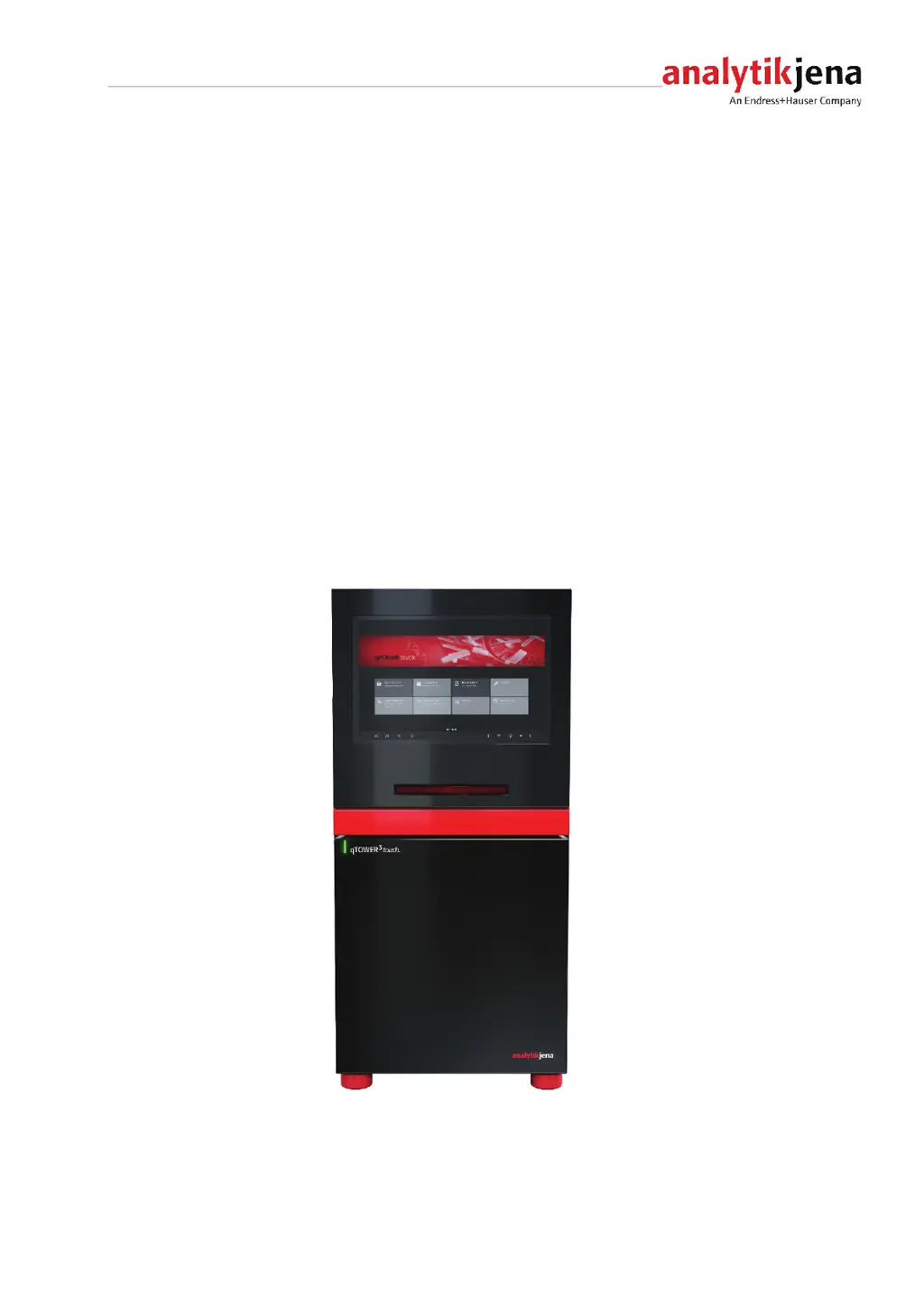
Analytik Jena qTOWER3 touch - User Manual

Default Icon
41 pages
Print Icon
To Next Page IconTo Next Page
Loading...
Operating manual
qTOWER
3
touch/qTOWER
3
G touch
Real-Time PCR Thermal Cycler

Table of Contents

Questions and Answers

  • M
    Mallory SnyderAug 4, 2025
    What to do if the lid won't close on my Analytik Jena qTOWER3 touch?
    • M
      margaret15Aug 4, 2025
      If the lid isn't closing, make sure the samples are correctly placed. Then, close the lid, ensuring it clicks securely into position.
  • D
    Deanna Williams MDAug 13, 2025
    How to fix Analytik Jena qTOWER3 touch Laboratory Equipment that will not activate?
    • C
      Candice WilliamsAug 13, 2025
      If your Analytik Jena Laboratory Equipment won't activate, first check the voltage supply. If that's not the issue, try replacing the fuses or the mains cable.
  • C
    caindavidAug 25, 2025
    What to do if sample cups are damaged during measurements in Analytik Jena Laboratory Equipment?
    • L
      Luis LucasAug 25, 2025
      If sample cups are getting damaged during measurements with your Analytik Jena Laboratory Equipment, check the suitability of the sample cups being used. Also, ensure that you are inserting the samples properly.

Summary

Basic Information

Intended use

Details the purpose and applications of the qTOWER³ touch.

Safety instructions

Safety symbols on the qTOWER³ touch

Describes safety symbols affixed to the device and accessories.

Safety instructions, transport and installation

Provides safety guidelines for transporting and installing the qTOWER³ touch.

Behavior during emergencies

Procedures to follow in case of emergencies or accidents.

Function and setup

Commissioning

Installation conditions

Specifies environmental and location requirements for device installation.

Connections and control elements

Identifies the device's connections and control elements.

Operation

Inserting samples;Starting the PCR analysis

Instructions for loading samples and initiating a PCR run.

Troubleshooting

Error correction

Lists common error codes and their causes and remedies.

Analytik Jena qTOWER3 touch Specifications

General IconGeneral
TypeReal-time PCR Cycler
TechnologyqPCR
DisplayTouchscreen
Temperature Accuracy±0.1°C
Temperature Uniformity±0.2°C
Temperature Homogeneity±0.2°C
Max. Sample Volume100 µL
ExcitationLED
MultiplexingUp to 6 channels
ConnectivityUSB, Ethernet
SoftwareqPCRsoft
Block Formats96-well
Temperature Range4°C - 99°C
DetectionPhotomultiplier tube
Power Supply100 - 240 V, 50/60 Hz
Format96-well plate

Related product manuals