qTOWER
3
touch/qTOWER
3
G touch Commissioning
19
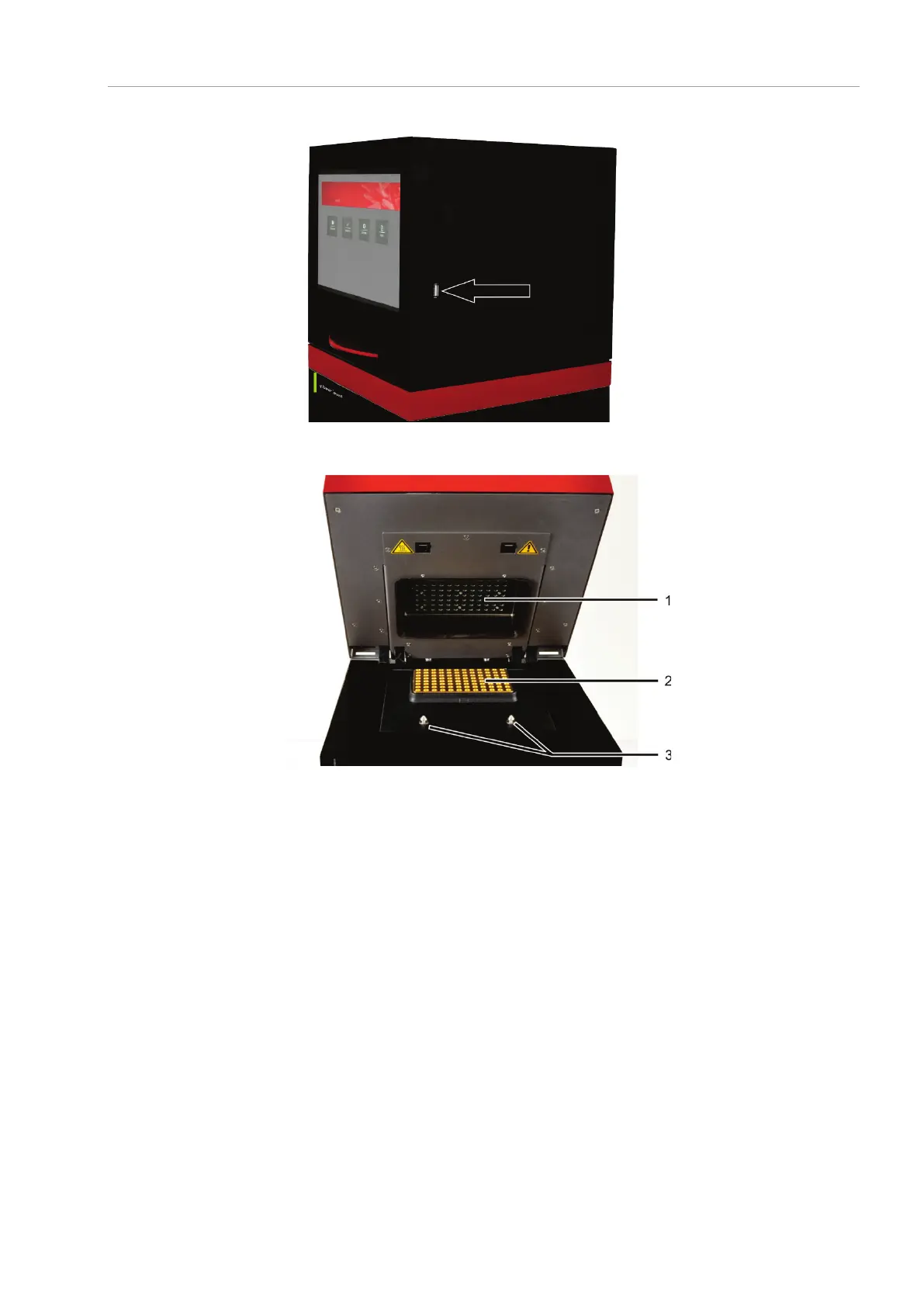
USB port for data export
Fig. 4 Connections and control elements (right-side)
Sample block
Twistlock
Fig. 5 qTOWER³ touch, open
The qTOWER³ touch is opened by folding back the upper part and the cover for the
sample block it contains and the fluorescence photometer. To this end press the han-
dle in until the lock disengages with a click and the upper part gently snaps open. The
upper part can then be folded back from the handle. The mains connection, mains
switch and fuse holder are on the rear of the device.



 To Next Page