Maintenance and care qTOWER
3
touch/qTOWER
3
G touch
28
6.4 Exchanging fuses
WARNING
Risk of electric shock! Before exchanging fuses, switch off the power switch and dis-
connect the device
from the mains network.
Only use the specified fuses. If the wrong fuses are used, there is a risk of fire, injuries
and device damage.
Mains voltage Instrument fuses
100 V, 115 V, 230 V 2 x 10 AT / 250 V
1. Press the button on the qPCRsoft touch start screen to exit the program and to
shut down the tablet.
2. Switch qTOWER
3
touch off. Unplug the power cord!
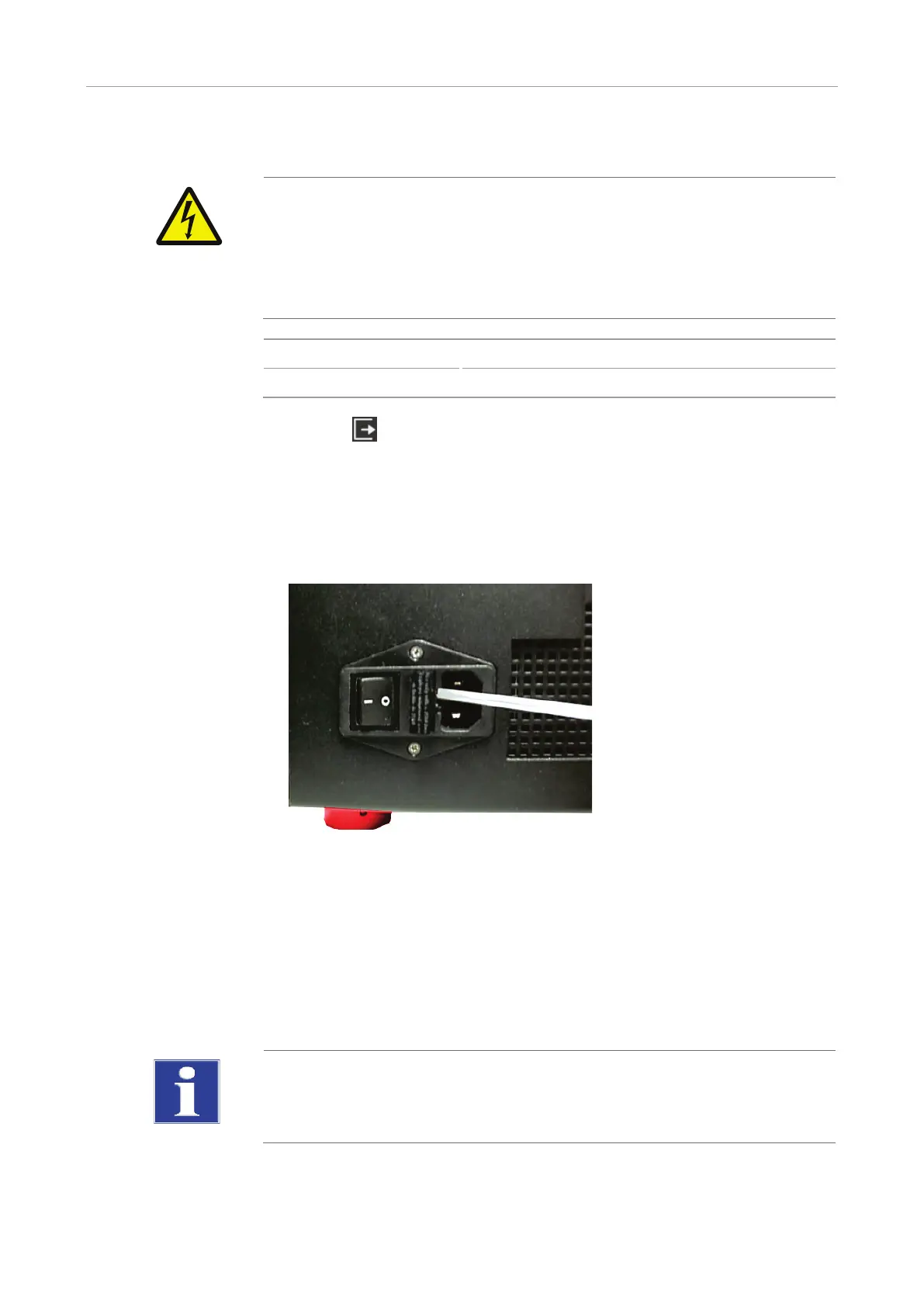
3. Carefully open the fuse holder on the rear of the device. Use a standard screwdriver
to do so.
4. Remove the old fuses and replace them with new ones.
Fig. 13 Fuse holder on the rear of the device
If the fuses melt repetitively have the qTOWER
3
touch checked by Analytik Jena AG
customer service personnel or by persons authorized by Analytik Jena AG.
6.5 Installing color modules
Depending on the delivery state of the qTOWER³ touch or when purchasing additional
color modules, it might be necessary to install the color modules in the device.
NOTICE
Sensitive optics! The optical components of the device are located below the top device
hood. Be careful not to touch the optic fibers. They can break.



 To Next Page