qTOWER
3
touch/qTOWER
3
G touch Operation
23
5 Operation
5.1 Switching the qTOWER³ touch on
Observe the following sequence when switching on the device:
Switch on the qTOWER³ touch using the mains switch on the back of the device (6
in Fig. 6 p. 20).
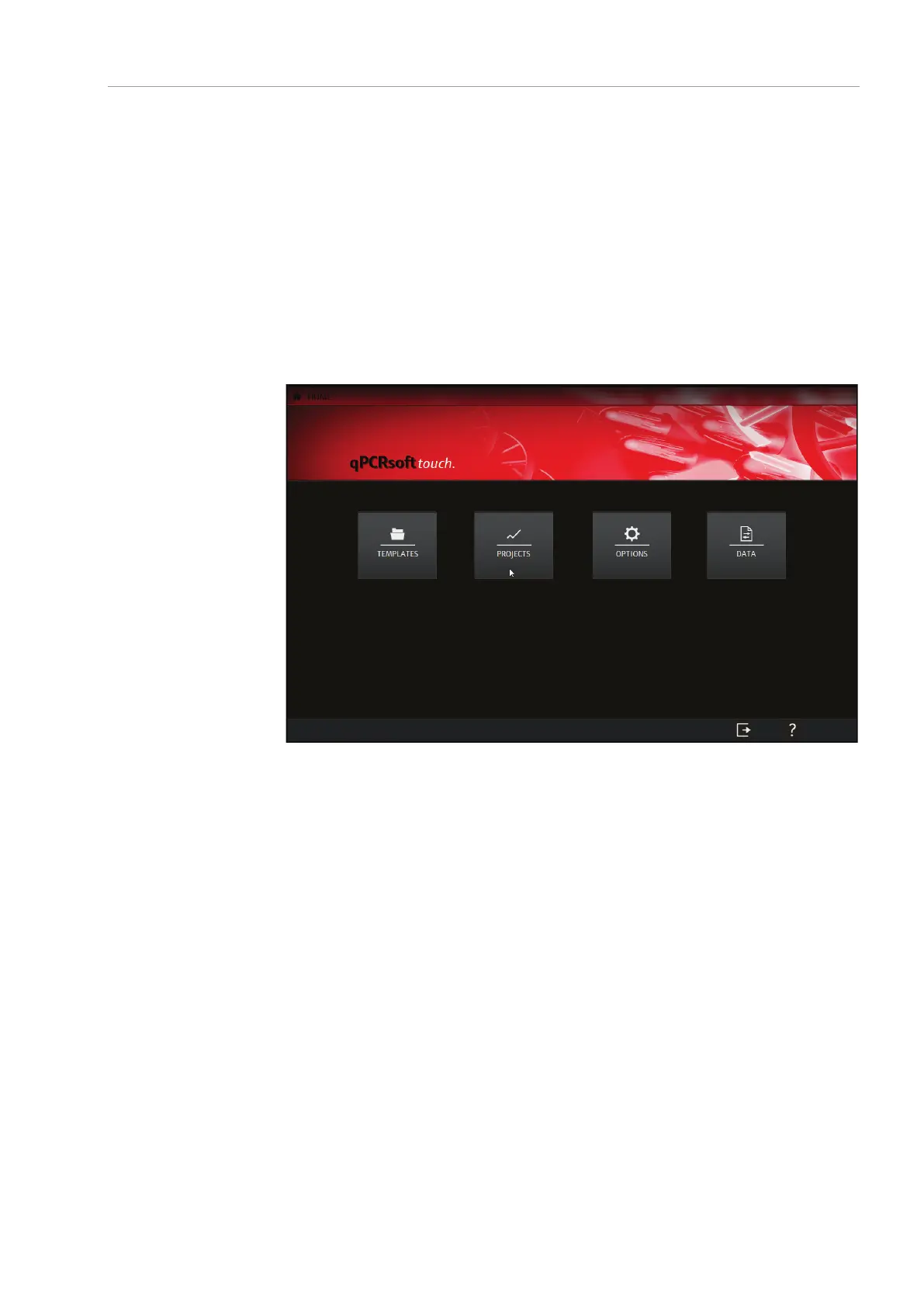
The qPCRsoft touch program starts automatically. The qTOWER³ touch is
ready for operation. The green status LED lights up.
Fig. 10 Start screen of qPCRsoft touch
The status LED is located on the front of the device next to the device name (4 in
Fig. 3 p. 18).
During the device initialization the LED flashes red/green.
As soon as the device is ready for operation, the LED switches to green.
During a measurement, the LED flashes red/green.
In case of a device error, the LED will turn red.



 To Next Page