Commissioning qTOWER
3
touch/qTOWER
3
G touch
22
The following steps are required during the installation of the qTOWER³ touch:
Assemble the color modules (unless installed)
Check that the set operating voltage matches the mains connection conditions
Connect the device to the mains and the PC
1. Remove the qTOWER³ touch, mains cable and operating manual from the
transport packaging. Wait until the device has reached room temperature.
Verify that the delivery is complete. Check the device and accessories for transport
damage.
If the color modules are not installed yet, assemble the color modules in accord-
ance with section "
Installing color modules p. 28".
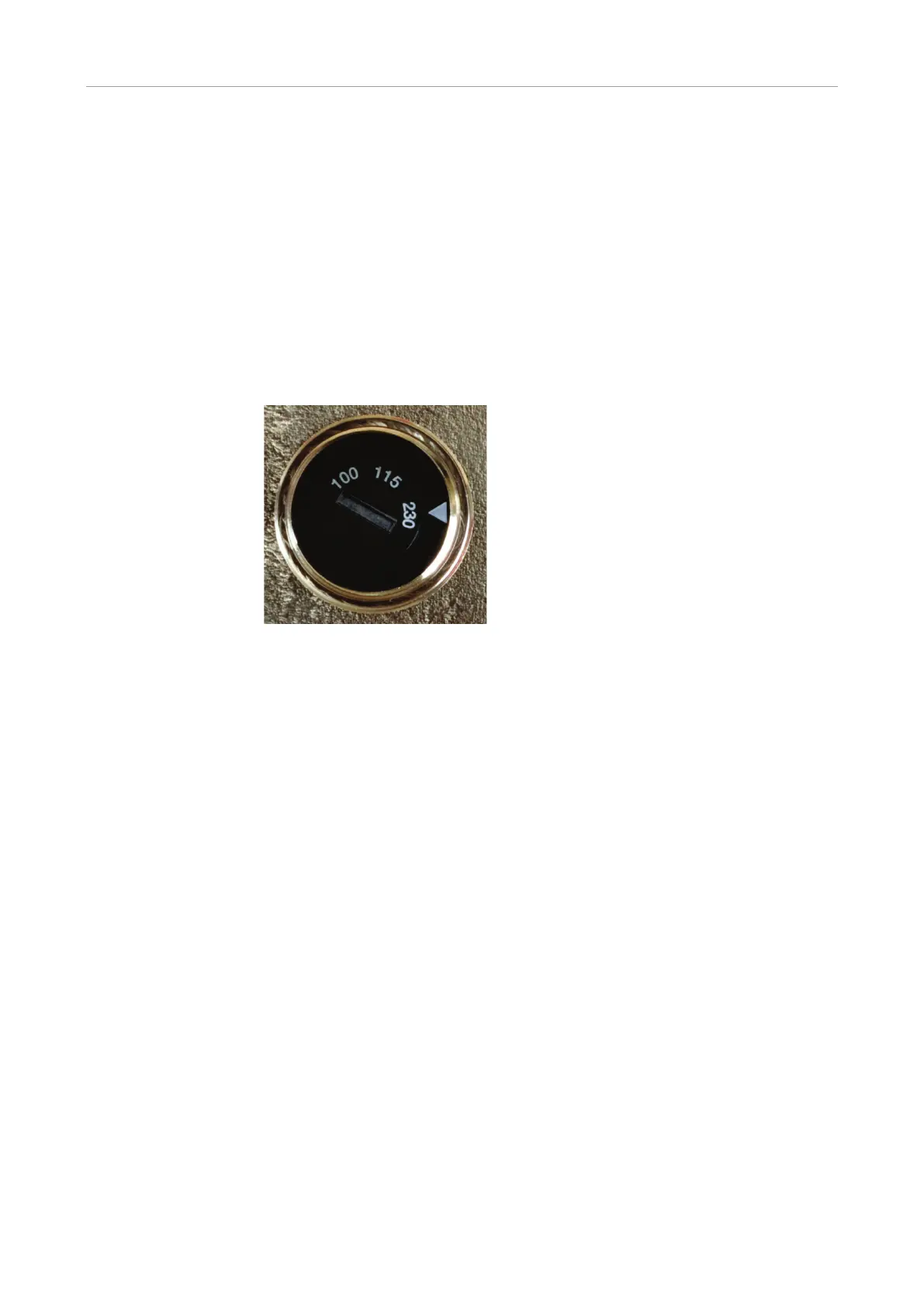
4. Place the device on its side. Check the set
operating voltage.
Use the voltage selection switch (Fig. 8
S. 21) to adjust the operating voltage to the
mains voltage.
Adjust the switch using a screwdriver or a
coin so that the arrow points in the direction
of the mains voltage available on site.
6. Connect the mains connection to the qTOWER³ touch. Plug the plug into the mains
socket.
Switch on the qTOWER³ touch with the mains switch (6 in Fig. 6 p. 20).
The qPCRsoft touch program starts automatically.
Open the lid. To do so, press in the red handle on the front until the lock opens
with a click. Fold back the upper part of the device. Remove the red transport lock
and put it aside for later transports.
If you installed color modules, specify them in the qPCRsoft touch software (see
section "
Installing color modules" p. 28).
The qTOWER³ touch is ready for operation.
The operation of the qTOWER
3
touch is software-controlled using the qPCRsoft touch
program. The settings for the measuring or temperature program can be found in the
software manual.



 To Next Page