qTOWER
3
touch/qTOWER
3
G touch Operation
25
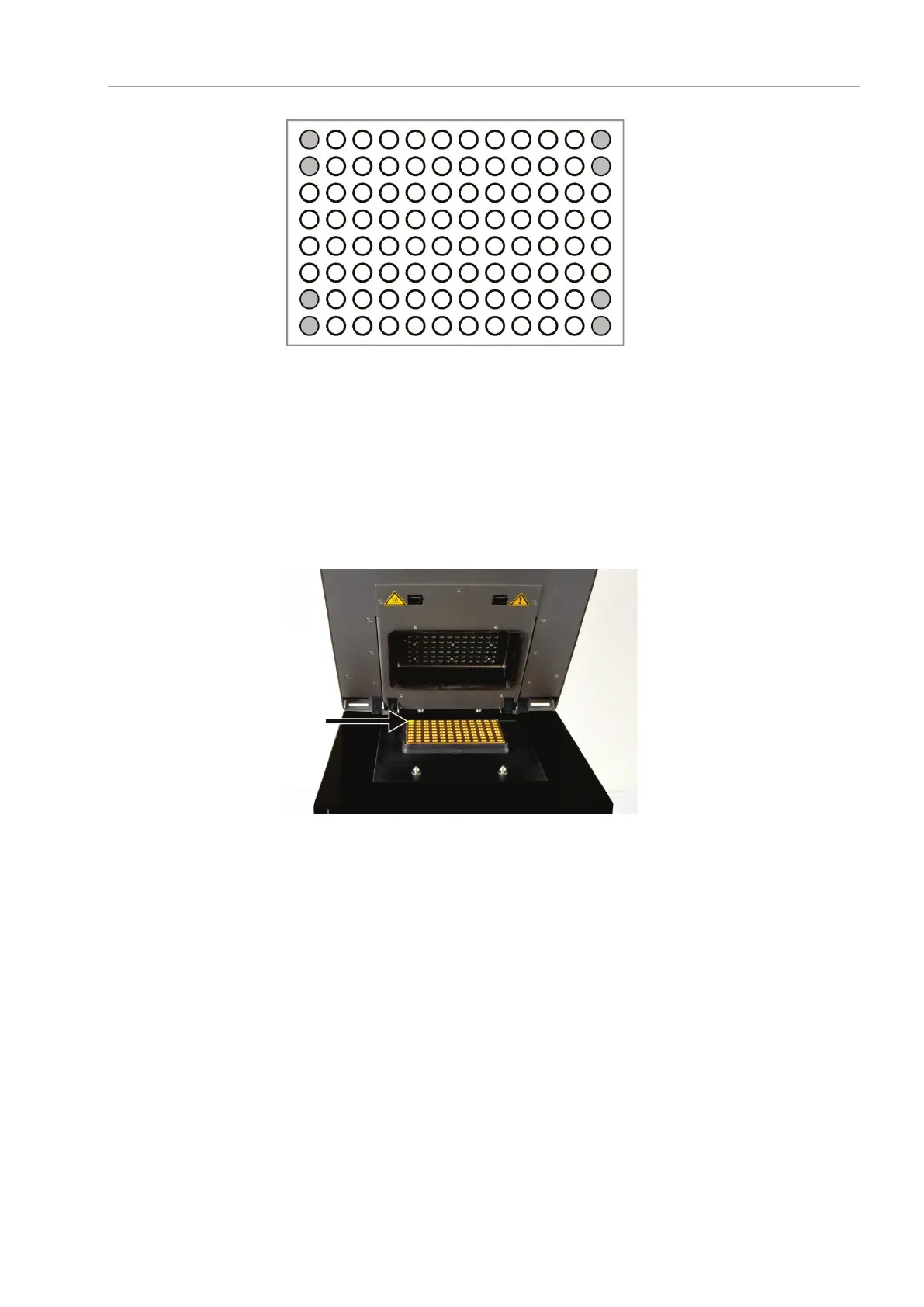
Fig. 11 Position of additional vessels for measurements with few samples
1. Prepare a real-time PCR project with complete details about the PCR run, fluores-
cence measurements and the sample layout of the PCR plate (see qPCRsoft touch
manual).
2. Open the lid. To do so, press in the red handle on the front until the lock clicks
open. Fold back the upper part of the device.
3. Place the PCR plates onto the thermal block in such a way that well A1 is on the
left-hand side (arrow in the figure below). This position corresponds to the well al-
location in the qPCRsoft touch program.
Fig. 12 Position A1 on the sample block
4. Close the lid. To do so, fold the lid forward and press it down from the handle until
the lock engages with a click.
5. Start the PCR run in the qPCRsoft touch program.



 To Next Page