Copyright by Servizio Clienti ANGELO PO Spa
22
SW: 2.01
SW: Software of the LCD display board, indicates the date issued and the version of
software installed on the CPU (1a).
The issue date of the SW is unique and allows the user to know the last upgrades of the
software interface of oven.
FW: E4FD
FW: Firmware of power PCB, reports the checksum of the firmware version installed on the
power board. The checksum of the FW of the power board are unique and allow the user to
know the level of the firmware update of the oven.
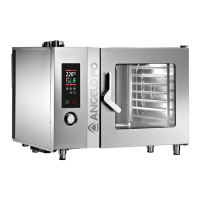
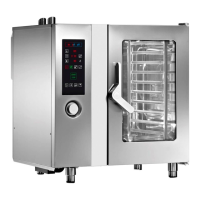
Oven Type (Configure oven type):
From this window you have to select the type of the oven. The selection of the type of
oven must be done every time you replace any board (1a, 2, 3, 4) to realign the
parameters of that oven.
The selection of the oven automatically starts the configuration process during which the
devices present are tested. At the end of the configuration the oven shows the list of
devices found: check that the devices are the same as those installed.
If the devices do not match check again the oven and repeat the process of configuration.



 To Next Page