Copyright by Servizio Clienti ANGELO PO Spa
36
The management program of the oven consists of two parts:
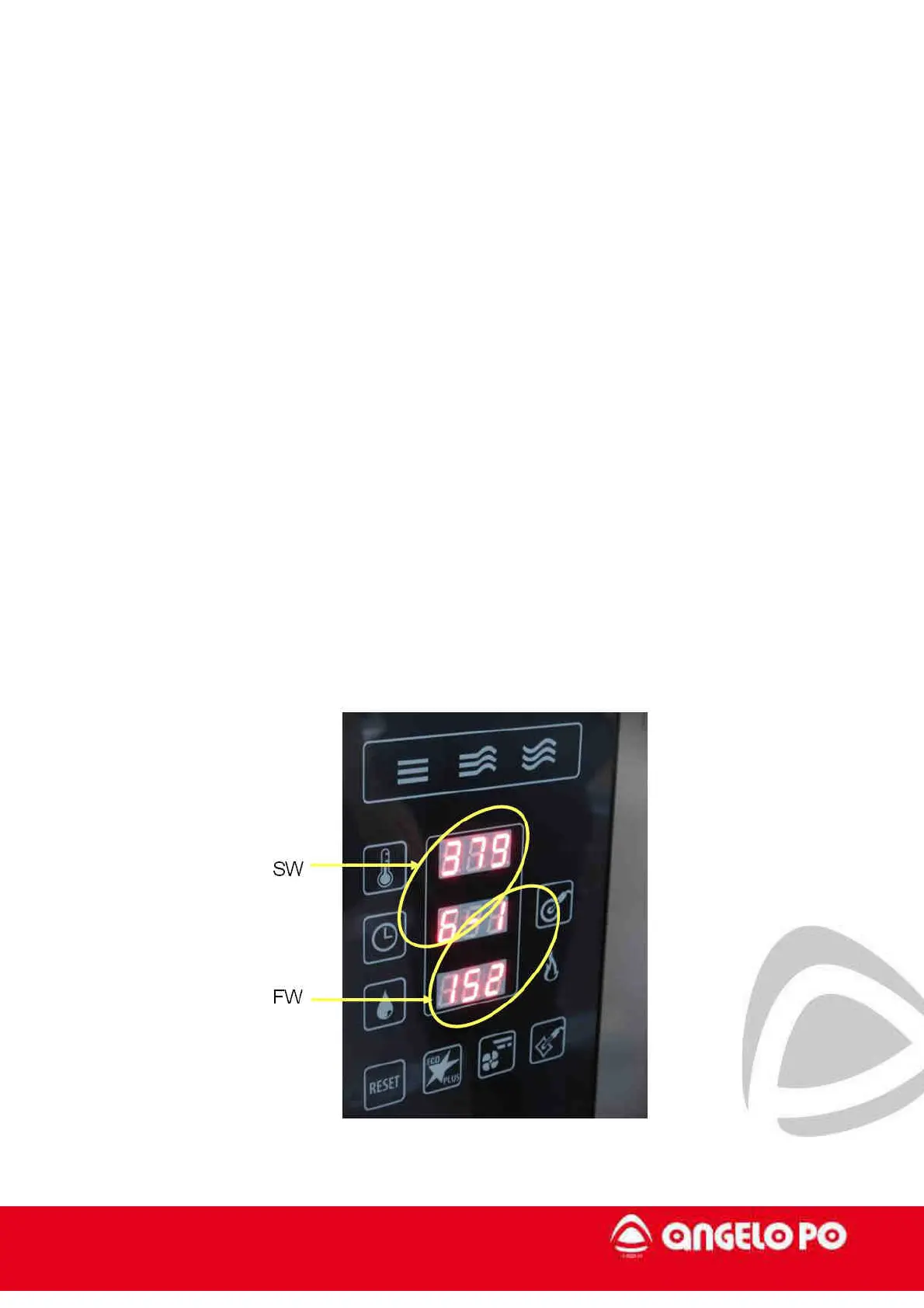
Firmware (FW) – it controls the operation of the oven (inputs and outputs) – it is in the
power board (2)
Software (SW) - Contains all the user interface, programmes, pictures, etc.. – it is in the
CPU
The following procedure allows:
a) to set the temperature measurement unit (°C or °F)
b) to enable / disable the automatic preheating,
c) to display the SW and FW versions
- With the oven on in standby mode, push for at least 4 seconds the "reset" button, when it
is released the display turns off
a) Press the "temperature" button and turn the knob to change the temperature unit
setting (° C or ° F).
b) Press the “time” button and turn the knob to set the automatic preheating
c) Hold the "washing" button for at least 3 sec to see the SW and FW versions.



 To Next Page