Copyright by Servizio Clienti ANGELO PO Spa
76
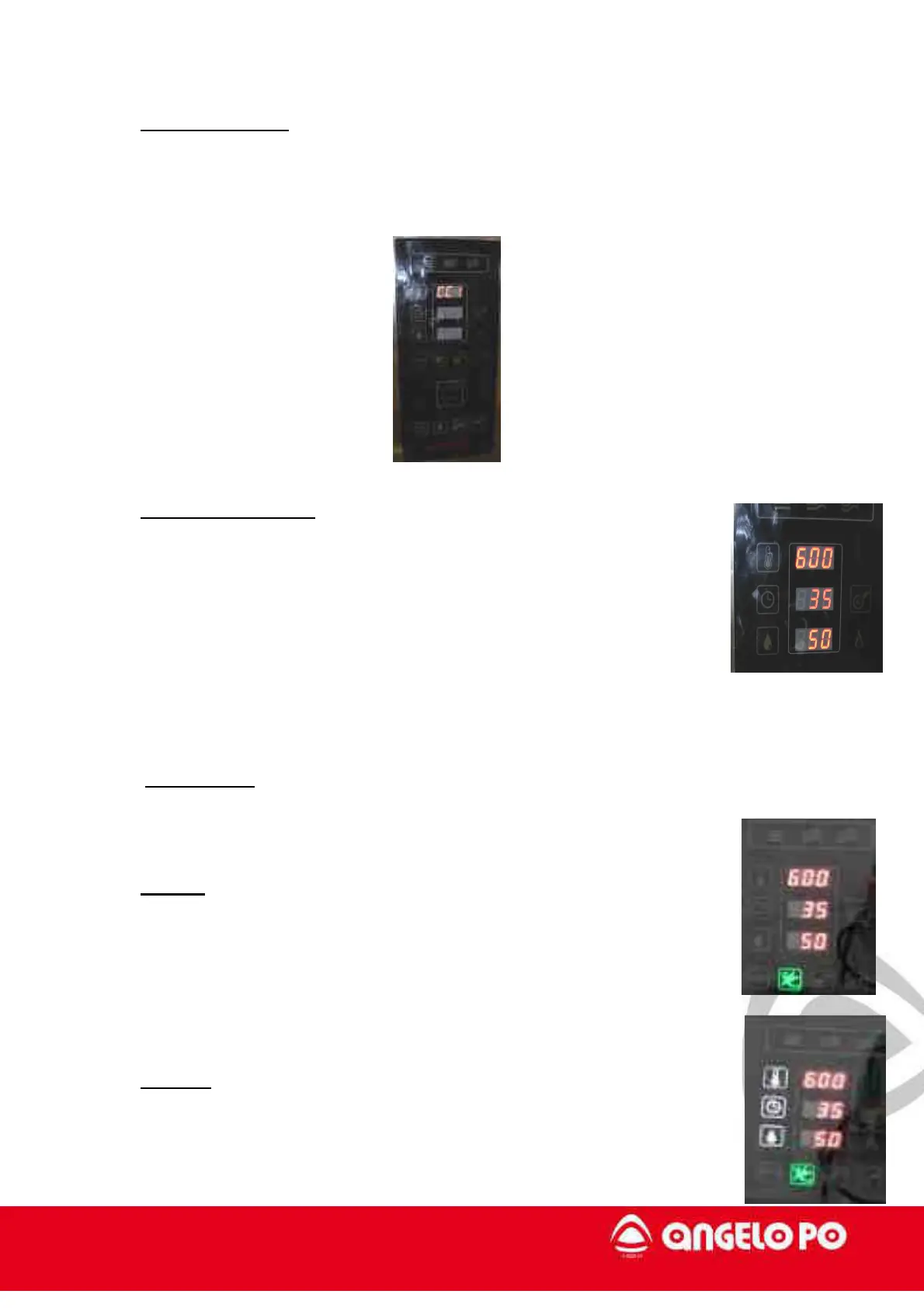
3. Burner selection: after the type of gas, on the first display it is possible to choose
the burner to test: CC1, CC2 e Out; the selection is confirmed with enter with the
knob.
4. Display parameters: after the burner selection it is possible to see
the parameters: first display shows the fan blower maximum speed,
Vmax; the value is divided for 10 i.e. in the picture the speed is 6.000
rpm. The second display shows the fan blower minimum speed Vmin
and the third display shows the fan blower ignition speed Vignition,
both the values expressed in percentage.
5. Start testing: the START/STOP button is on, press it to start the testing phases.
6. STEP 1: Ignition and burner at minimum power.
Go to step 2 with button ECO.
7. STEP 2: Burner at maximum power. Go to step 3 with button ECO.



 To Next Page