05/2008 Rev. 0.6
53
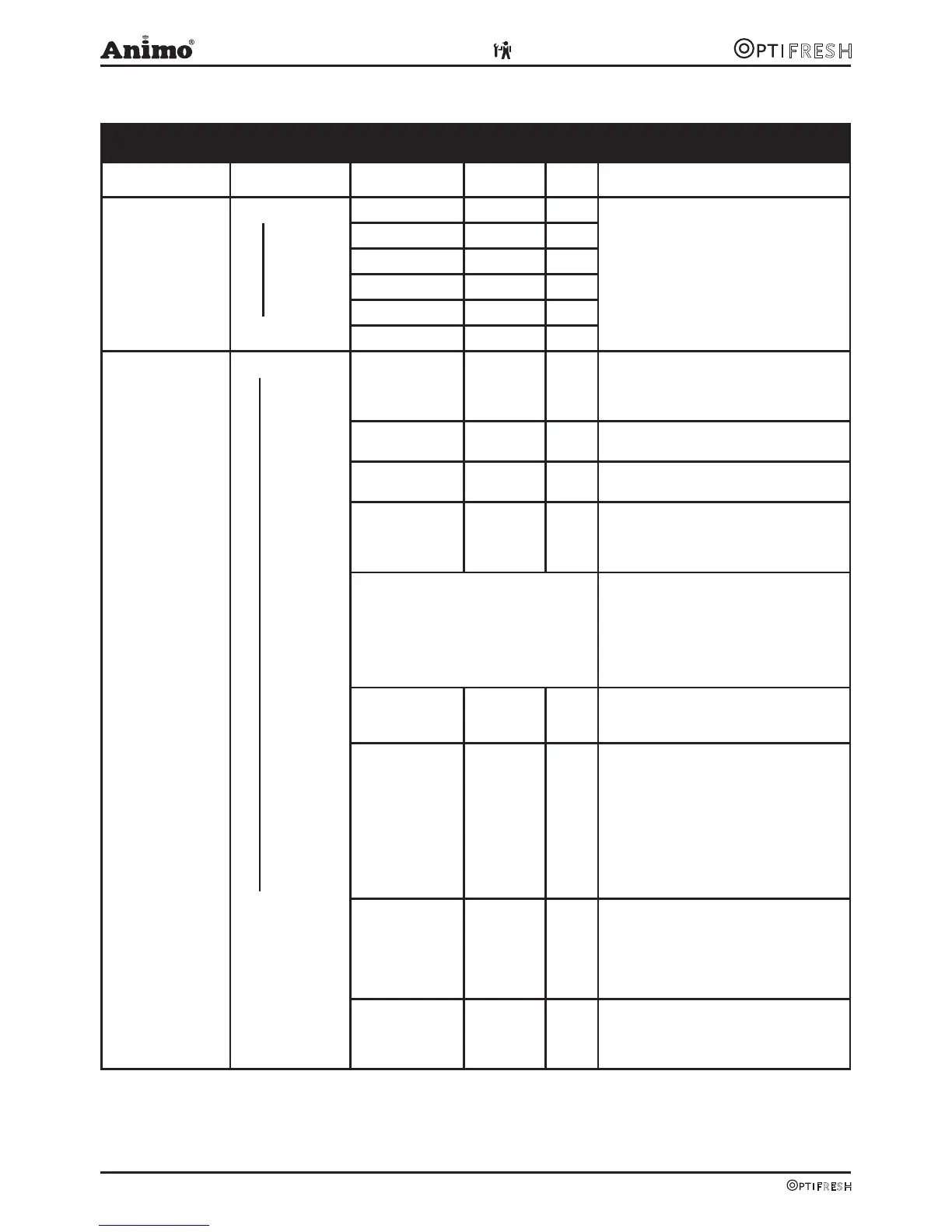
2.3 The service menu
Service menu
Main item Sub item Item Range Set Description
2.1 Quick recipe Recipe name 1
Recipe name 12
Cup volume
50-200 ml 120ml Use this for setting the volume and
strength of coffee, milk, sugar and cocoa
easily per recipe (drink key).
Only the ingredients applicable to the
recipe are shown.
Coffee (1)
-20 / +20% 0%
Decaf (2)
-20 / +20% 0%
Chocolate (3)
-20 / +20% 0%
Topping (4)
-20 / +20% 0%
Sugar (5)
-20 / +20% 0%
2.2 Button setting
* From software 2.0
Button 1
Button 12
<Recipe name> Recipe list
See section
3.2
Change any recipe buttons here that
standard factory settings. All settings
that correspond to selected recipes are
automatically loaded.
Recipe active Yes/no Yes Use this to place the product concerned
out of service.
Price 0,05-2,00 0,10 For paid dispensing a price can be set
here for each product button.
Cup volume 50-230ml * 120ml Set the desired cup volume here. All other
parameters (e.g. coffee dosage) can be
adjusted automatically. This parameter is
coupled to the quick recipe cup volume!
Cup volume >200ml advice: deactivate
Quick recipe in the Operator menu; 2.4
Settings / I/O Quick recipe.
Cup volume >200ml change brewer
parameters (from software V02.01):
Pause 2 increase to 4,5 s. (2,5)
Start 3 increase to 4,8 s. (4,0)
Pause 3 increase to 5,5 s. (1,5)
Start 4 decrease to 2,2 s. (3,0)
Pause 4 increase to 4,0 s. (2,0)
Multicup 0-20 0 Set the number of cups that should be
dispensed when the key switch is in the
jug setting.
Key switch 0-1-2-3 0 / 1 Recipe button concerned works as follows:
0= key switch setting n/a
CUP (paid) or JUG* (paid)
1= key switch |: CUP (paid)
key switch –: JUG* (paid)
2= key switch |: no dispensing
key switch –: JUG* (paid)
3= key switch |: CUP (paid)
key switch –: JUG* (free)
(*when multicup is set to >1)
Push & Hold Yes-No No If set to yes: pressing this button starts the
hot/cold water dispensing and releasing it
stops the hot water dispensing.
Only use this option for Water 4 and Water
6 in combination with a hot/cold water
recipe button.
Drip time 0-10 sec. 2 sec. The length of time that the product
continues to run from the brewer or mixer.
After this time has elapsed a new drink
selection can be made.












 To Next Page