05/2008 Rev. 0.6
75
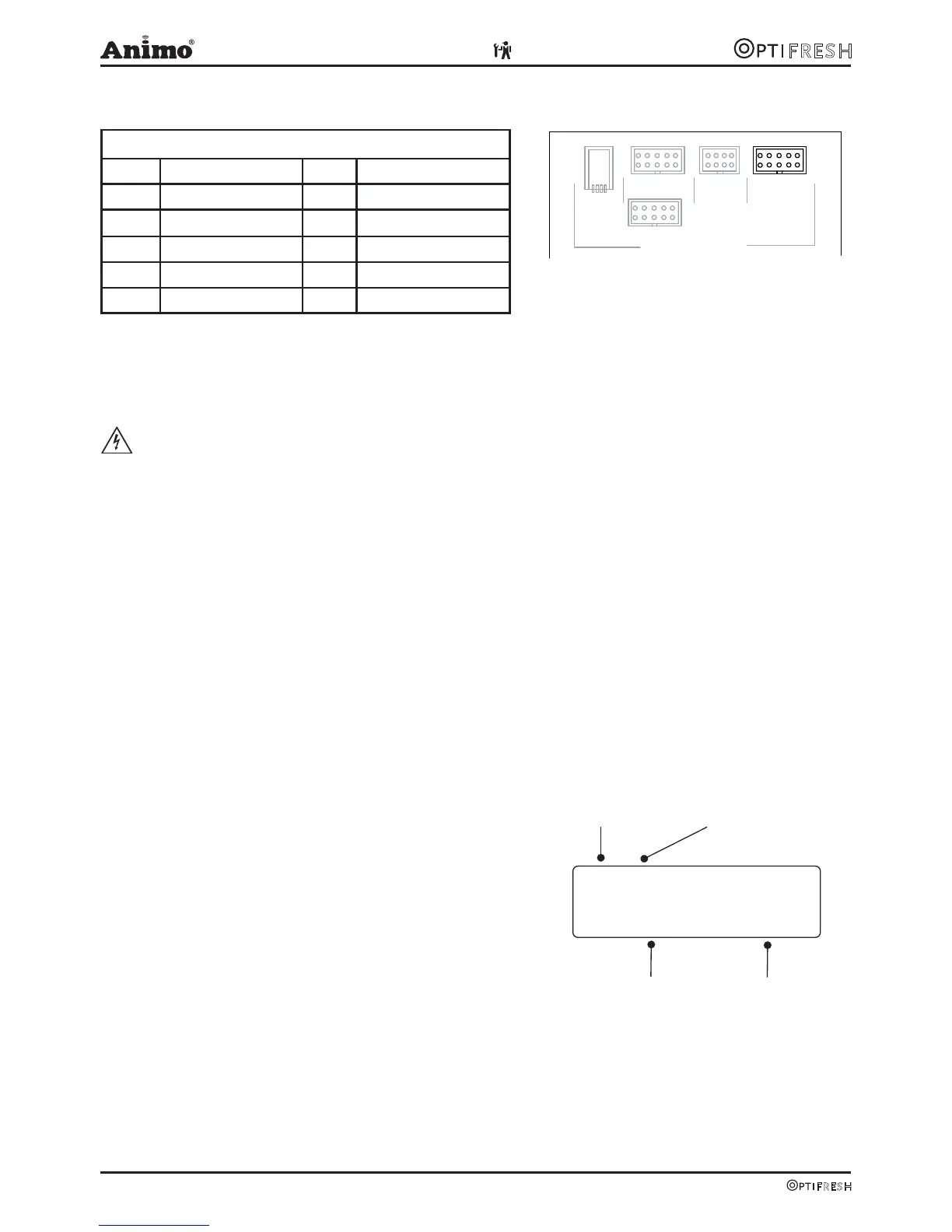
6.4 Main circuit board communication
Communication
Conn Comments
G13 Coin tester NRI G13
MDB Future port
CSI Future port
RS232 Future port
USB Future port
7. TROUBLESHOOTING
WARNING
● When carrying out repairs and cleaning the device, the plug should always be removed from the
wall socket before the device is opened.
Preface
Before searching for the defect, check that all parts are in their correct position. To do this, remove
the device’s rear plate and check that all printed circuit boards, connectors, wire beams and pipes are
mounted correctly.
After carrying out a general parts inspection, use section 7.3 Troubleshooting analysis to verify the
probable cause of the problem.
#) If the column solution advises replacement of the part concerned, there is always the possibility
that the defect may be caused by another problem. The functioning of the device should therefore be
thoroughly tested to make sure that the defect does not reappear.
7.1 Read log
The last 20 error messages displayed during use are
registered and saved (fig. 22).
To read out these error messages activate the menu item 2.8.
The first error is the most recent error message.
• The first line shows the same error codes listed in
the troubleshooting analysis table (see section 7.3)
• The second line shows the date and time at which the
error message occurred.
7.2 Clear log
Use the Clear log function in service menu 2.9 to clear the log.
G13MDBCSI
OPTIONAL
COMMUNICATION
USB
RS232
Number Trouble code
Date Time
Fig. 21
Fig. 22












 To Next Page