05/2008 Rev. 0.6
63
3.3.2 Different canister configuration*
The standard of programmed recipes (table 4) can easily be transferred over the 12 recipe buttons.
See service menu 2.2 Button settings (page 53).
The optional recipes table are already contained in the software and can easily be programmed under
one recipe button. See service menu 2.2 Button settings (page 53).
* Available from software version 2.0
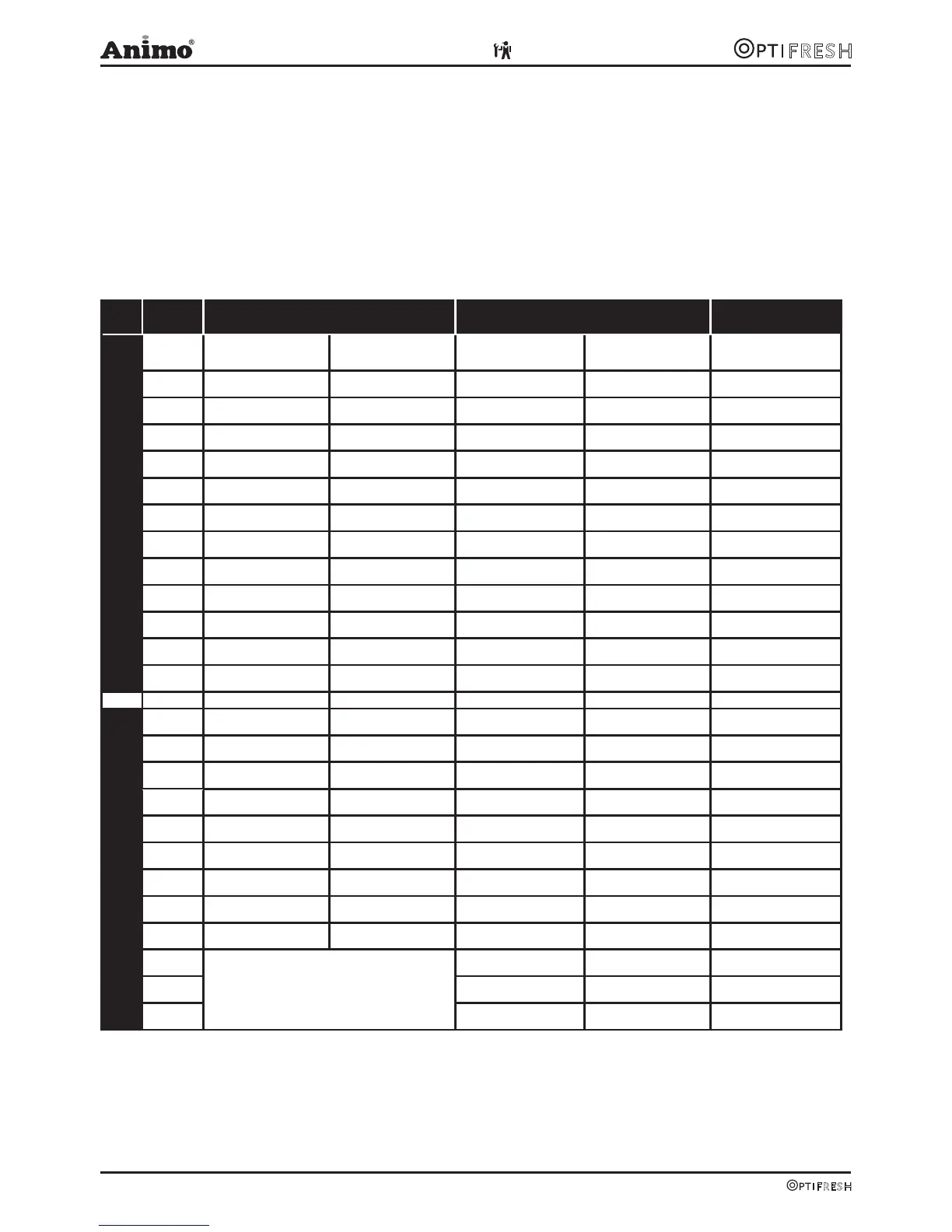
OptiFresh 2 OptiFresh 3 OptiFresh 4
Standard recipes
Button
Model 5 A Model 6 A Model 7 A Model 8 A Model 9 A
1
# Coffee # Coffee # Coffee # Coffee
# Coffee
2 Coffee Milk Espresso Coffee Milk Espresso Coffee Milk
3 Espresso Double Espresso Espresso Double Espresso Espresso
4 Double Espresso - Double Espresso Hot Chocolate Hot Chocolate
5 Cappuccino - Cappuccino Coffee Choc Coffee Choc
6 Café au Lait - Café au Lait - Cappuccino
7 Latte Macchiato Coffee inst. Coffee inst. Coffee inst. Coffee inst.
8 Espresso inst. Coffee inst. Mlk Espresso inst. Coffee inst. Milk
9 - Dub. Espresso inst. Espresso inst. Dub. Espresso inst. Espresso inst.
10 - - Dub. Espresso inst. - Moccacino inst.
11 - - Cappuccino inst. - Cappuccino inst.
12 # Hot water # Hot water # Hot water # Hot water # Hot water
Optional recipes
Cold Water * Cold Water * Cold Water * Cold Water *
Cold Water *
Warm Milk Jug of Coffee Latte Macchiato Espresso Choc Latte Macchiato
Jug of Coffee Jug of Coffee inst. Warm Milk Jug of Coffee Espresso Choc
Jug of Hot Water Jug of Hot Water Café au Lait inst. Jug of Coffee inst. Chocolate Milk
Jug of Coffee Jug of Hot Water Warm Milk
Jug of Coffee inst. Café au Lait
Jug of Hot Water Moccacino
Café au Lait inst.
Latte Macchiato inst
# = jug filled using key switch
* = only OptiFresh with cold water option
inst. = Recipe made with instant coffee
Jug of Coffee
Jug of Coffee inst.
Jug of Hot Water
Table 4












 To Next Page