Copyright © 2019 ANK Audio Kits
www.AudioNoteKits.com
audionotekits@rogers.com
Page 53
5.5 Installing the Resistors
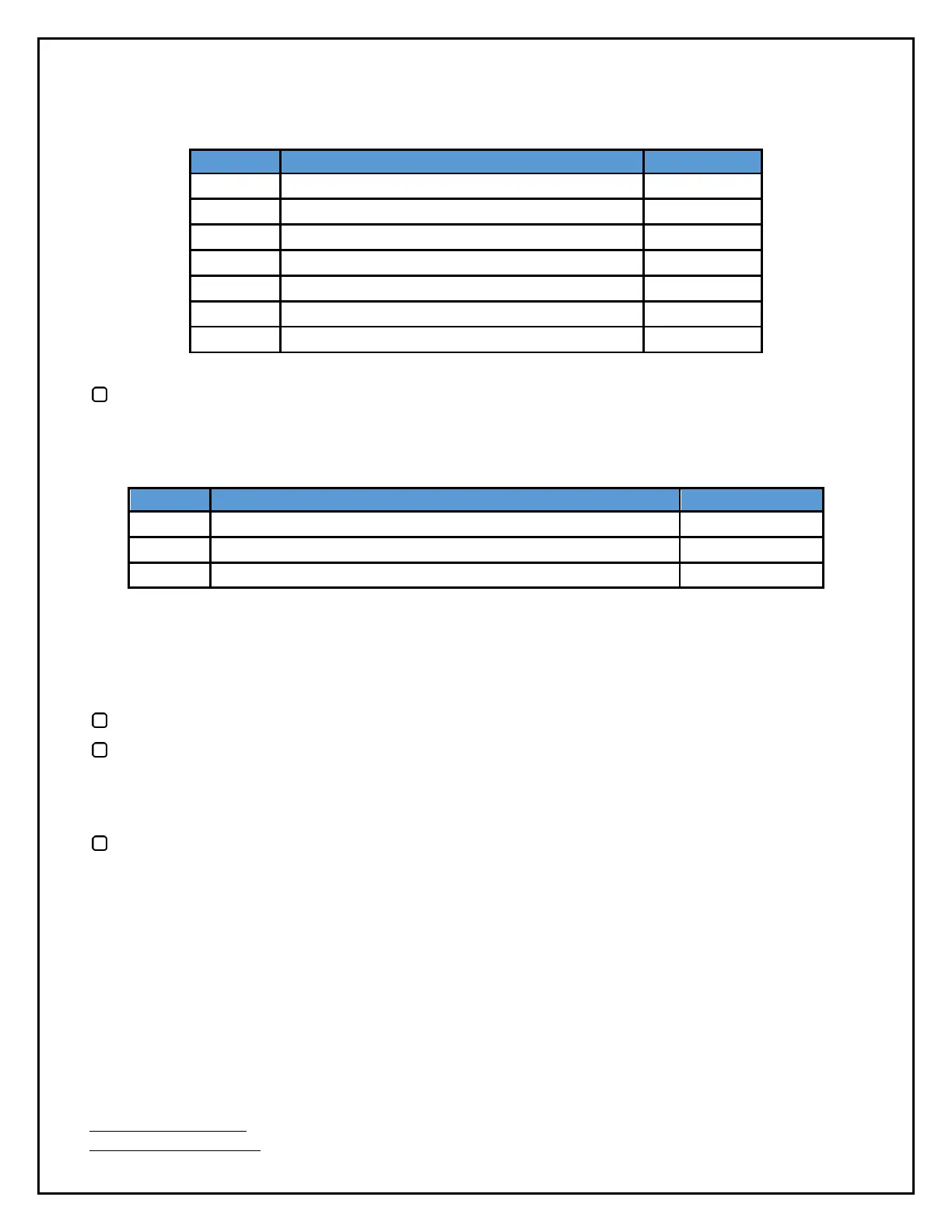
Audio Note Tantalum Non-Magnetic 220K 1W
Audio Note Tantalum Non-Magnetic 33K 2W
Audio Note Tantalum Non-Magnetic 100K 1W
Audio Note Tantalum Non-Magnetic 10K 1W
Audio Note Tantalum Non-Magnetic 10K 1W
Audio Note Tantalum Non-Magnetic 220R 1W
Audio Note Tantalum Non-Magnetic 100K 2W
Install the resistors on the Driver board following the parts list above.
5.6 Installing the Capacitors
Audio Note .22uf 630V Copper Foil Mylar in Oil Capacitors
100uf 450V Rubycon Electrolytic Capacitors
470uf 16V ELNA SILMIC II Electrolytic Capacitors
Now we'll install the electrolytic capacitors. As always take note that the stripe denotes the
NEGATIVE side. On the board you'll see a + sign which denotes the POSITIVE side. Be sure to align the
capacitors correctly into position.
Install the 2 100uf 450V Rubycon electrolytic capacitors at C2 and C6.
Install the 2 470uf 16V ELNA SILMIC II electrolytic capacitors at C3 and C7.
Finally, we'll install the non-polarized capacitors, which can go in either direction.
Install the 4 Audio Note .22uf 630V Copper Foil Mylar in Oil capacitors at C1, C4, C5, and C8. These
are heavy capacitors: we don't want the leads to strain bearing the load, so it's a good idea to use
cable ties fed through the holes in the board to tie them solidly to the board. It'd also be nice to
orient them in the same way, just to look good!


 To Next Page