28
Connect Two Columns of Modules
To connect two columns, which generally consist of a power module and over three battery modules, follow the steps below.
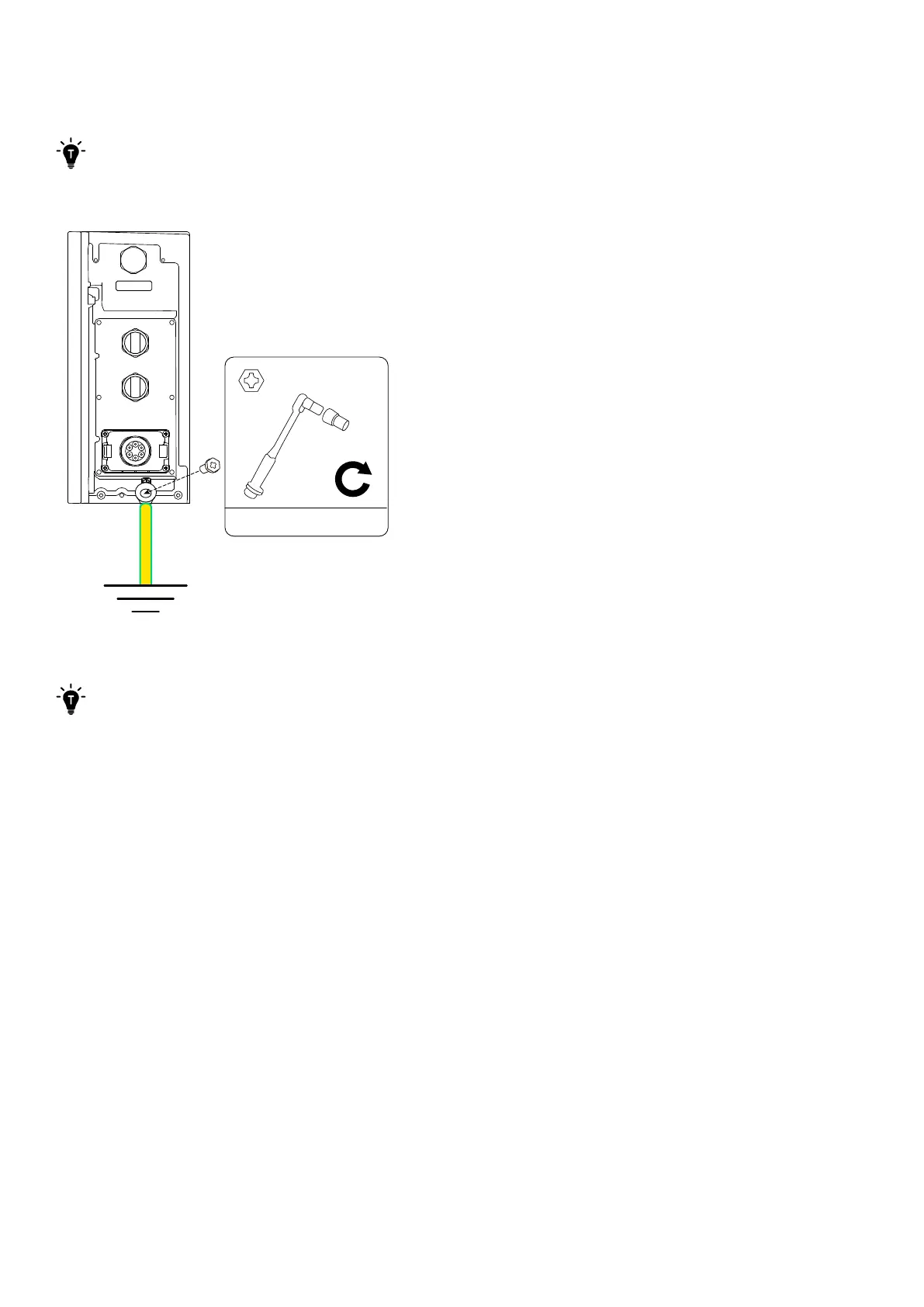
1. Connect a GND cable from the power module to the external ground point.
Refer to “Connect One Column of Modules” for detailed instructions.
Figure: Connect to the external ground point.
WLAN/4G
2N·m
M5×14 mm
AC GRID
AC BACKUP
COM
2. Connect the GND, RJ45 signal, and DC power cables between vertically adjacent modules.
Refer to “Connect One Column of Modules” for detailed instructions.



 To Next Page