Step 4.
Press the MEAS/DISP key followed by the
Measure soft key, the More soft key
and the
C/I soft key.
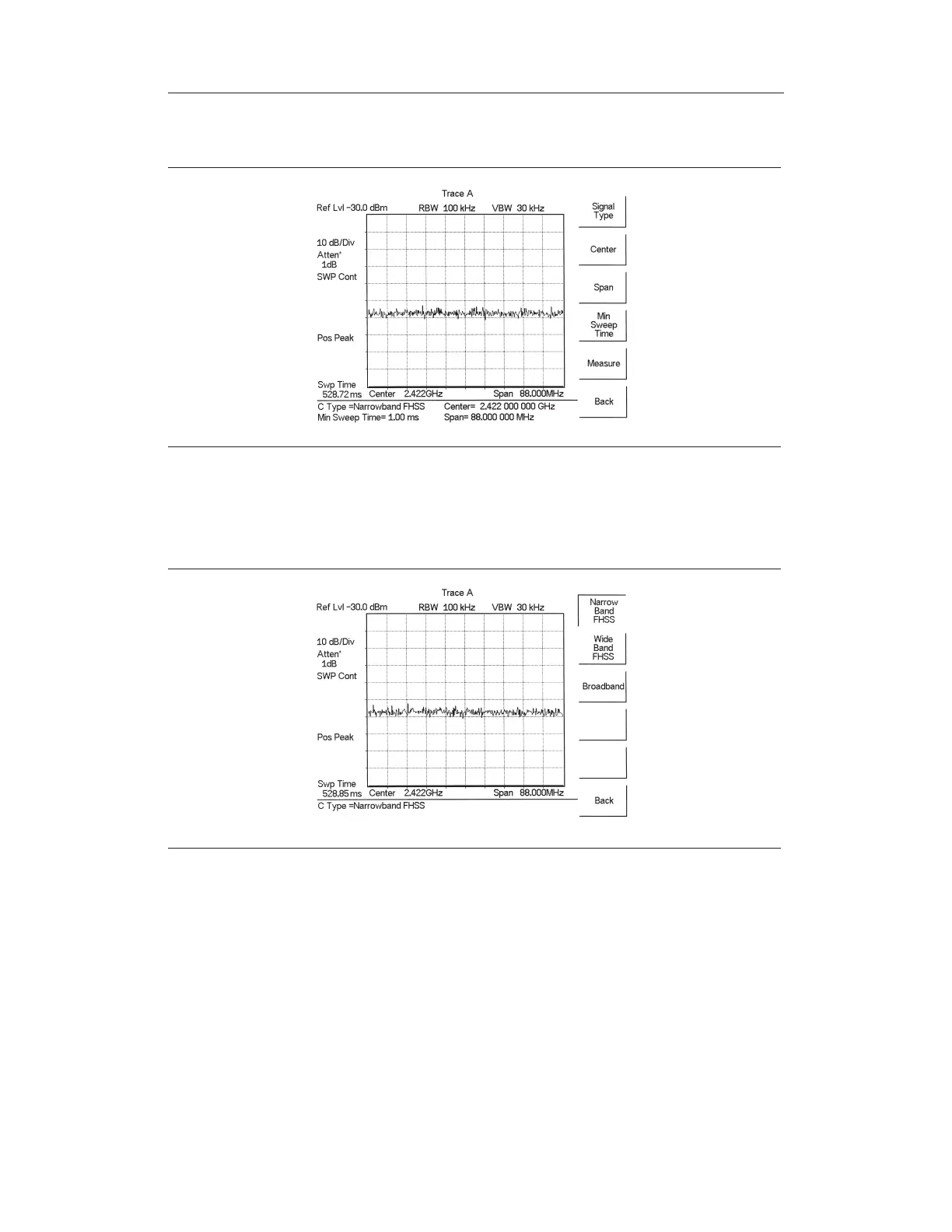
Step 5. Press the
Signal Type soft key and select the correct carrier signal type from the
three choices,
Narrow Band FHSS, Wide Band FHSS,orBroadband.
Step 6. Press the
Back soft key to return to the previous menu.
Step 7. Unless a Signal Standard and Channel have already been selected, press the
Center soft key and enter the desired frequency.
Step 8. If needed, press the
Span soft key and set an appropriate span width for the sig
-
nal to be measured.
Step 9. If the signal environment includes slow frequency hopping signals, such as cord
-
less telephones, press the
Min Sweep Time soft key to set a sweep time of one
second or more to give a good chance of capturing instances of the interfering
signal.
5-20
Chapter 5 Spectrum Analyzer Measurements
Figure 5-12. Carrier to Interference Ratio Measurement Screen
Figure 5-13. Select Signal Type



 To Next Page