Step 10. Press the Measure soft key and follow the on-screen prompts to complete the
measurement.
NOTE: Access to the transmitter is required to complete this procedure as the
transmitted carrier must be turned off for the second portion of the measure
-
ment.
Step 11. After the measurement is complete, a message box will give results for the three
different signal types. Some measurement results may show as N/A, and this is
to be expected. Press the ENTER key to continue. All of the information in the
message box will still be available.
Step 12. Press the appropriate soft key for the signal type being measured to view the
measurement results. The results are shown at the bottom of the screen.
Step 13. Press the Save C/I Meas soft key to save both traces. Select the alphanumeric
characters for the trace name and press the ENTER key to save the traces. The
Site Master will save both the carrier and interferer traces with the same name,
and automatically append a “-C” to the saved carrier trace, and a “-I” to the
saved interference trace.
Step 14. Press the
C/I Done soft key to return to normal sweeping mode.
Step 15.
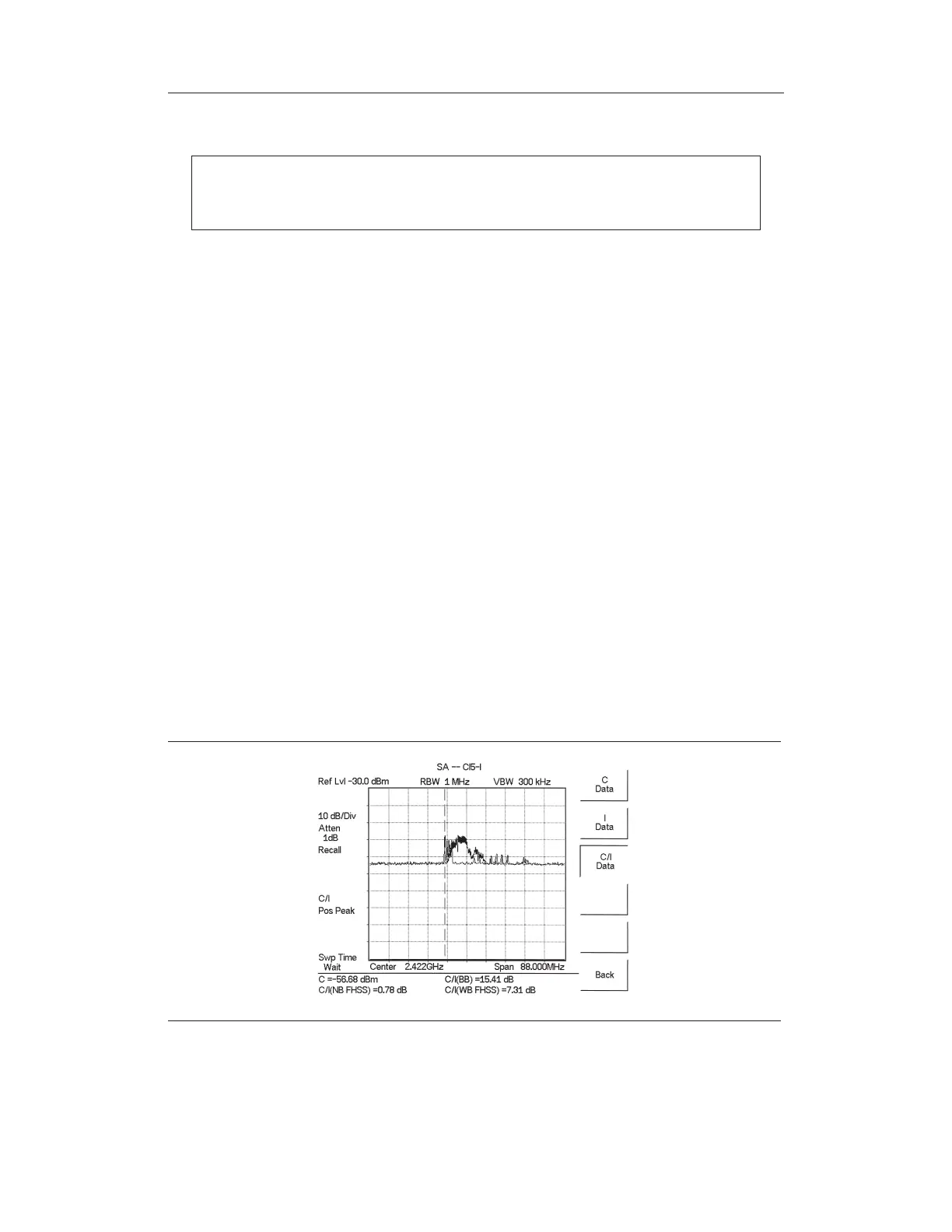
To recall the carrier and interferer traces, select the RECALL DISPLAY key
and use the Up/Down arrow key to select either the -C or -I trace. Both traces
will be displayed, with the selected trace data shown at the bottom of the dis-
play. The selected trace is displayed as a yellow trace, and the other as a ma-
genta trace. (Some adjustment of the display brightness may be required for
optimal viewing.)
Step 16.
To review the specific data for the measurement, select the MEAS/DISP key
followed by the
Measure soft key, the More soft key and the C/I soft key. Select
either the
C Data, I Data,orC/I Data soft keys to view the corresponding data at
the bottom of the display.
Step 17.
Press the ESCAPE key to return to normal sweep mode.
5-21
Chapter 5 Spectrum Analyzer Measurements
Figure 5-14. Recalled C/I Trace



 To Next Page